
Always the approved version
The portal reads the DAM, the PIM and the ECM, so a deck replaced there is replaced for every seller at once. Nothing is uploaded twice, and last quarter's pricing cannot be found because it is not there.

One portal for your sales teams and for the partners who sell for you. Decks, product sheets, price lists and product shots, from the systems you already run. Each audience its own scope, always the approved version.
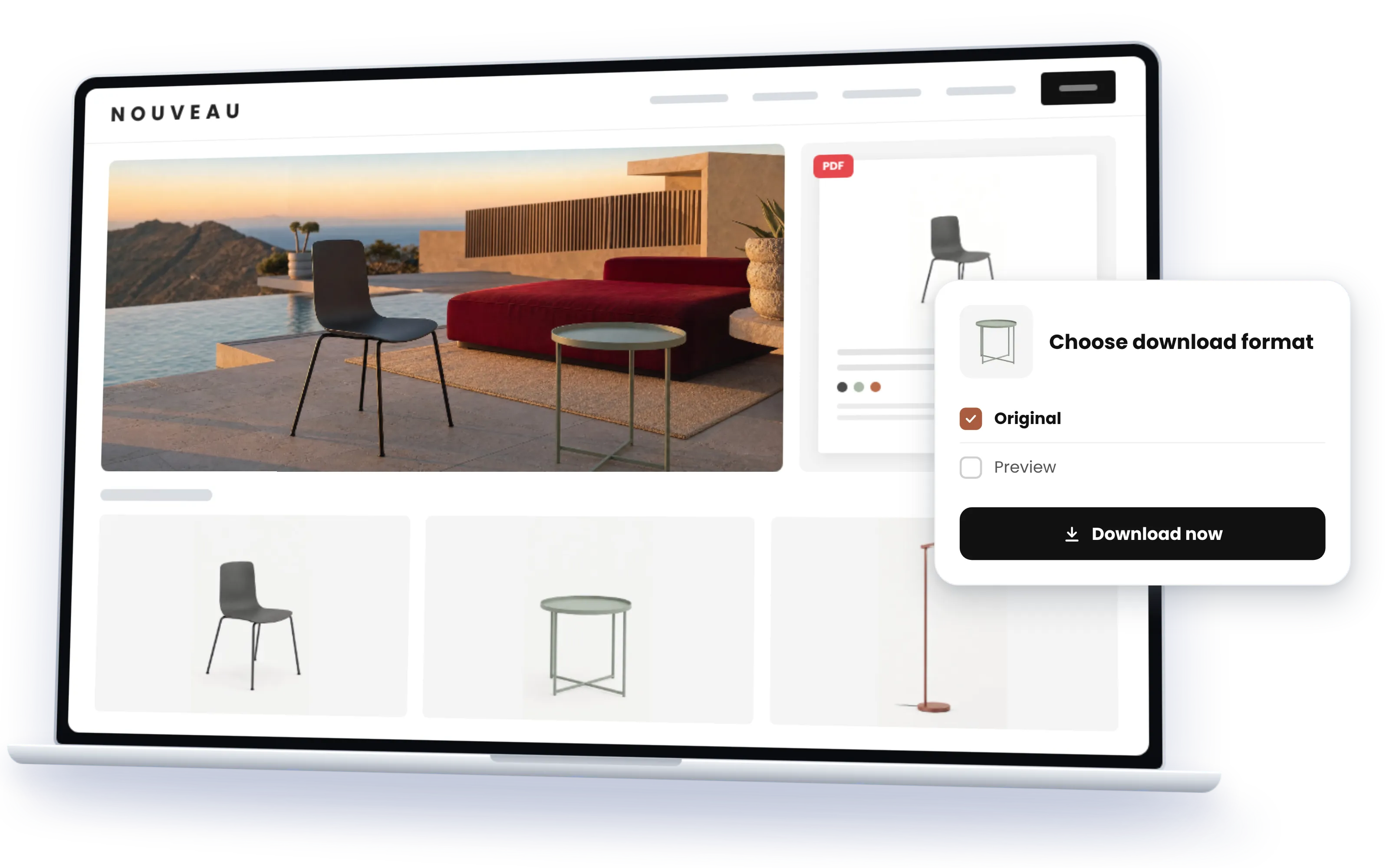
Marketing keeps the material current; the portal makes sure that is the material sales uses. Sellers and partners find the approved deck, the product with its data and pictures, and nothing older, because the portal reads the source and holds no copies.
The portal reads the DAM, the PIM and the ECM, so a deck replaced there is replaced for every seller at once. Nothing is uploaded twice, and last quarter's pricing cannot be found because it is not there.
The spec sheet, the price list, the deck and the product shots on one product, from the PIM and the DAM. A seller opens the product, not four systems.
Internal teams through SSO, dealers, agents and resellers by invitation, each with their range, their prices and their languages. The next audience is a setting, not a new tool.
Across decks, sheets and images, by product line, region or sales motion, by keyword or in plain words, and inside the PDFs too.
Connect Claude, ChatGPT, Copilot or any MCP client to your sales enablement portal, and a rep or a dealer asks instead of searches: the current deck for the X series in Spanish, the data sheet and three product shots for the two-metre version, a case study from construction. Each assistant sees what its user may see, and the file arrives in the current version, through the portal's own MCP server, from the systems you already run. With Sminted AI, the assistant answers the way your marketing team would.
How Sminted AI works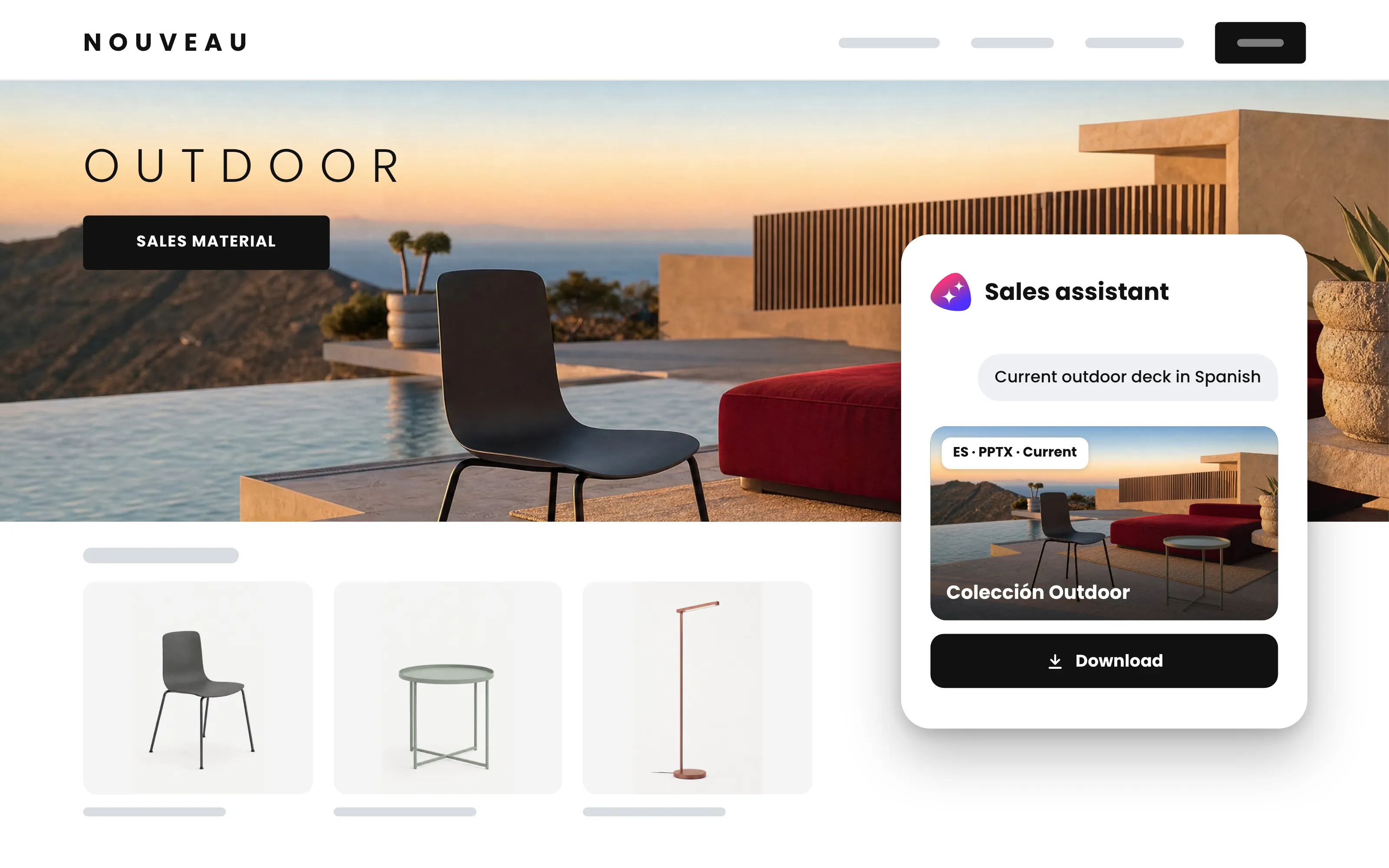

01
The DAM, the PIM, SharePoint, the ECM, wherever sales material and product data are managed today. Nothing is copied; the approved version is the only one the portal knows.

02
A finished sales enablement portal in days, no code. Structured by product line, region or sales motion; your brand, your domain, one more portal type on the platform you already run.

03
Internal teams through SSO, dealers, agents and resellers by invitation, each with their own scope, derived from the material's own metadata. The next audience is a setting, not a new tool.
A global luxury group runs product information portals for customer service, dealer shops and B2B on its own middleware. Before, a dealer or a service agent clicked through several systems to find what a product needed: the data, the imagery, the documents. Now the dealer opens one portal and sees the range it sells, with the product data, the pictures and the documents on each product, in its own view and its own languages, while the systems underneath stayed exactly as they were.
Read the story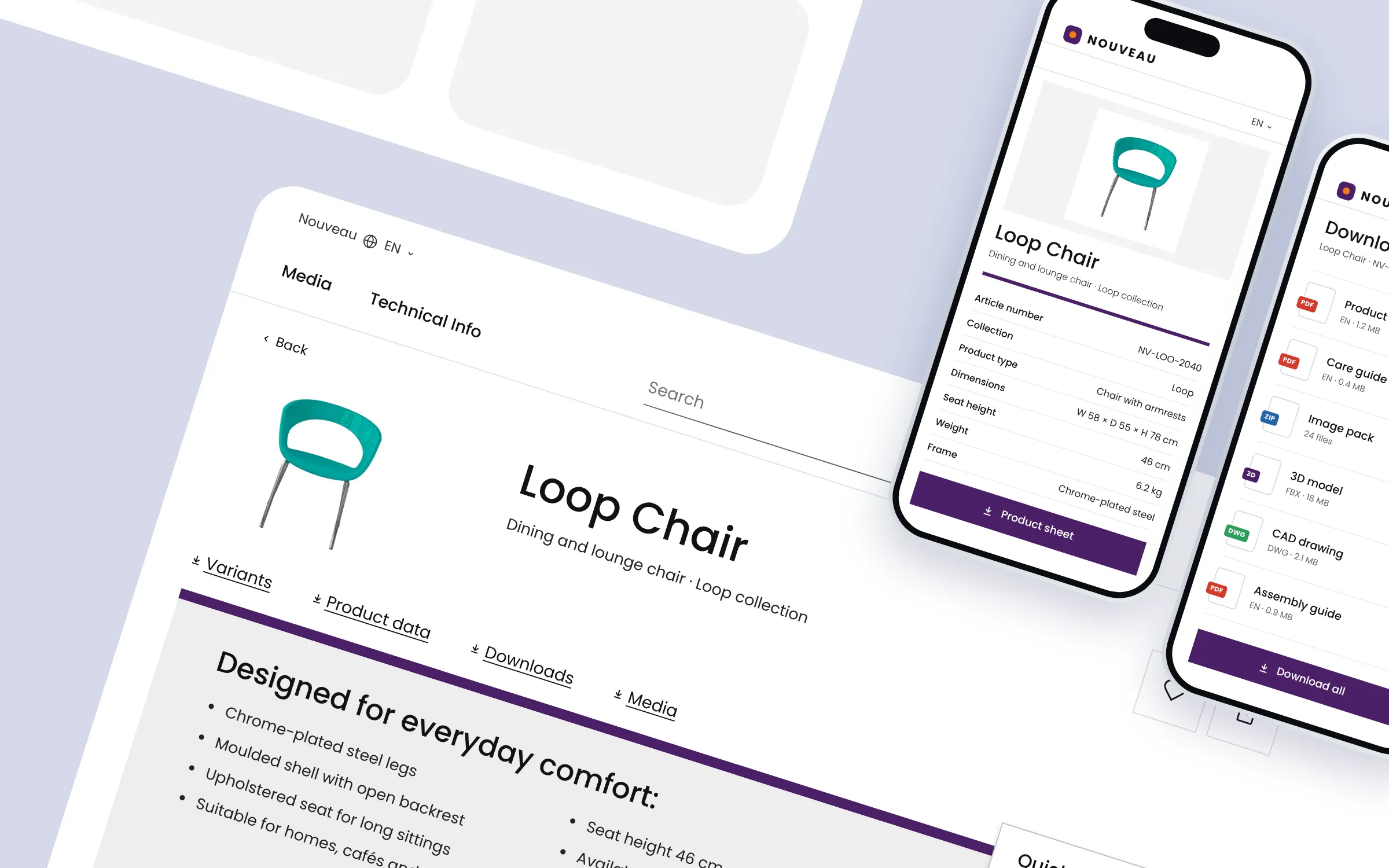
Screens from a real customer's portal for distributors and sales, integrated with its product pages. Logo, colours and product imagery were anonymized using AI; structure and functions are the customer's.
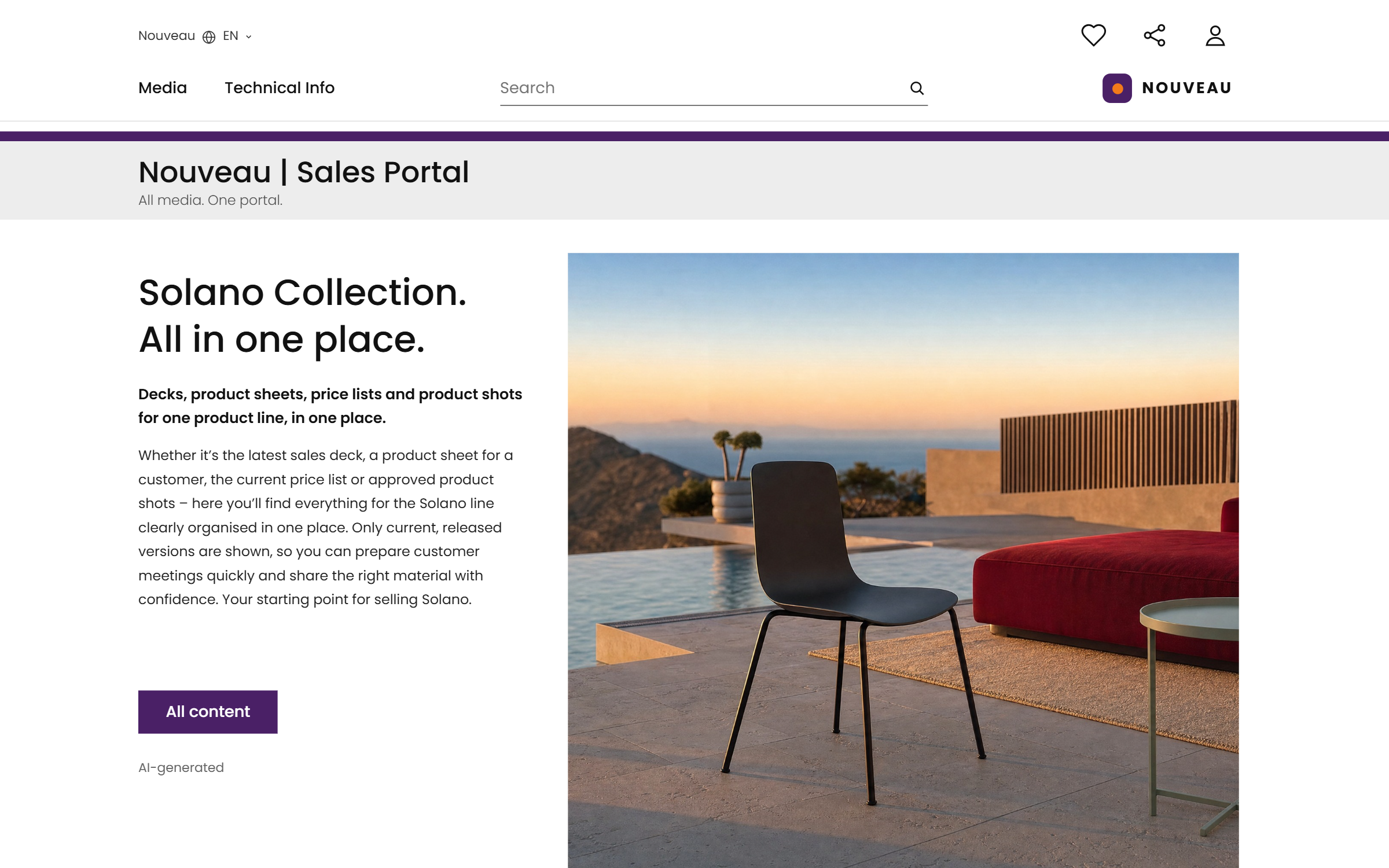
Decks, product sheets, price lists and product shots for one product line, in one place.
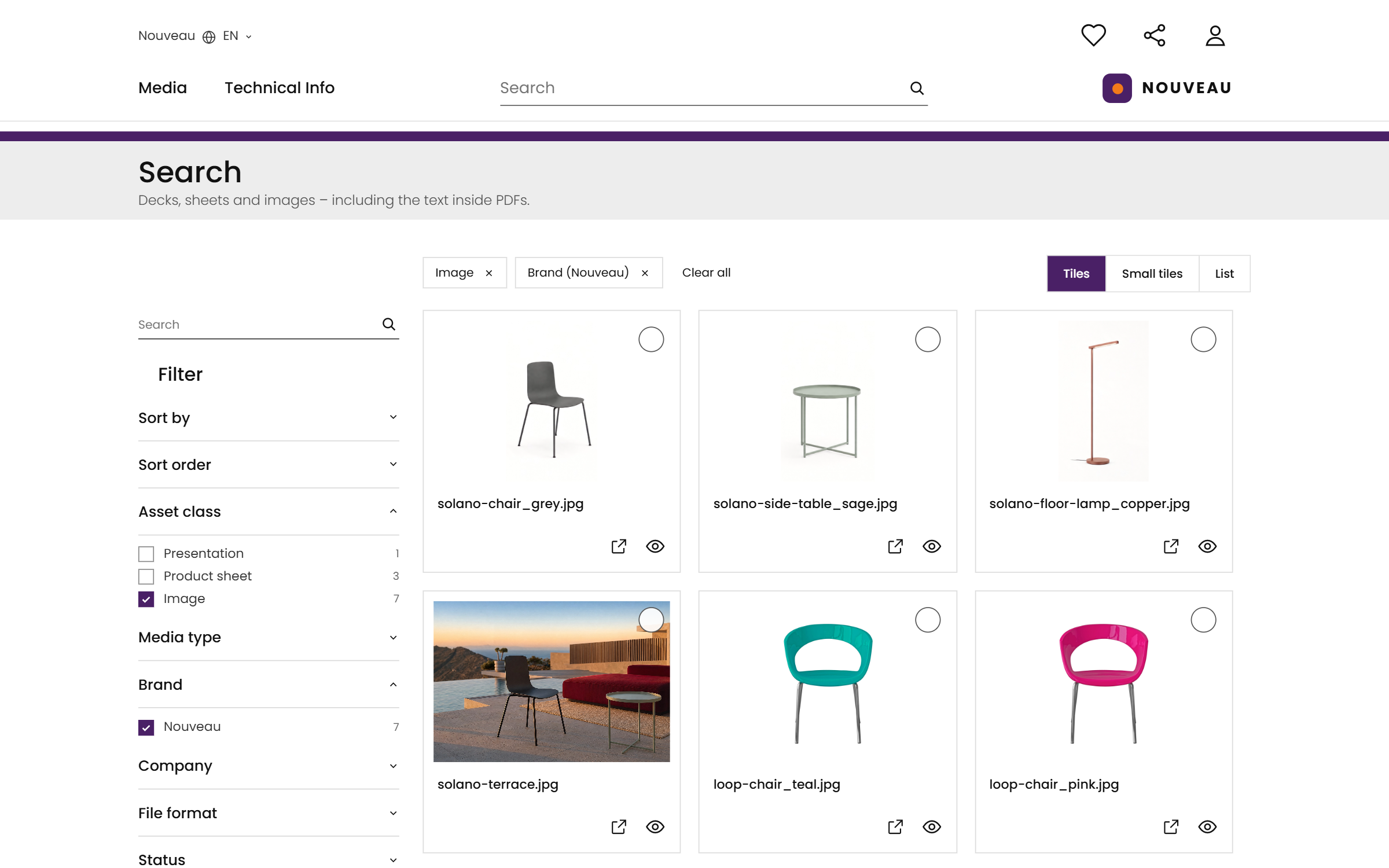
One search across decks, sheets and images, inside the PDFs too.
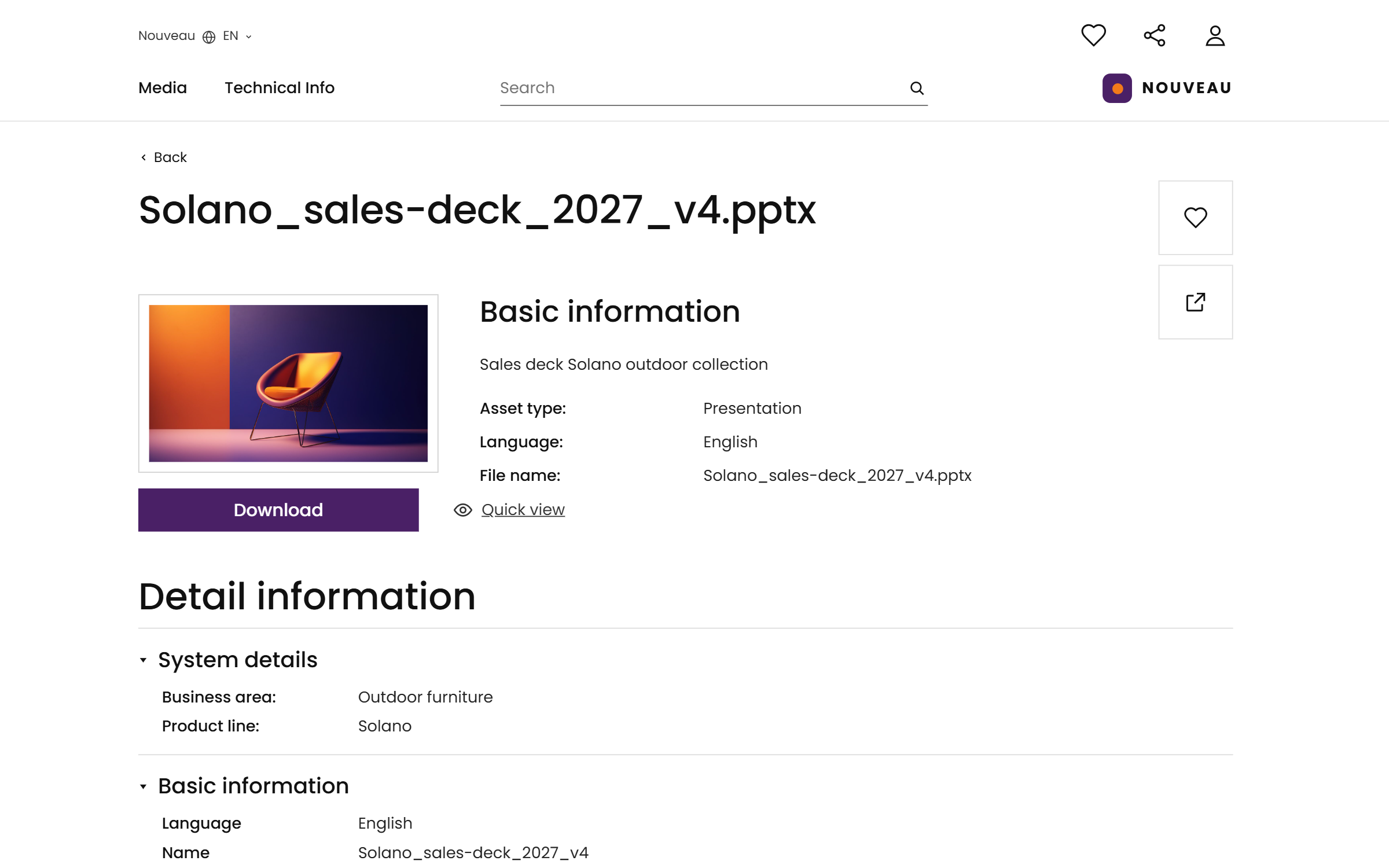
The approved deck, replaced in the source, replaced here.
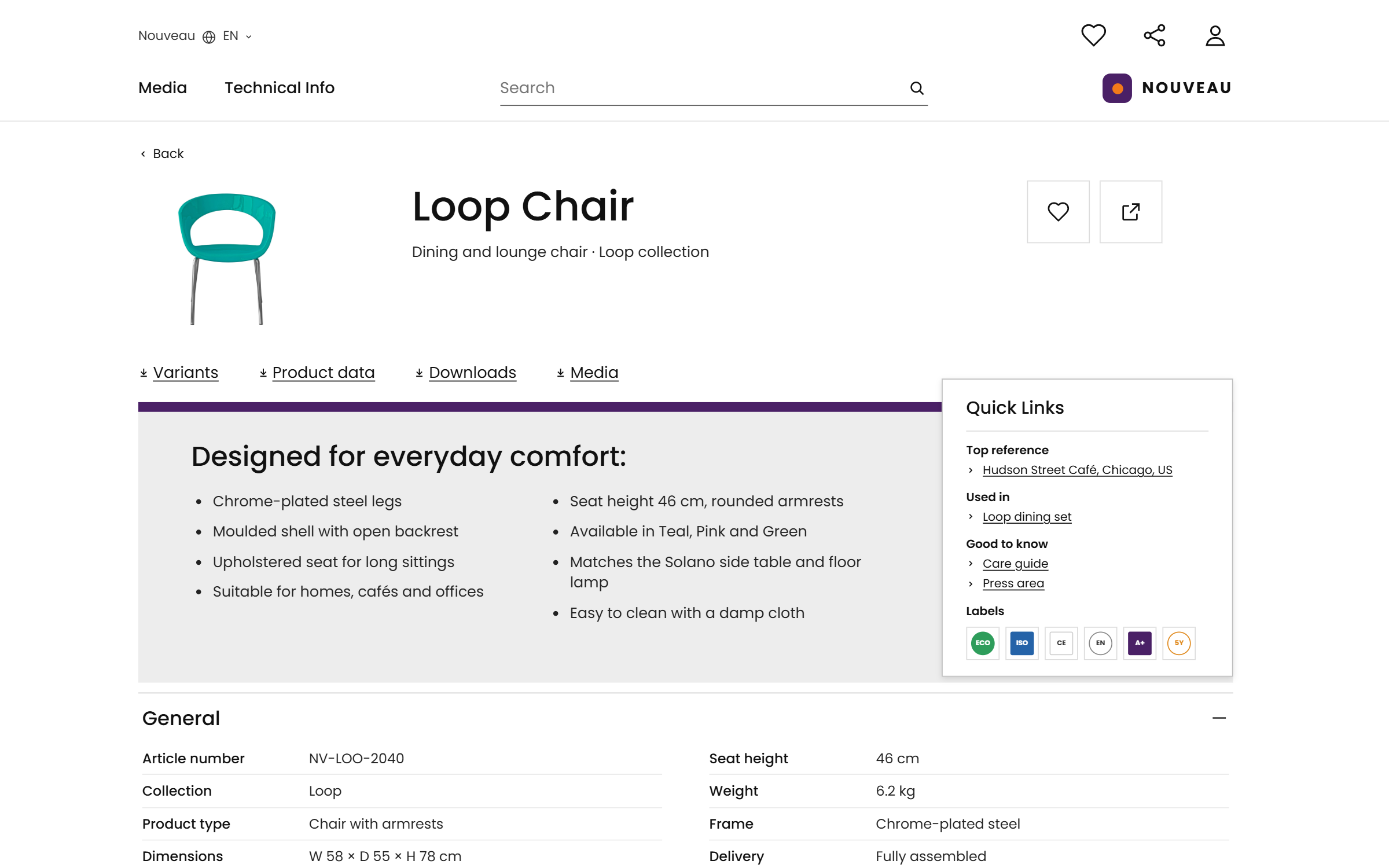
Product data from the PIM beside the imagery from the DAM, on one product.
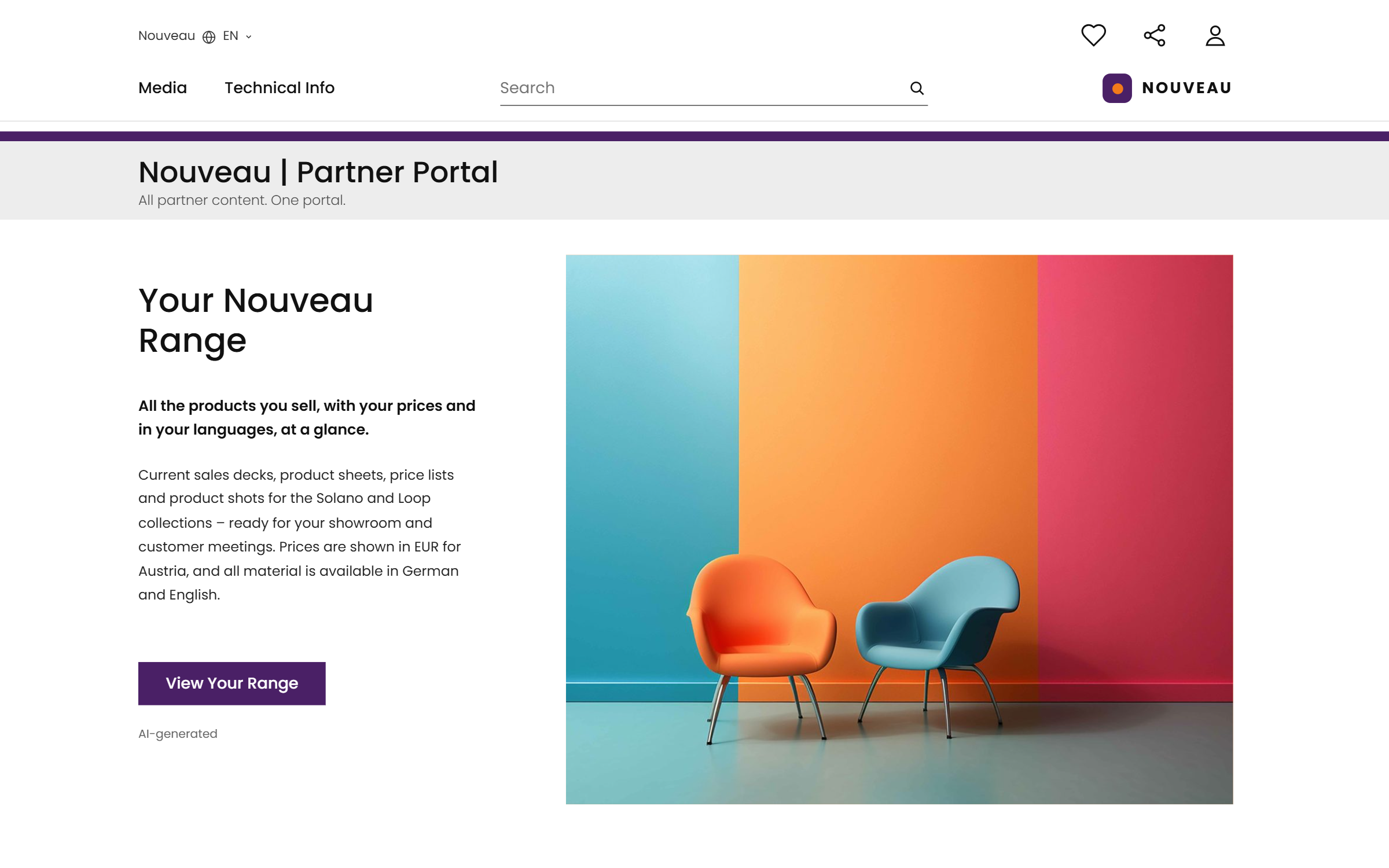
What a dealer sees: their range, their prices, their languages.
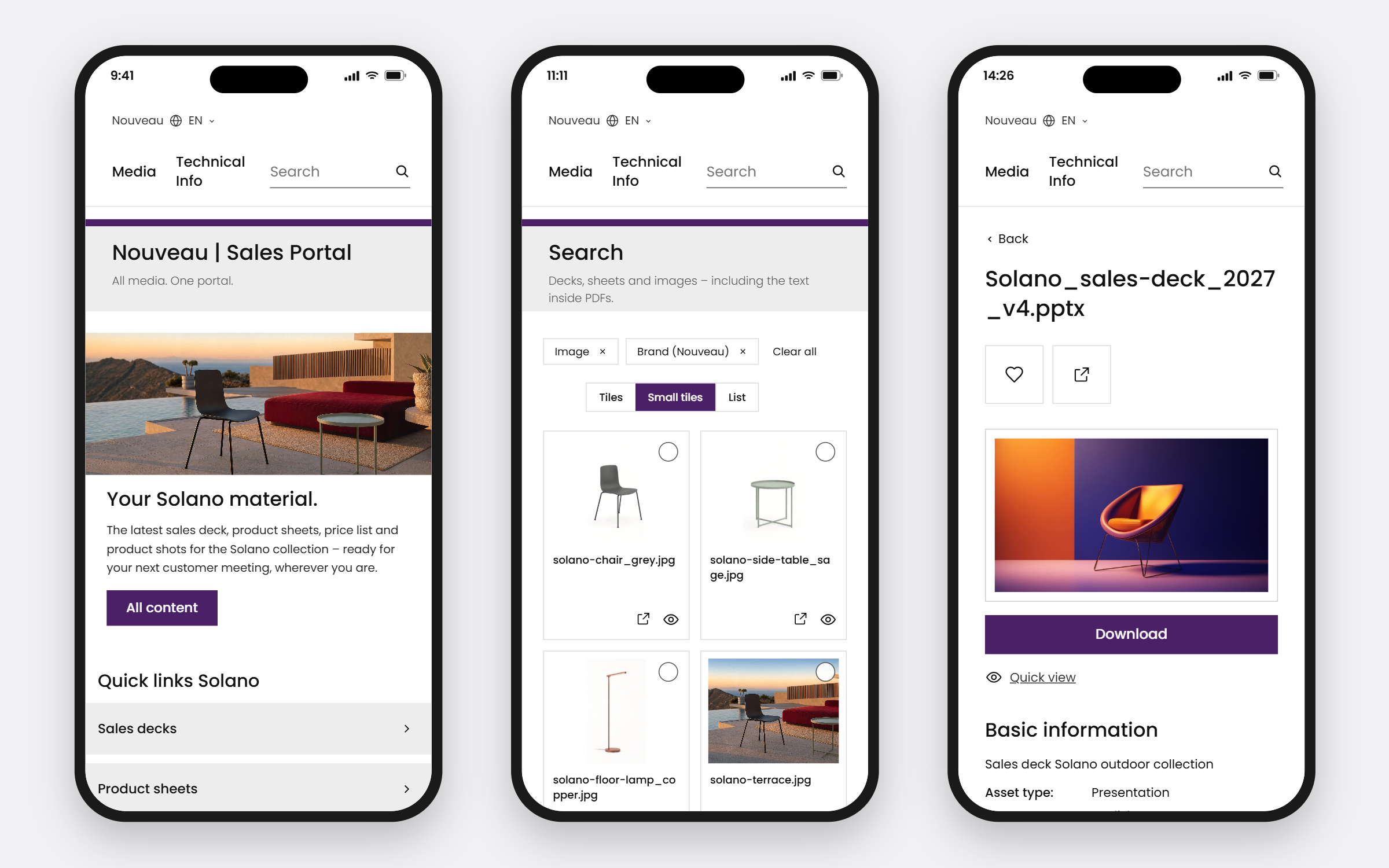
The same portal on the road, SSO, no second login.
Here are three of our public portals, so you can see what a seller finds before you build a portal of your own. Evosembly, our fictional robotics maker, carries technical specifications and product shots; OOCHIALI, our fictional sunglass brand, collection sheets and campaign presentations; our own media center holds our presentations and webinars. Open one, or connect your AI assistant and ask it something.
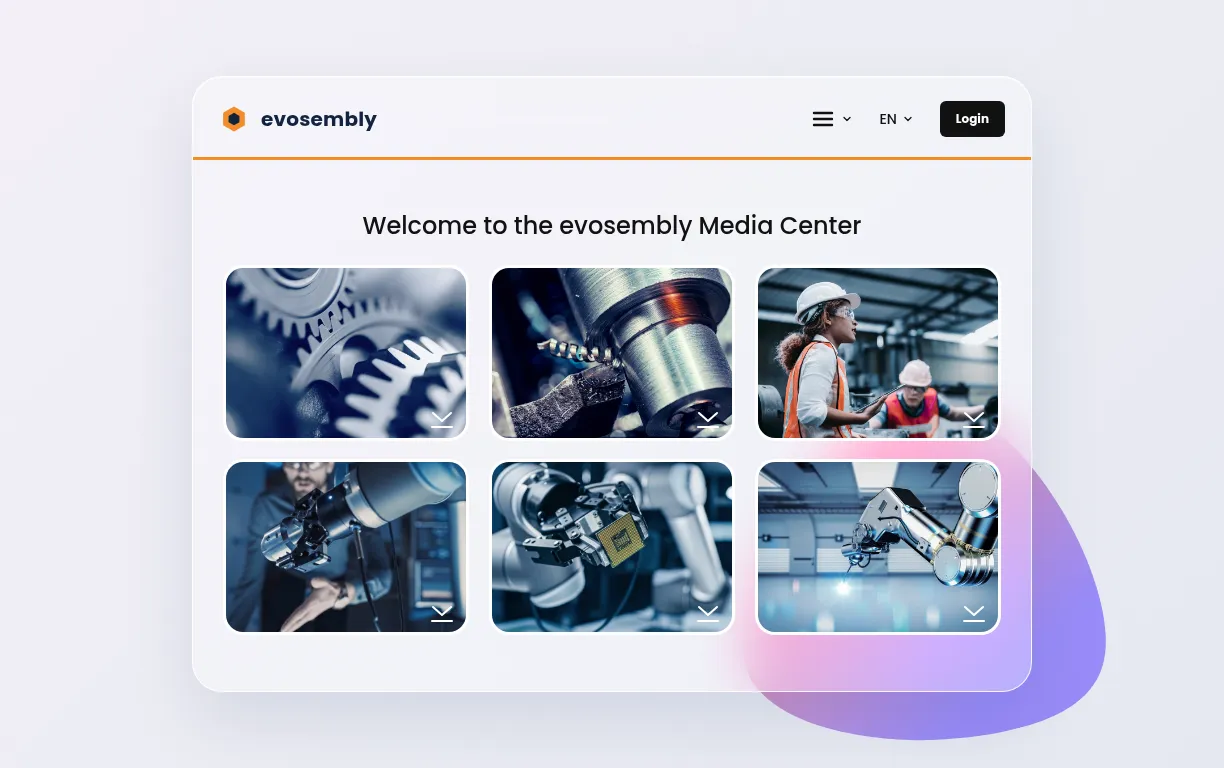
Our fictional robotics maker: product lines, technical specifications and product shots, what a seller takes to a customer.

Our fictional sunglass brand: collection sheets, campaign presentations, and the assets that are current rather than superseded.
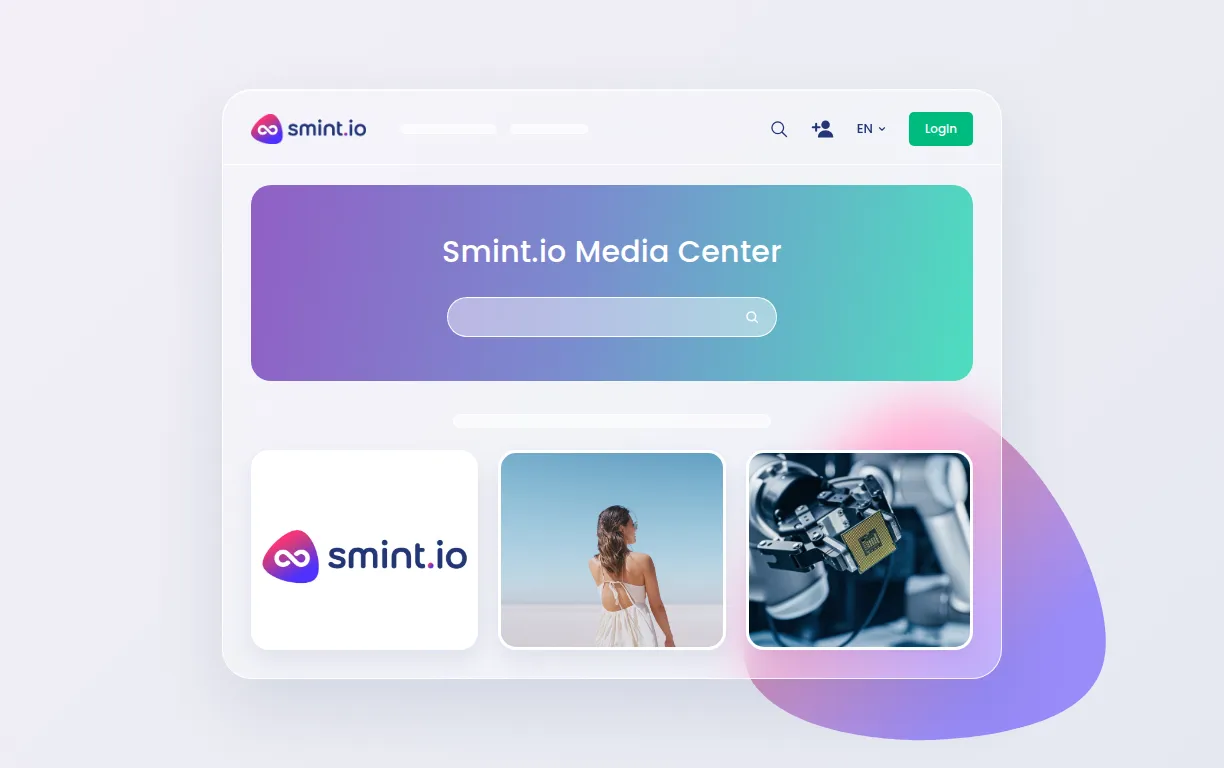
Our own media center: presentations, product images, webinars.
Product images, compliance documents and art templates inside the e-commerce site, next to the product pages, for distributors, customers and internal teams; downloads up 55 %.
Product information portals for customer service, dealer shops and B2B on the group's own middleware; dealers find product information in one place.
Architects, dealers and agents on one resource center, with product imagery, product information and generated product sheets side by side; each region sees its own content.

Saved 20% in operational costs and valuable time daily by reducing manual tasks!
The content home. A sales enablement portal is where the approved decks, product sheets, price lists and product shots live for sellers and selling partners, straight from the DAM, PIM and ECM. The tools your sales team works in keep their job and read the same approved content through the API or the portal's own MCP server. Nothing is replaced.
They keep them. SharePoint stays where the material is written and managed; the portal is the front door for the approved version of it: one search across everything, structured by product line and region, on brand, on the phone, open to partners without giving them SharePoint.
Yes. Scope is set per audience and per field: a reseller sees its range and its prices, a rep sees the internal deck and the margin notes, a market sees its languages. Derived from the material's own metadata, so a new partner tier is a setting, not a project.
They use what finds them the right file fastest. One search across decks, sheets and images, inside the PDFs too; always the current version, so nobody double-checks; SSO, so no second login; and the same portal on the phone in the car park before the meeting.
Yes, any of them. Every portal exposes its own MCP server through Sminted AI, so a rep's Copilot, a dealer's assistant or your own agents fetch the approved deck, the data sheet and the product shots with exactly the permissions that person has. Whatever your teams build or automate on top, the sales enablement portal is its single source of truth.