
Every component type is customizable
Connectors, data processors, identity providers, workflows, page components, templates: each can be replaced or extended, and each ships with powerful defaults that already do most of the work.

Smint.io Portals is a component system and application platform. Start from the nearest portal template, keep every component that already does the job, and add what makes the use case yours - by hand with the SDKs or with AI. There is no limit.
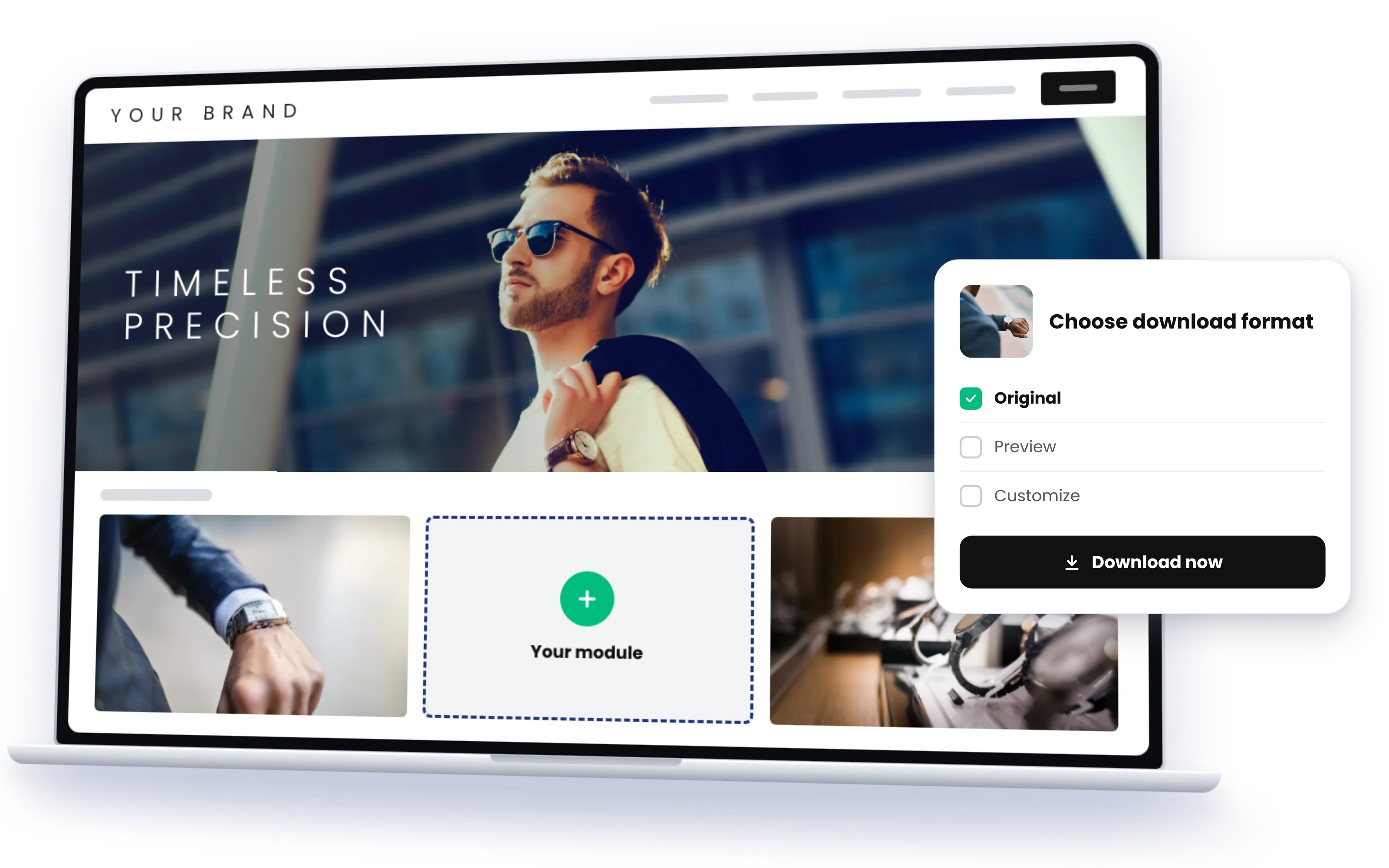
Start from the template that comes closest and stop wherever your use case is complete: after a few settings, after a restyle with design tokens, or after a component of your own. The enterprise foundations stay in place, and the platform keeps updating underneath whatever you add.
Connectors, data processors, identity providers, workflows, page components, templates: each can be replaced or extended, and each ships with powerful defaults that already do most of the work.
Search, permissions, SSO and SCIM, connectors, collections, downloads, hosting, the security review: the months a bespoke project spends before it touches your use case are already done.
What you build for one portal is reusable in the next. Custom components live beside the platform, not in a fork, so the platform keeps updating underneath them.
Everything can be customized manually with the SDKs, or with AI: your AI client builds components, the AI assistant in the backend configures portals, Sminted AI generates content.
Everything in a portal is a component with its own SDK, and every type ships with powerful defaults. Reconfigure them, restyle them, replace them, or add your own; the rest of the portal keeps working.
Twenty-plus connectors to DAM, PIM, ECM, ERP and cloud storage ship with the platform; an in-house system or a middleware is one connector away.
Renditions, generated product sheets, PDFs from product pages, asset overviews, Web2Print: the defaults do a lot, and your own processors run beside them.
SSO via SAML and OIDC, SCIM provisioning, invitation and metadata-derived permissions out of the box; your own provider as a component.
State machines run approvals, requests, loans or any process you define, as part of the application, with the standard components around them.
Search, galleries, detail pages, collections, forms, menus: configure them, restyle them with design tokens, or build your own in TypeScript/Vue.js.
Seven standard experiences and the custom template, each a finished application, each the starting point for the next one you need.
Everything in a custom portal can be built by hand, or with AI. The AI assistant in the Smint.io backend configures your portal on request, from pages and menus to the design tokens. Where a component of your own is needed, your AI client (Claude, Copilot or Cursor) writes connectors, data processors and UI components with the SDKs, guided by the AI instructions in our repositories and the documentation portal's MCP server.
Custom development & SDKs in depth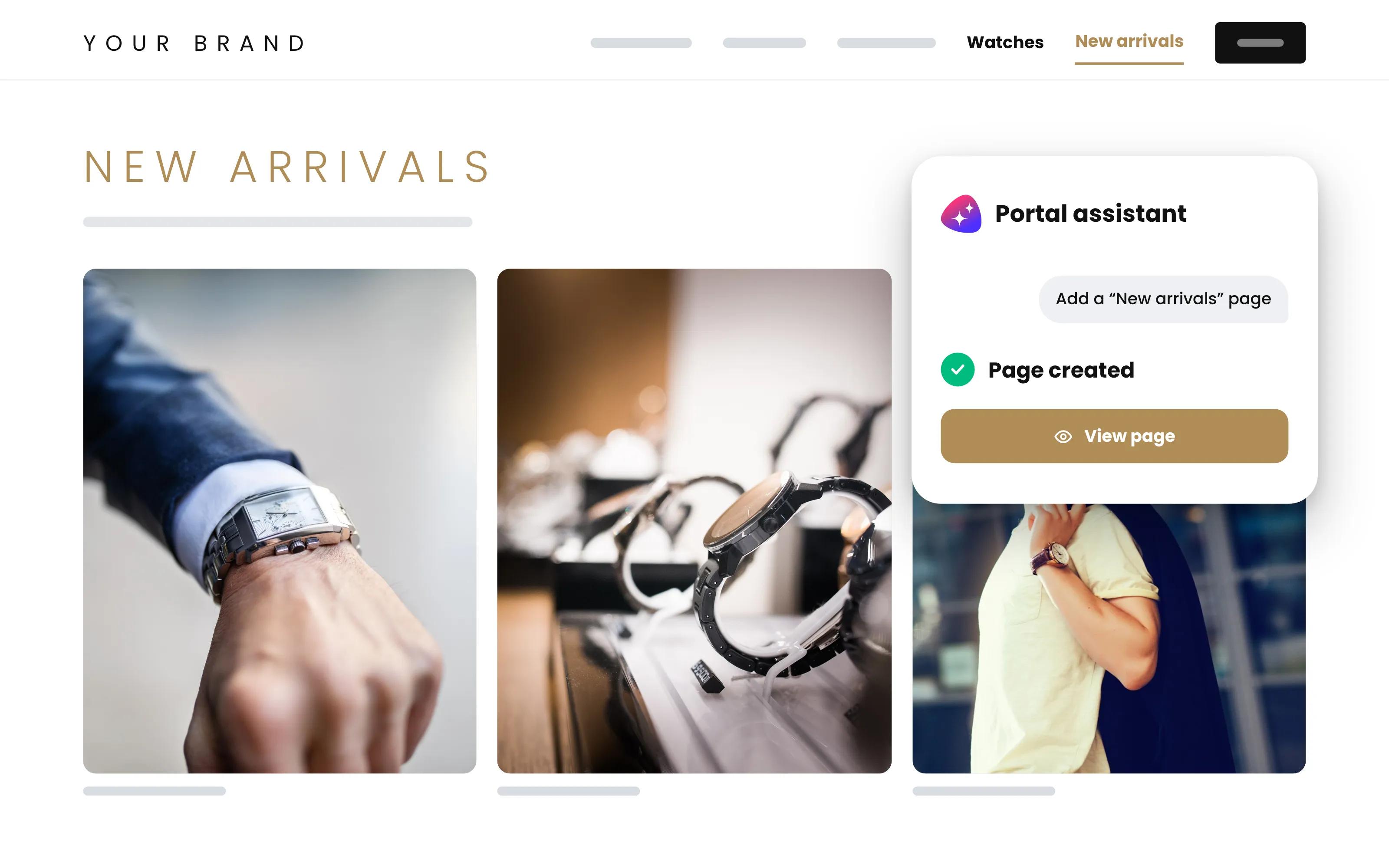
01
Search, permissions, SSO and SCIM, collections, downloads, detail pages, connectors, hosting: every portal template is a finished application, and every component in it is yours to reconfigure.
02
Combine the components into your use case: templates and settings first, the AI assistant in the backend when you would rather ask than click, the design token system where the standard look ends.
03
What does not exist yet, you create with the SDKs, by hand or with your AI client: backend logic in C#/.NET, frontend building blocks in TypeScript/Vue.js. We show you what it would take.
A global jewelry company had two audiences with nothing in common: everyday users who need product assets fast, and archivists who manage loans of physical heritage pieces. Two dedicated tools would have meant two more silos. Both run as portals on the same platform, on the company's existing Cloudinary setup: semantic and visual search across the collections, a structured loan process in the heritage portal, and data processors that generate product sheets and asset overviews as extra download renditions.
Read the story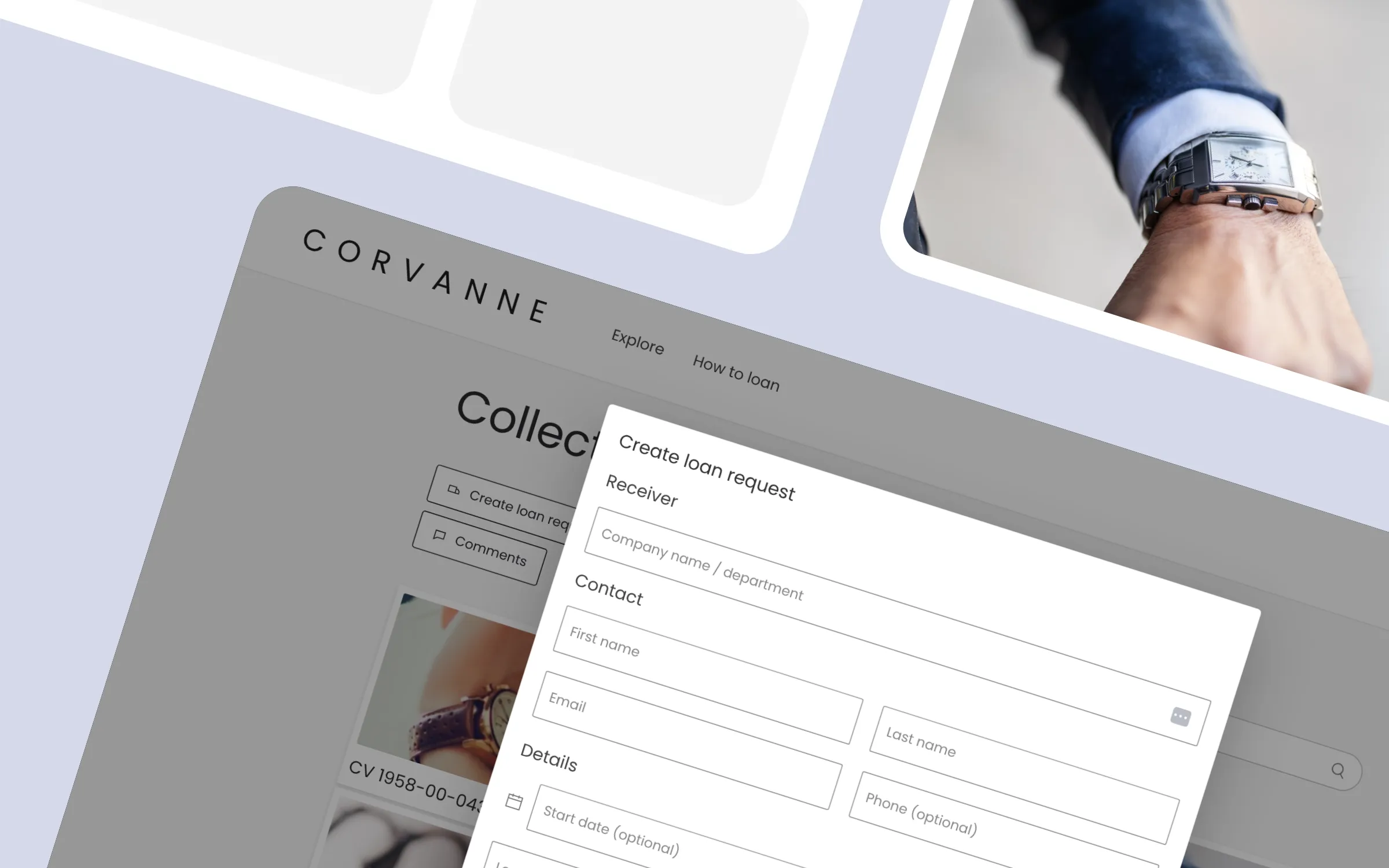
Two screens from each of three custom portals: a heritage archive with a loan process, an agency-built resource center, a product information portal on a customer's own middleware. Two of the three are anonymized using AI; structure and functions are the customers'.
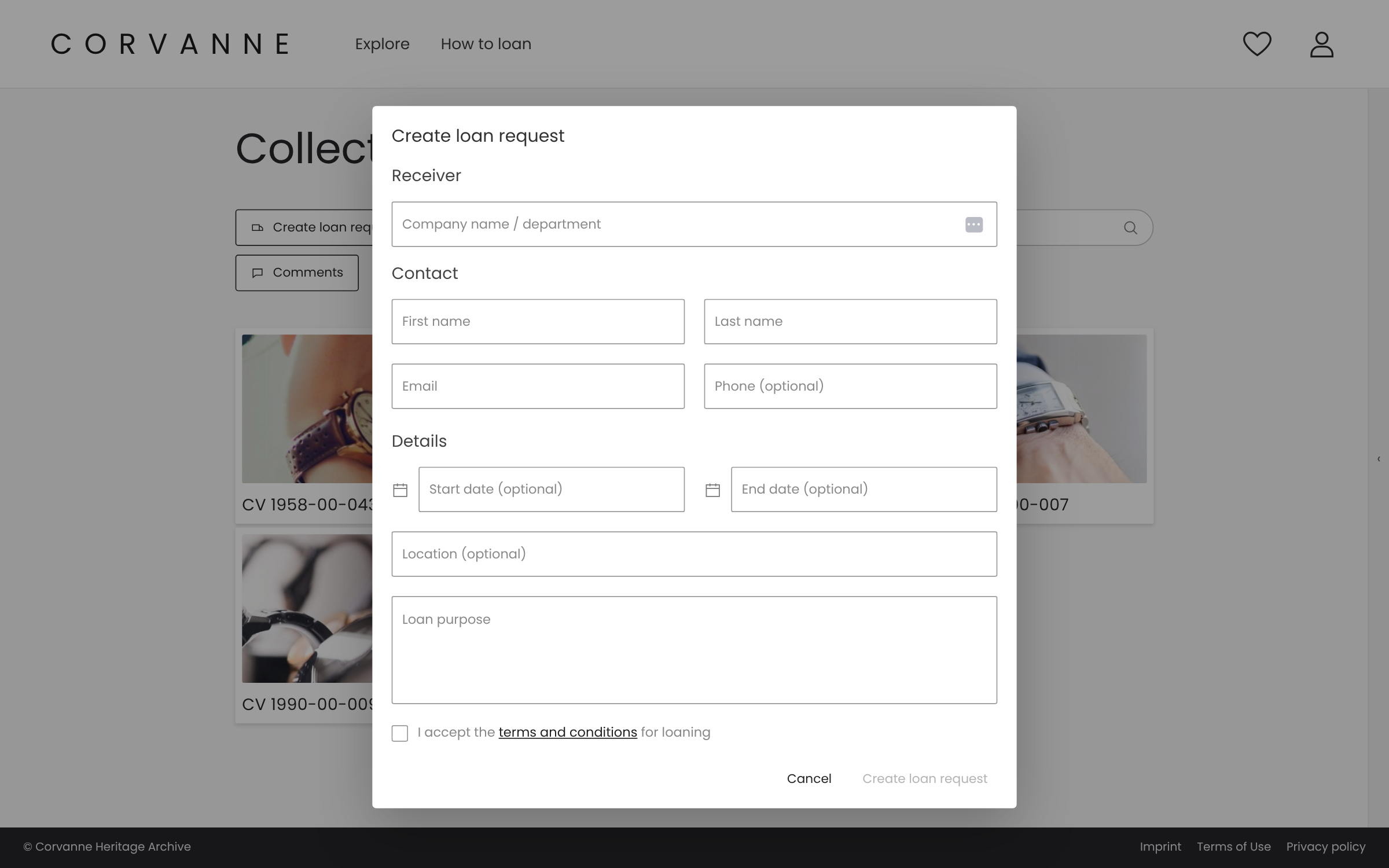
A heritage archive portal with a structured loan process for physical artifacts, run by a workflow on standard components.
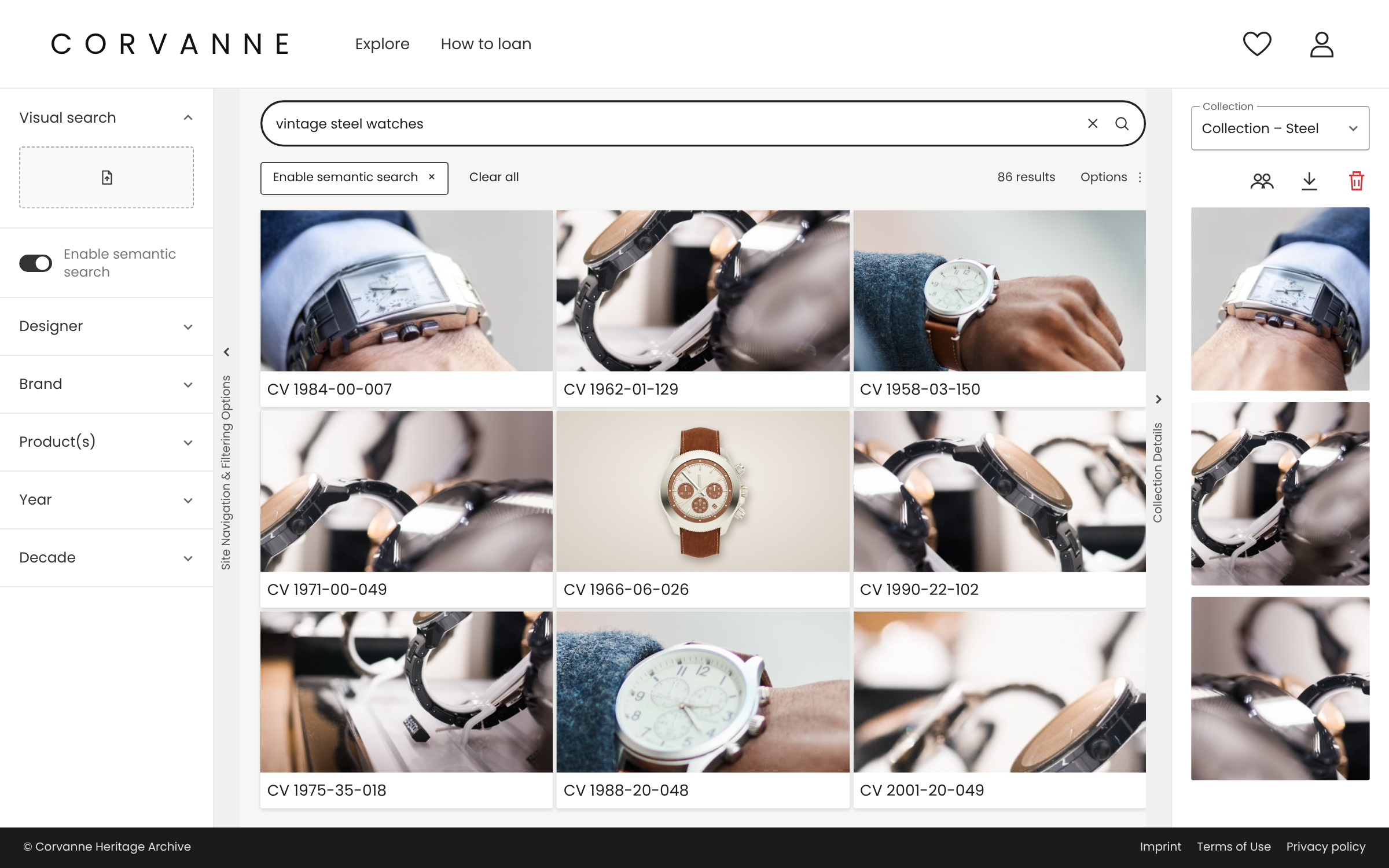
Semantic and visual search across the heritage collection, the same components as the everyday asset portal beside it.
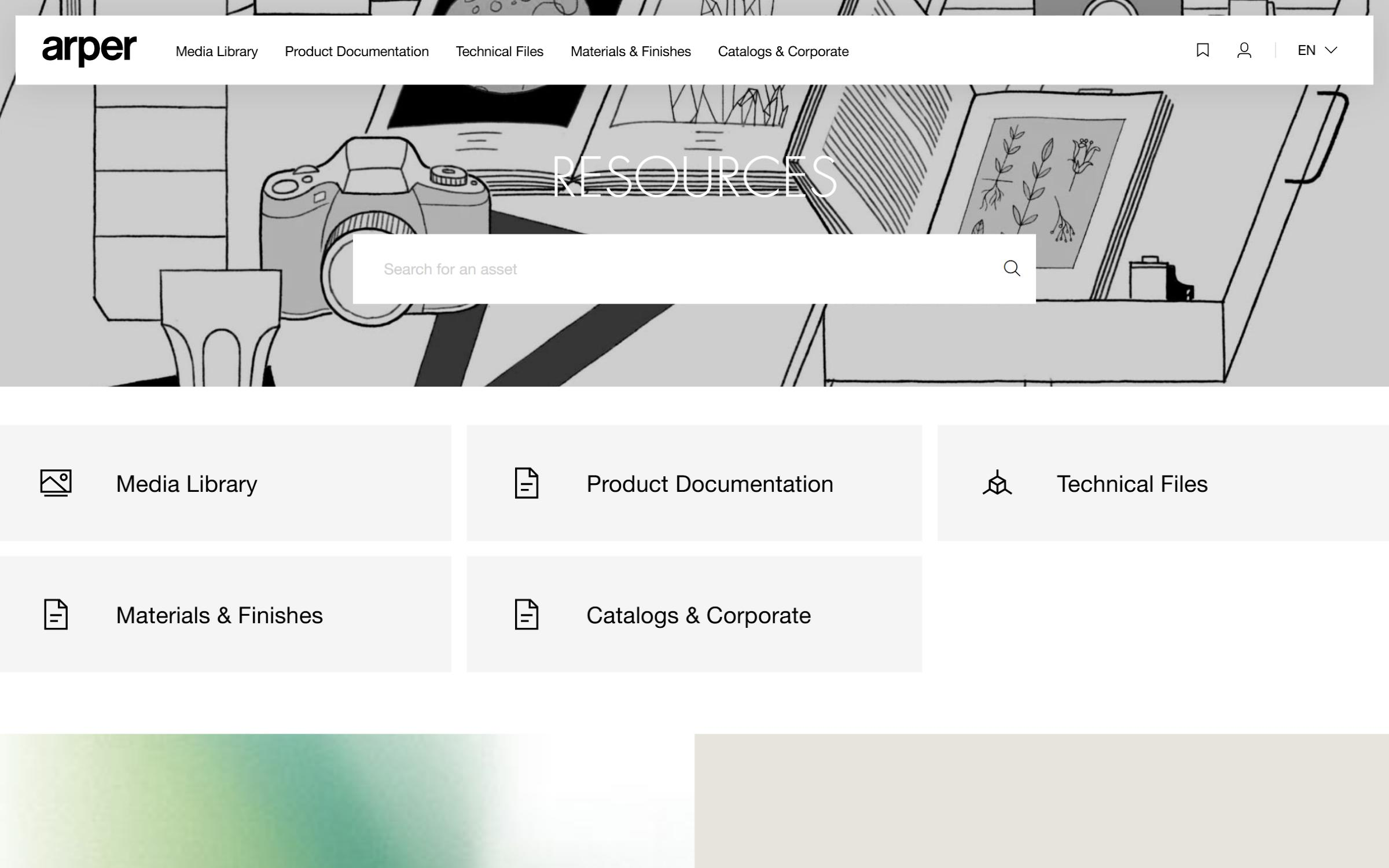
An agency individualized every UI component via the SDKs; the platform underneath is standard.
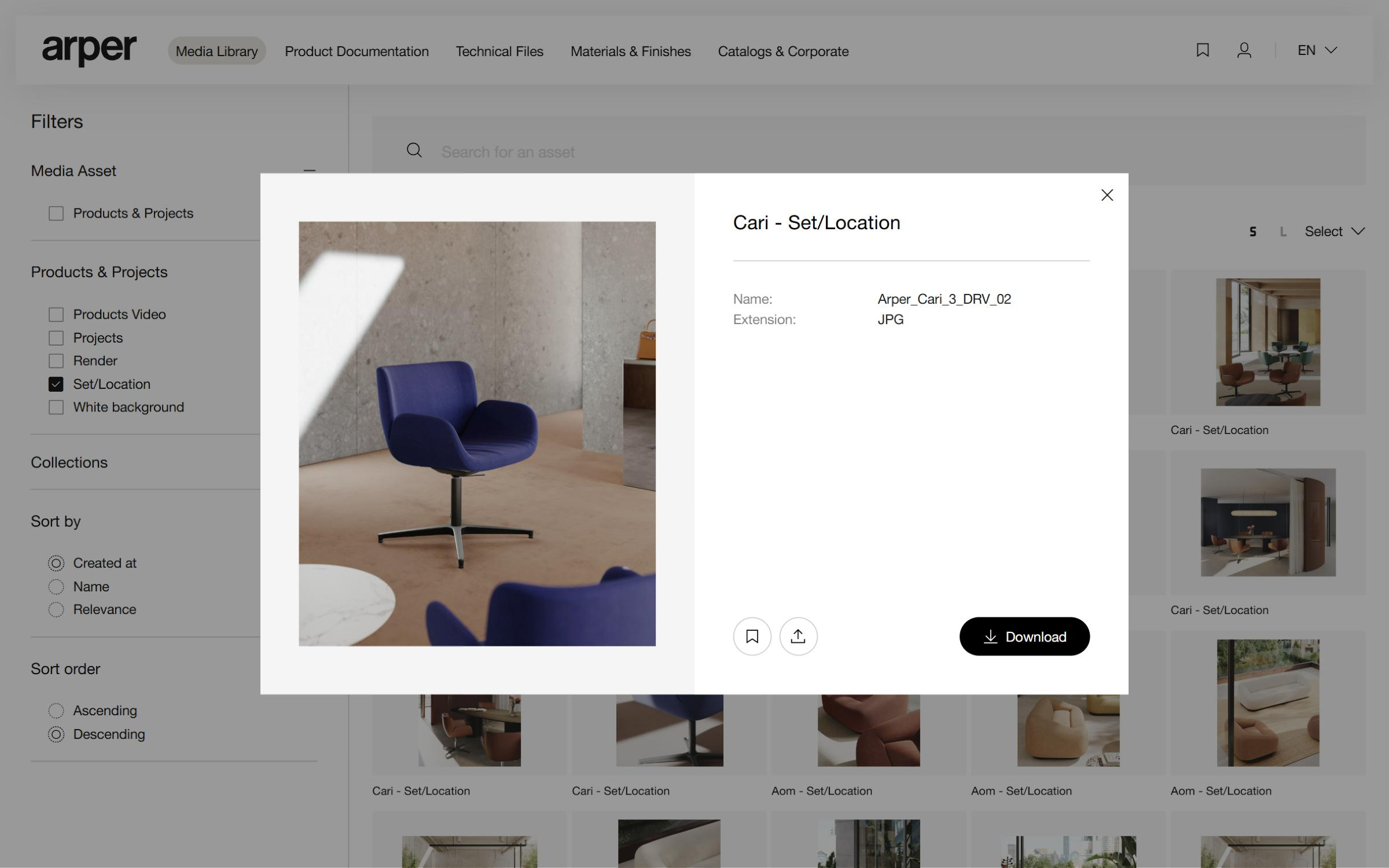
The customized look carried through to the asset detail page and the downloads.
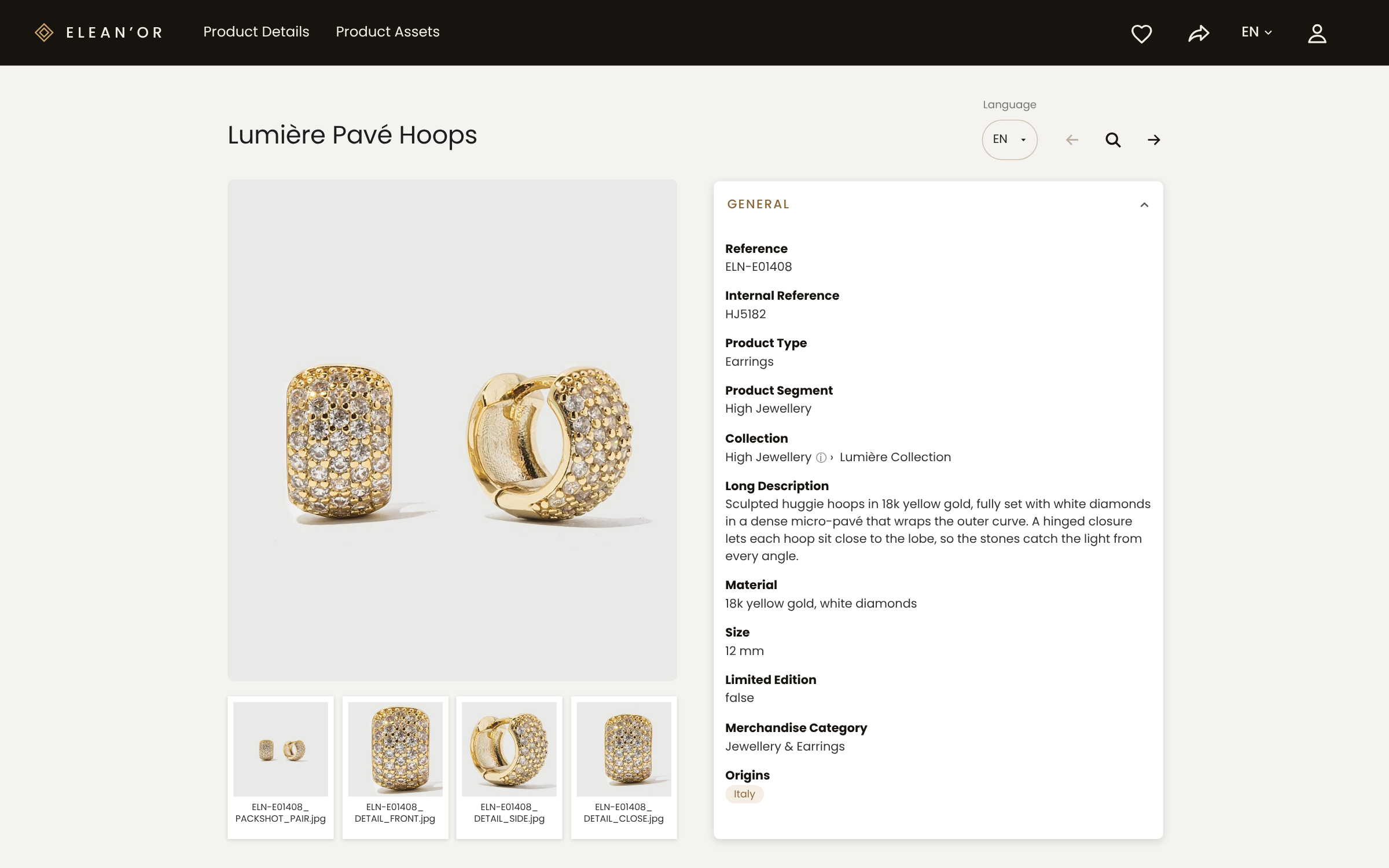
A custom product detail page fed by a connector to the group's own middleware.
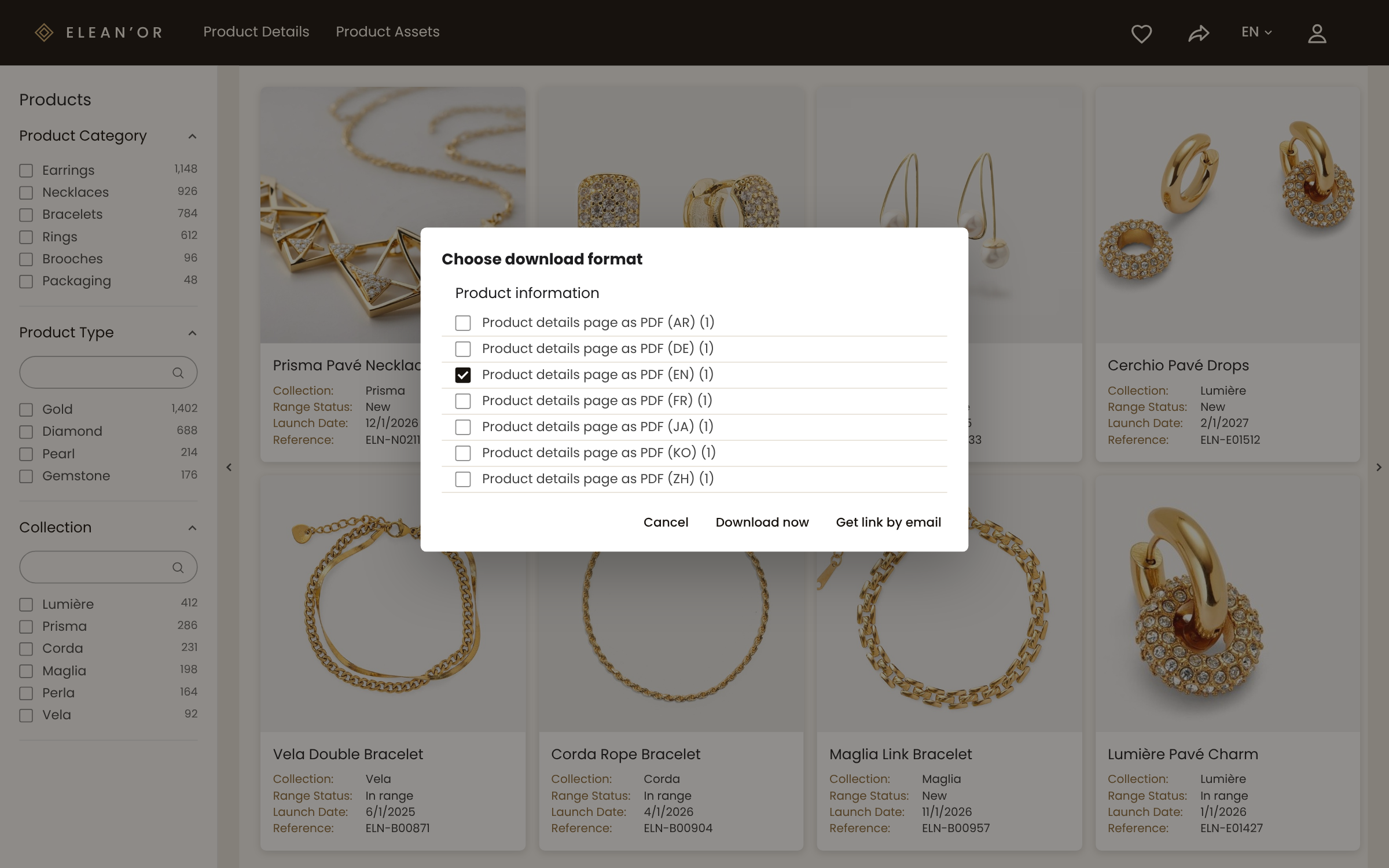
A data processor renders the product page into a PDF on the fly, using a browser crawler.
Agencies fill in project cost estimates in the portal. The data goes straight back into Marmind.
When even the look is custom: an agency fully individualized the UI components via the SDKs, on standard platform foundations.
A connector to the group's own middleware, and a data processor that generates PDFs from the live product detail pages on the fly.

What do you dislike about Smint.io Portals?
There's really nothing not to like. It is a platform that can be used for many different use cases. There are great templates for the obvious ones – like Brand Portal, Press Portal, or Media Download Center. For more sophisticated solutions, it takes a little effort to figure out what's possible - for those, I recommend speaking to the Smint.io team or one of their partners.
Usually most of it. Every portal template is a finished application: search, permissions, SSO and SCIM, collections, downloads, detail pages, connectors to the systems you run, hosting and the security review behind it. What is left is the part that is special about your use case, and that is where the SDKs begin.
Any of the three. Your own developers with the SDKs and the documentation portal, one of our implementation partners, or Smint.io. Arper's agency built the whole look; Smint.io built the luxury group's connector to its own middleware.
Yes. Custom components live beside the platform, not inside a fork of it: the platform keeps updating underneath, and what you built keeps running. What you build for one portal is reusable in the next, so custom becomes standard over time.
Yes. Connectors are a component type, so an in-house system or a middleware is a connector away, and the platform works in both directions: the European retail group's agencies fill in forms defined in Marmind and the data is written straight back into Marmind.
The template part takes days, as with every portal. For the custom part we show you which components already exist and what the rest would take, before anyone commits. AI-powered development shortens that part further: your AI client builds components with the SDKs, and the AI assistant in the backend configures what used to be clicked.
Both. Your AI client writes connectors, data processors and UI components with the SDKs, guided by the AI instructions in our repositories and the documentation portal's MCP server; the AI assistant in the Smint.io backend configures portals on request; Sminted AI generates content inside the portal. And a custom portal exposes its own MCP server like any other, so your users' assistants and your own agents read it with exactly their permissions.
We'll show you which 95% already exists, and what the last 5% would take.