
Released per partner, tier, region, language
Every partner sees the current version of what is released for it, in its language, and nothing else. Your metadata decides, near real-time from the source systems, whether you have 40 markets or four.

A channel partner portal gives every dealer, distributor and reseller the product content released for it, in its language, from the systems you already run. Always the current version, and nobody has to ask by email.
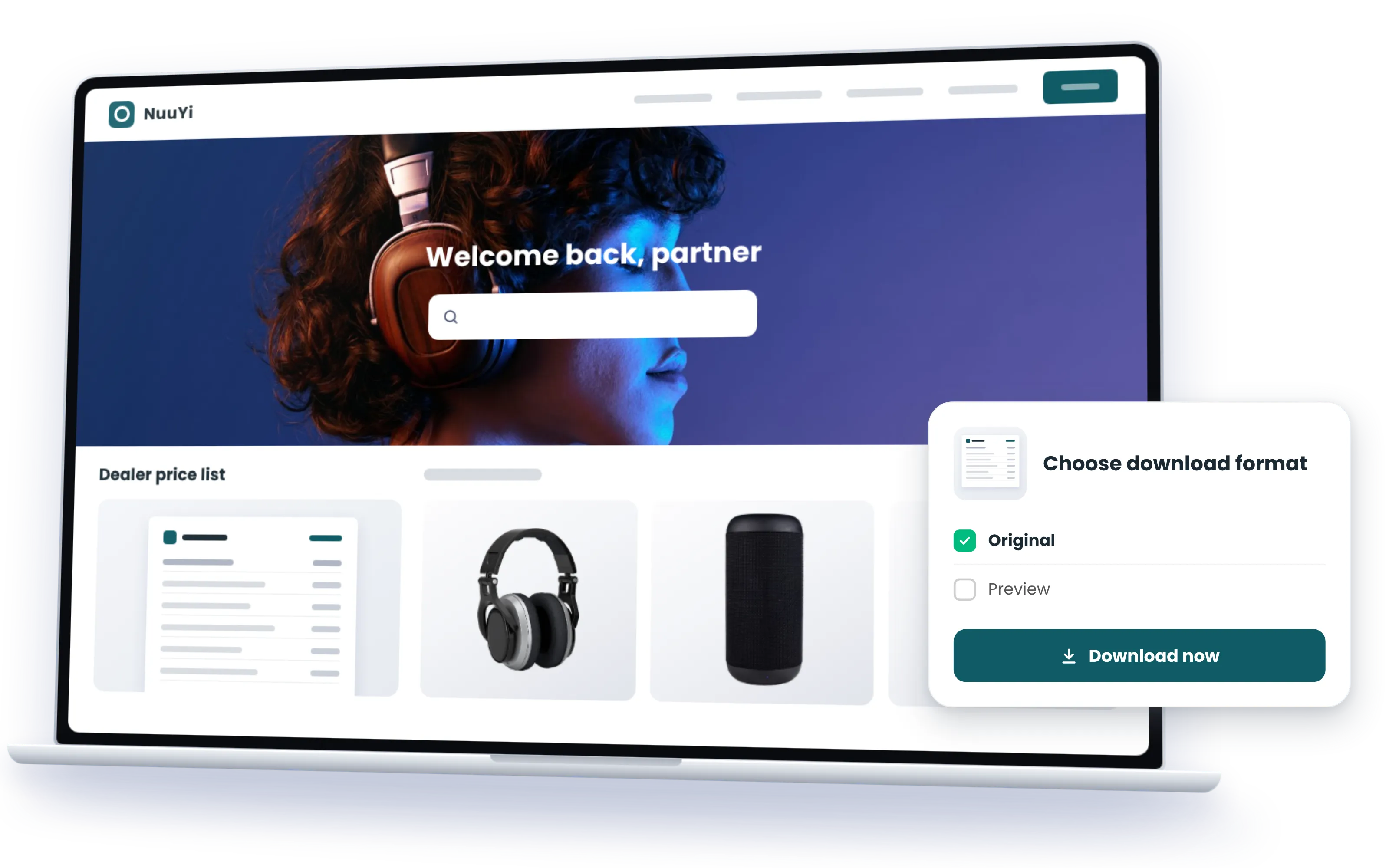
A channel partner portal is the storefront for your channel: partners come in, find what is released for them and take it, in the format and language they work in. The stock stays in your systems; the shelf is always current.
Every partner sees the current version of what is released for it, in its language, and nothing else. Your metadata decides, near real-time from the source systems, whether you have 40 markets or four.
PIM and DAM in one portal: the product shot beside the specs, the variants and the documents. One product, not two systems.
Downloads and searches per partner, region and asset show who sells with the new material and who has not looked at it yet.
Partners come in with the identity they already have: SSO from your PRM or their own company login, a local account where that is simpler, no login at all for open areas.
A PRM runs the partnership: who registers which deal, who gets which funds, who is certified for what. A partner portal runs the experience: a dealer opens it and has everything it needs to sell this quarter. Companies with a structured channel need both, and they work best when each stays what it is: one login, two jobs, no duplicate content anywhere.
Connect Claude, ChatGPT, Copilot or any MCP client to your partner portal, and each dealer has an assistant that knows your products: the current price list, the product shots released for its market, this season's campaign kit, the spec sheet in its language. The answers come from the portal, through its own MCP server, with the permissions of the person asking and nothing beyond them. Your channel team gets the same assistant from the other side, answering partner questions from the portal instead of from an inbox. With Sminted AI, the assistant answers the way your channel team would.
How Sminted AI works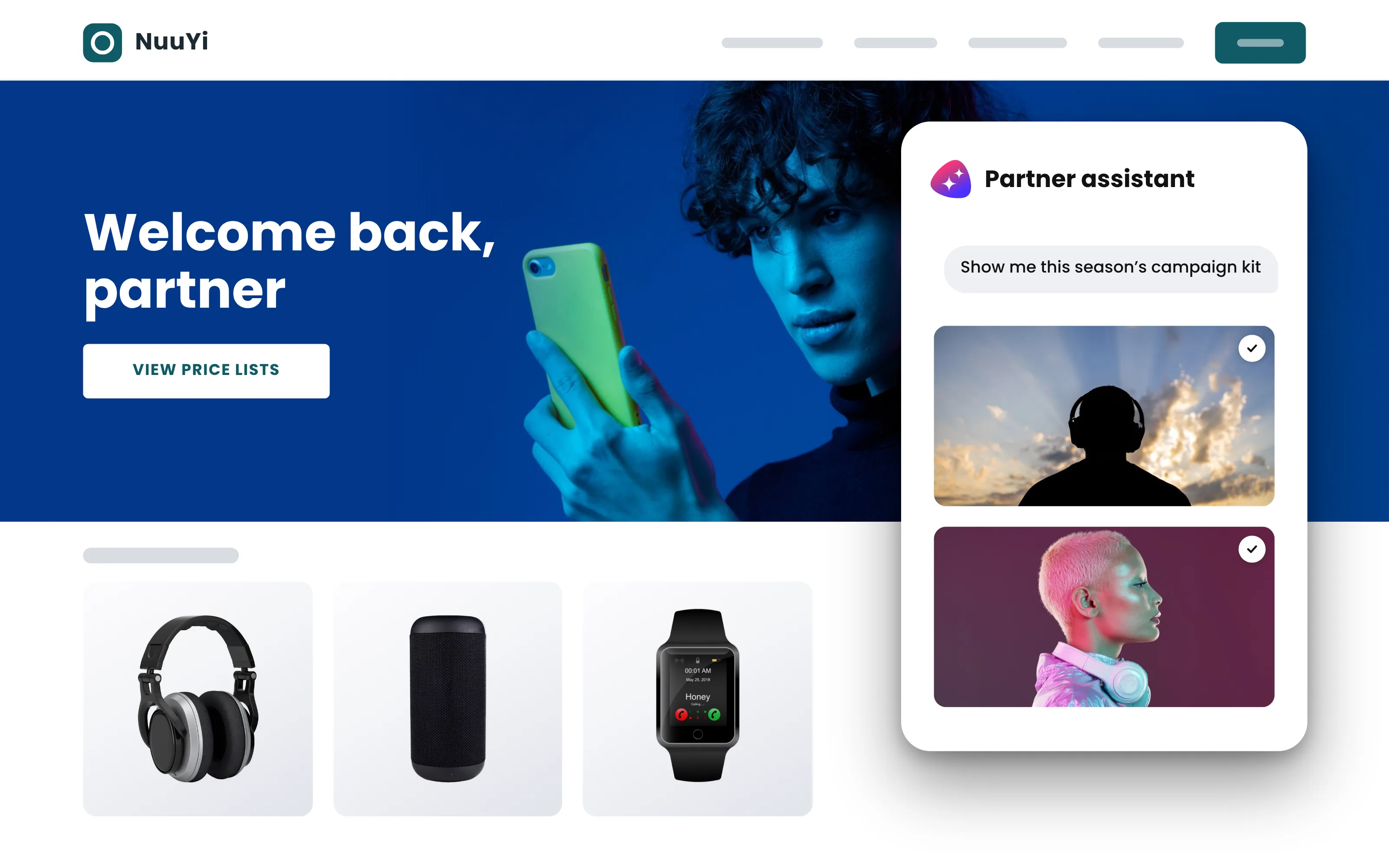
01
DAM, PIM, ECM or other systems. Content stays where it is.
02
A finished partner portal in days, no code. Your brand, your structure, your partners' languages.
03
Tier, region, language and program decide what each partner sees, from your metadata or from the identity your PRM already gives them.
At Komet Dental, retailers asked for product images through whatever channel they had, and the product team answered one request at a time, never sure which version was current or released. Today more than 10,000 product images on SharePoint reach retailers through a portal they use around the clock, each seeing what is released for it. Searches went up by 48 %, downloads by 26 %, and there were far fewer personal requests.
Read the story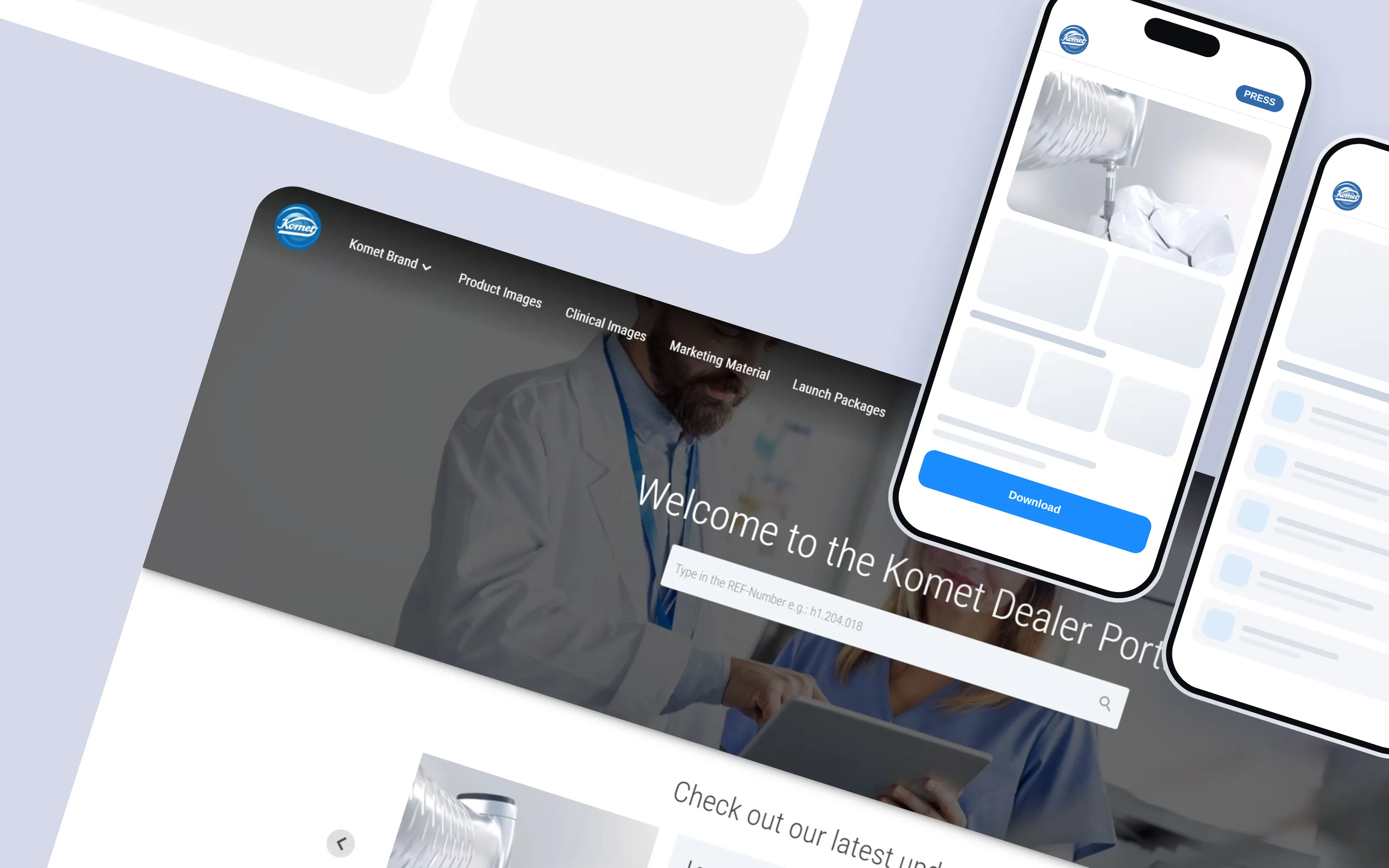
Screens from a real customer's partner portal, a global luxury group serving its dealer shops, customer service and B2B partners. Logo, colours and product imagery were anonymized using AI; structure and functions are the customer's.
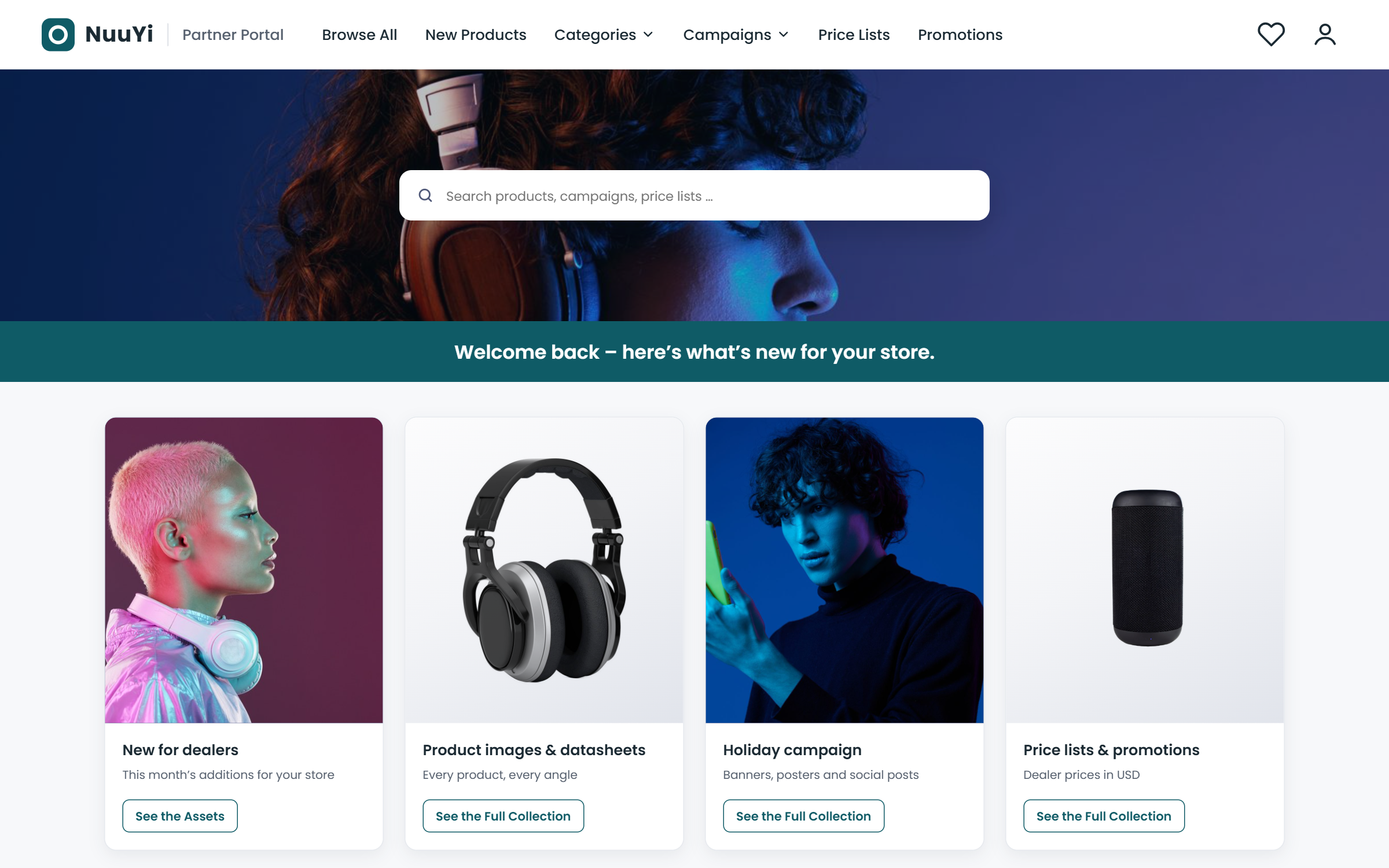
A dealer, a distributor and a key account each land on their own start page.
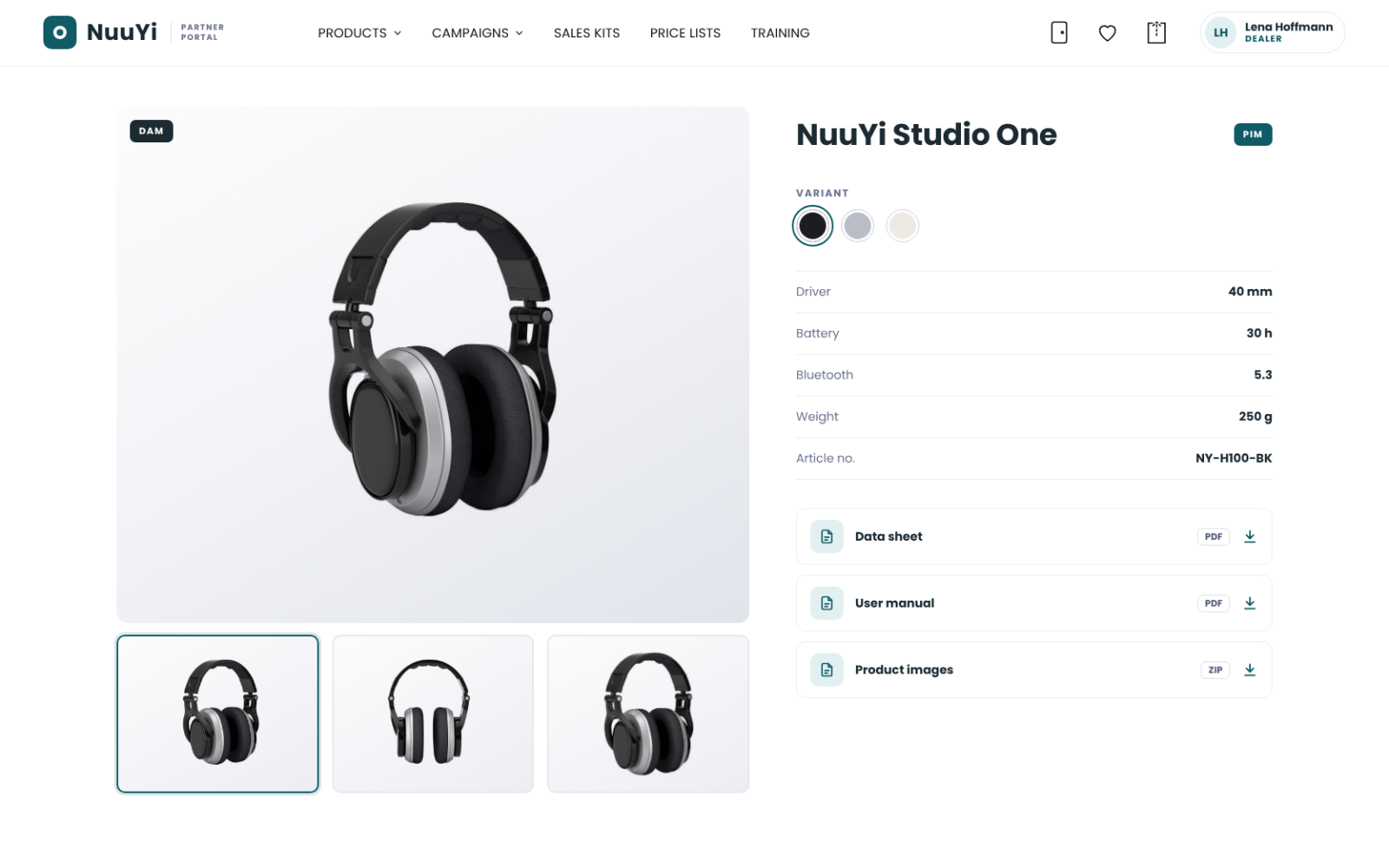
Product shots beside specs, variants and documents, from PIM and DAM together.
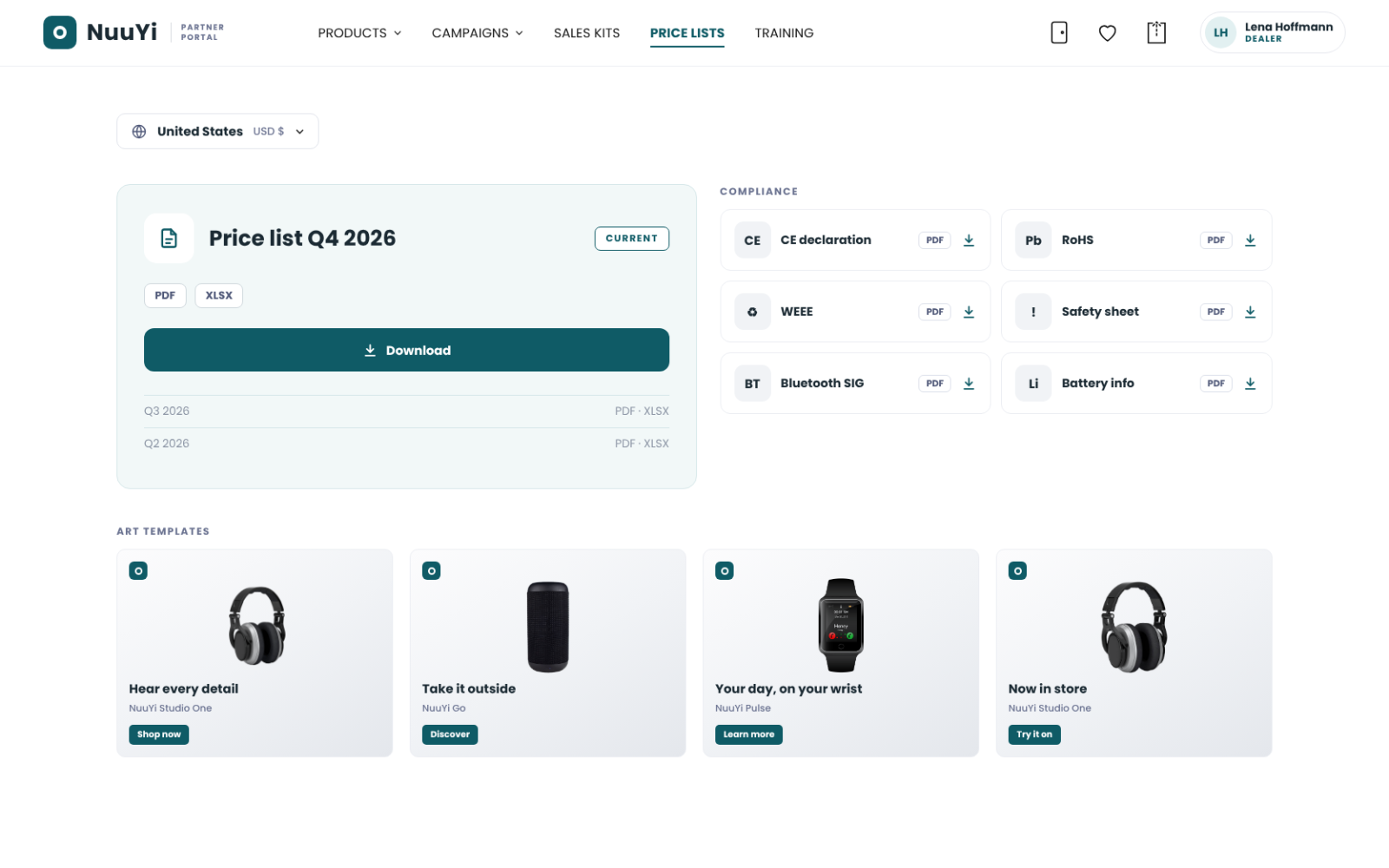
The current list for this partner's market, compliance sheets, art templates.
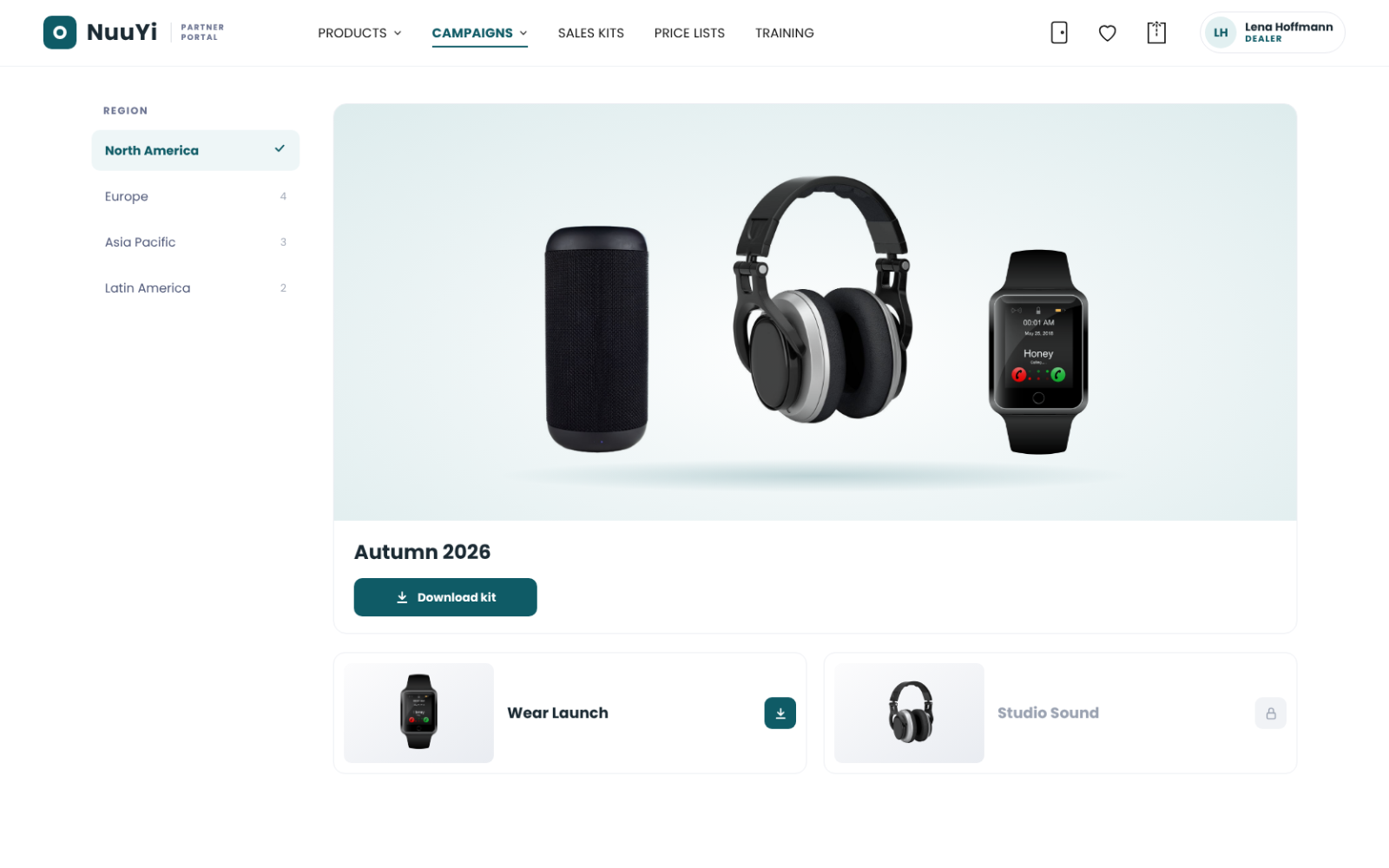
This season's material, released for the regions that run it.
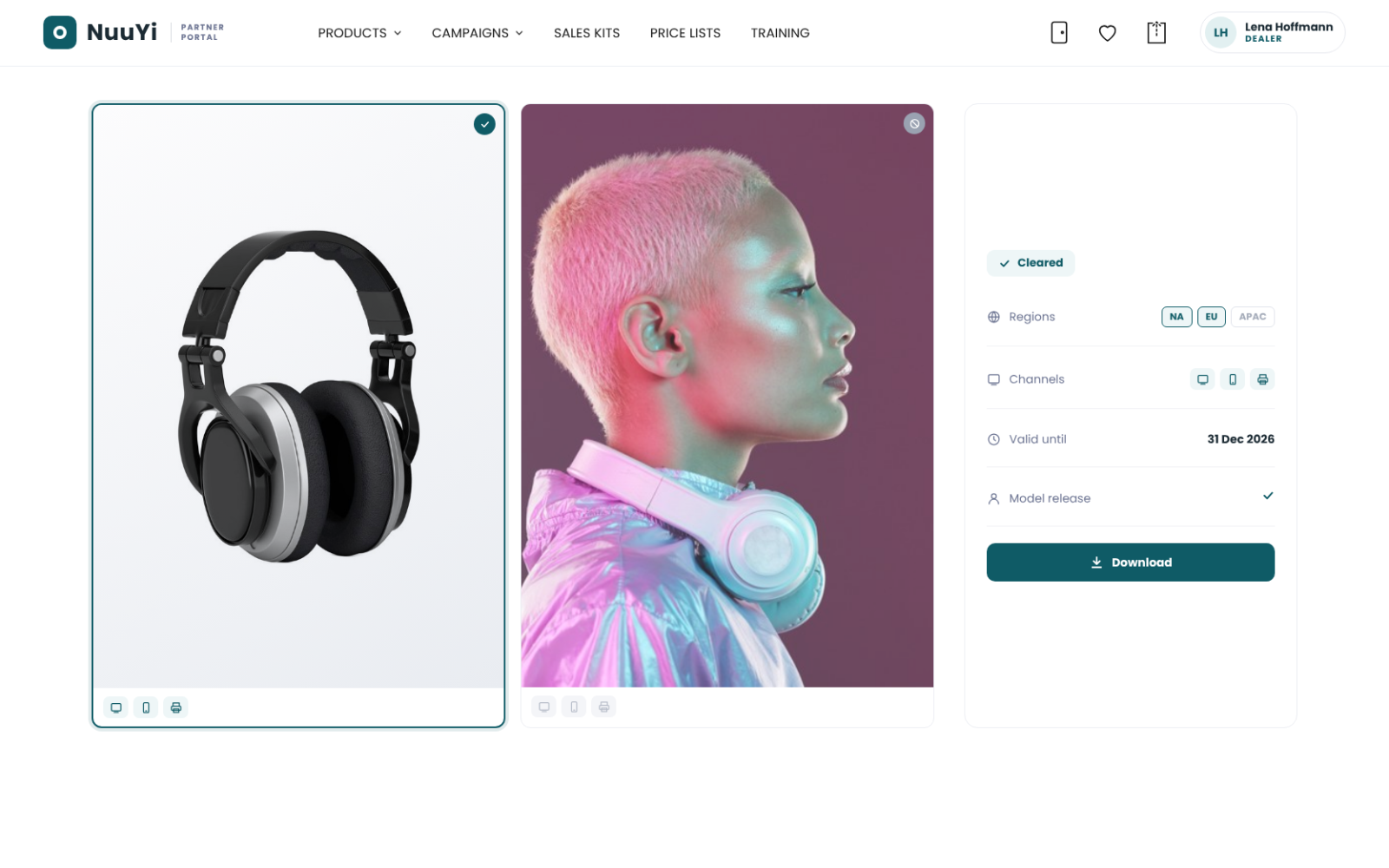
What may be used where, visible on every asset.
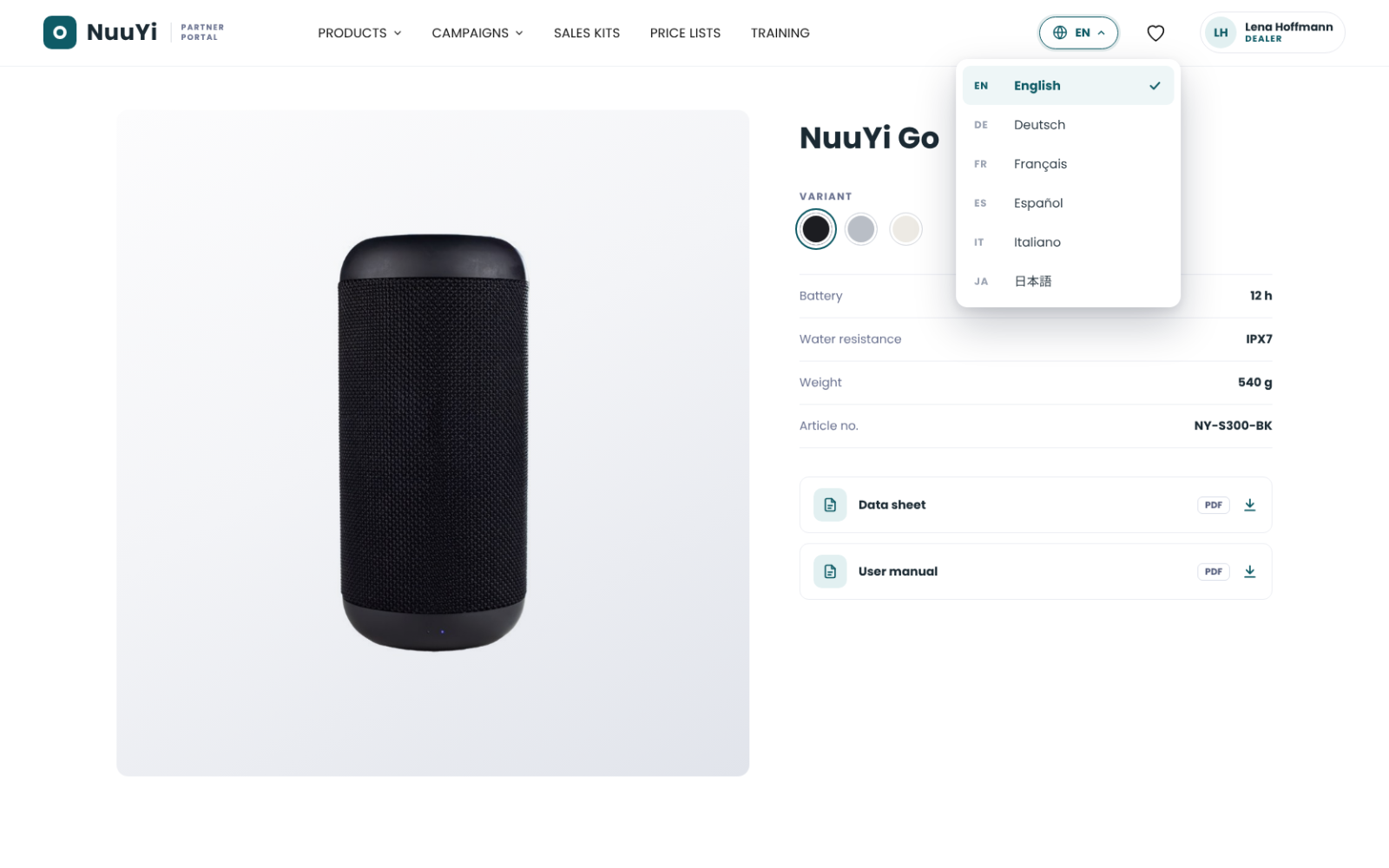
The same portal in the languages your channel works in.
Here are three of our public portals. OOCHIALI is our fictional sunglass brand, with the campaign kits and product shots a dealer would ask for; Evosembly is a media download center, the shape most partner portals start from. Open one in your browser, or connect your AI assistant to it and ask it something.
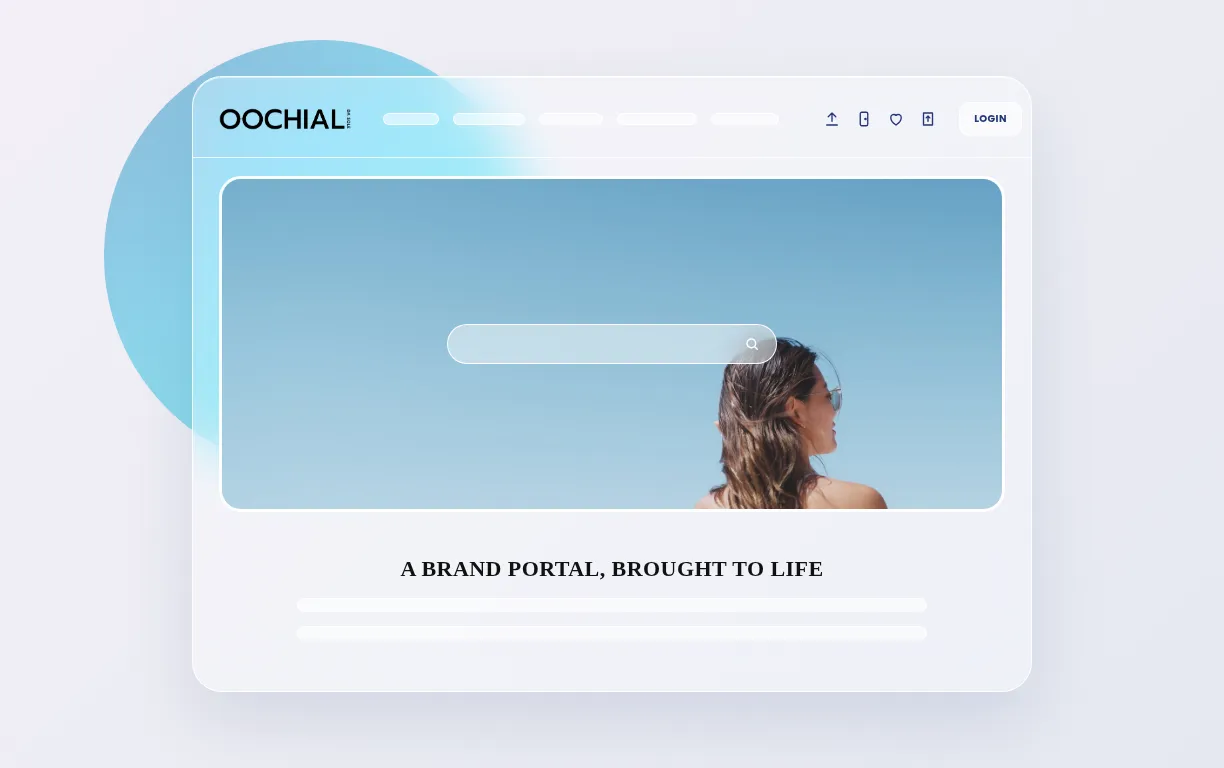
Our fictional sunglass brand: campaign kits, product shots and the rules a dealer works by.
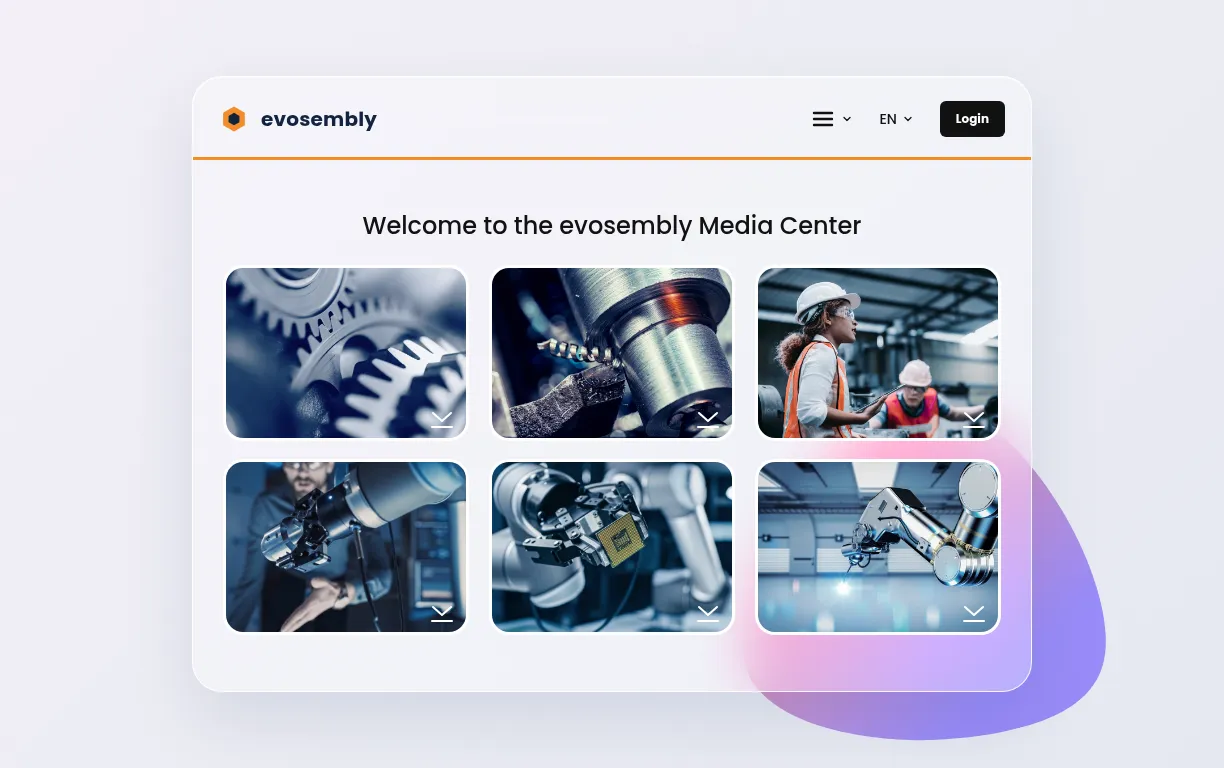
The media center of our fictional robotics maker, as most partner portals start from.
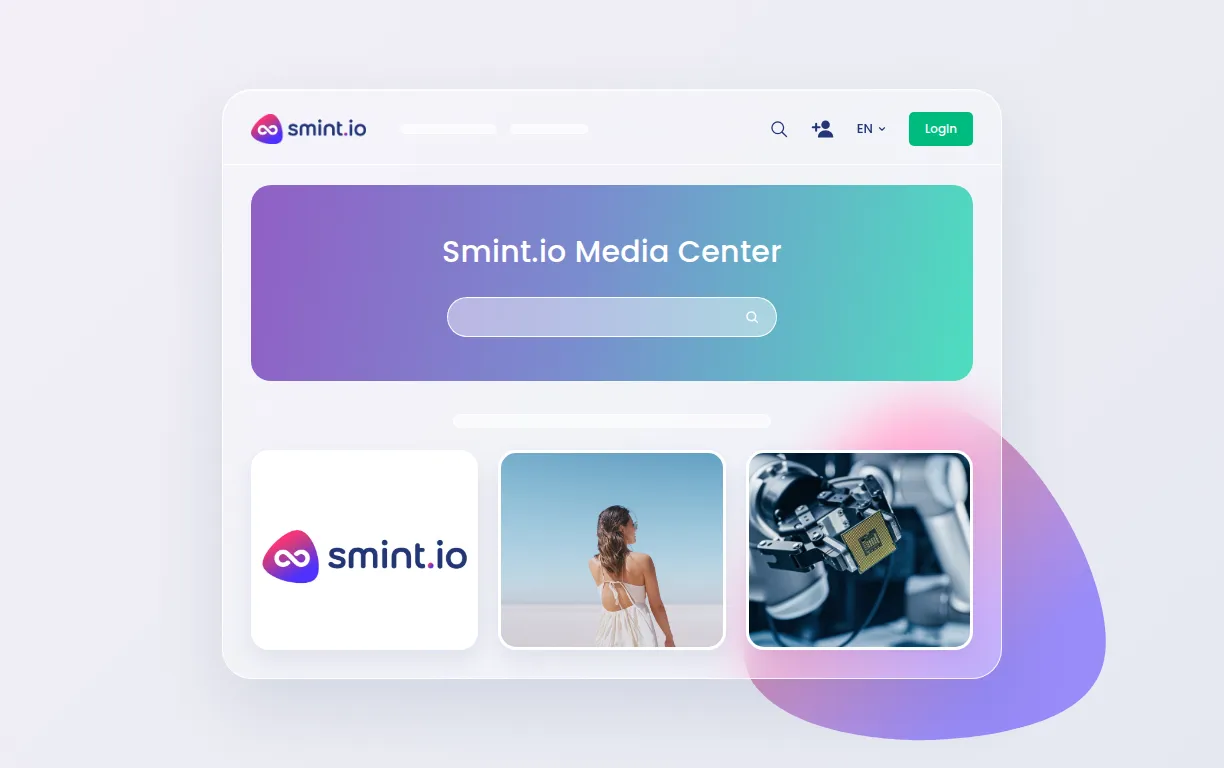
Our own media and brand portal.
Architects, dealers, agents, partners and press on one public resource center; each region sees its own content. Downloads +40 %.
Partners and press served by self-service; a media center and a press portal live in about a week.
Product information portals serving dealer shops, customer service and B2B audiences on one platform.

Initially, we thought of Smint.io only as a tool for distributors to find and download product images and marketing assets. But it quickly proved useful for compliance documents and art templates, used daily by both customers and internal teams.
No. Partners sign in with the identity they already have, through SSO with your PRM or their own company login, or with a local account where that is simpler. Areas you want open need no login at all.
Yes. Tier, region, language and program decide what a partner sees, from your metadata or from the groups your identity system already has, and nothing outside its release is visible, searchable or downloadable.
Yes. Connect PIM and DAM and the portal shows the product shot beside the specs, the variants and the documents, as one product, not as two systems.
Thousands. PCNA serves its distributor network from one portal inside its shop; LEICHT serves more than 1,000 partners in over 55 countries. Pricing counts audiences, not seats; see the pricing page.
Yes, any of them. Every portal exposes its own MCP server through Sminted AI, so a dealer's Claude, ChatGPT, Copilot or own agent reads the product content, the price lists and the releases behind them with exactly that partner's permissions. Whatever your partners build or automate on top, the partner portal is its single source of truth.