
Search inside the documents
Manuals, guides, release notes, data sheets: one search finds the passage, not just the file, by keyword or in plain words, PDFs included.

One documentation portal serves three audiences: your customers reading on the web, their AI assistants reading over MCP, and your own AI. It includes all assets you already keep in SharePoint, the ECM or your product systems. For software vendors first, and for every company whose product comes with documents.
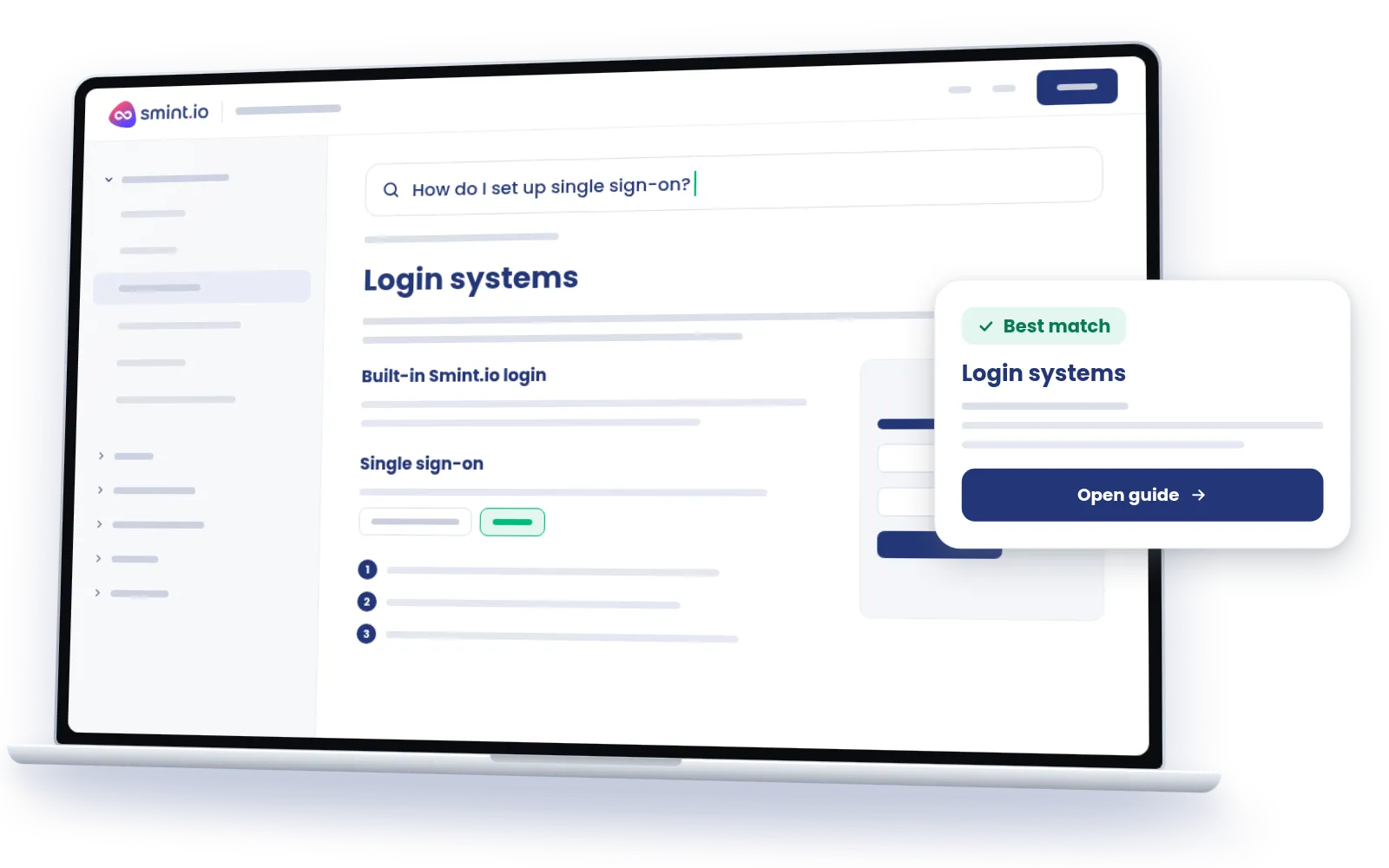
Software vendors live on their documentation, and so do manufacturers with manuals and data sheets. The portal takes what is written once and makes it readable everywhere: searched in plain words, found on the product and scoped per audience.
Manuals, guides, release notes, data sheets: one search finds the passage, not just the file, by keyword or in plain words, PDFs included.
The guide on the feature, the manual on the product, the data sheet on the variant, the certificate on the batch. The semantic model relates them, so readers arrive from the product, not from a folder.
Every documentation portal exposes its own MCP server, so your customers' AI assistants read the same documentation as your customers, with the same permissions, over content Sminted AI has prepared for AI.
Customers, partners and staff see their scope, public or signed in, per area, derived from the documents' own metadata. Nothing is published twice.
Connect Claude, ChatGPT, Copilot or any MCP client to your documentation portal, and your customers' assistants read it as your customers do: how do I set up SSO with Okta in this release, which safety data sheet applies to this batch and is there an Italian one. The portal's own MCP server answers with that reader's permissions, over content Sminted AI has prepared for AI. Your own AI can work with the same portal, as ours does in the Smint.io backend. With Sminted AI, the assistant answers the way your documentation team would.
How Sminted AI works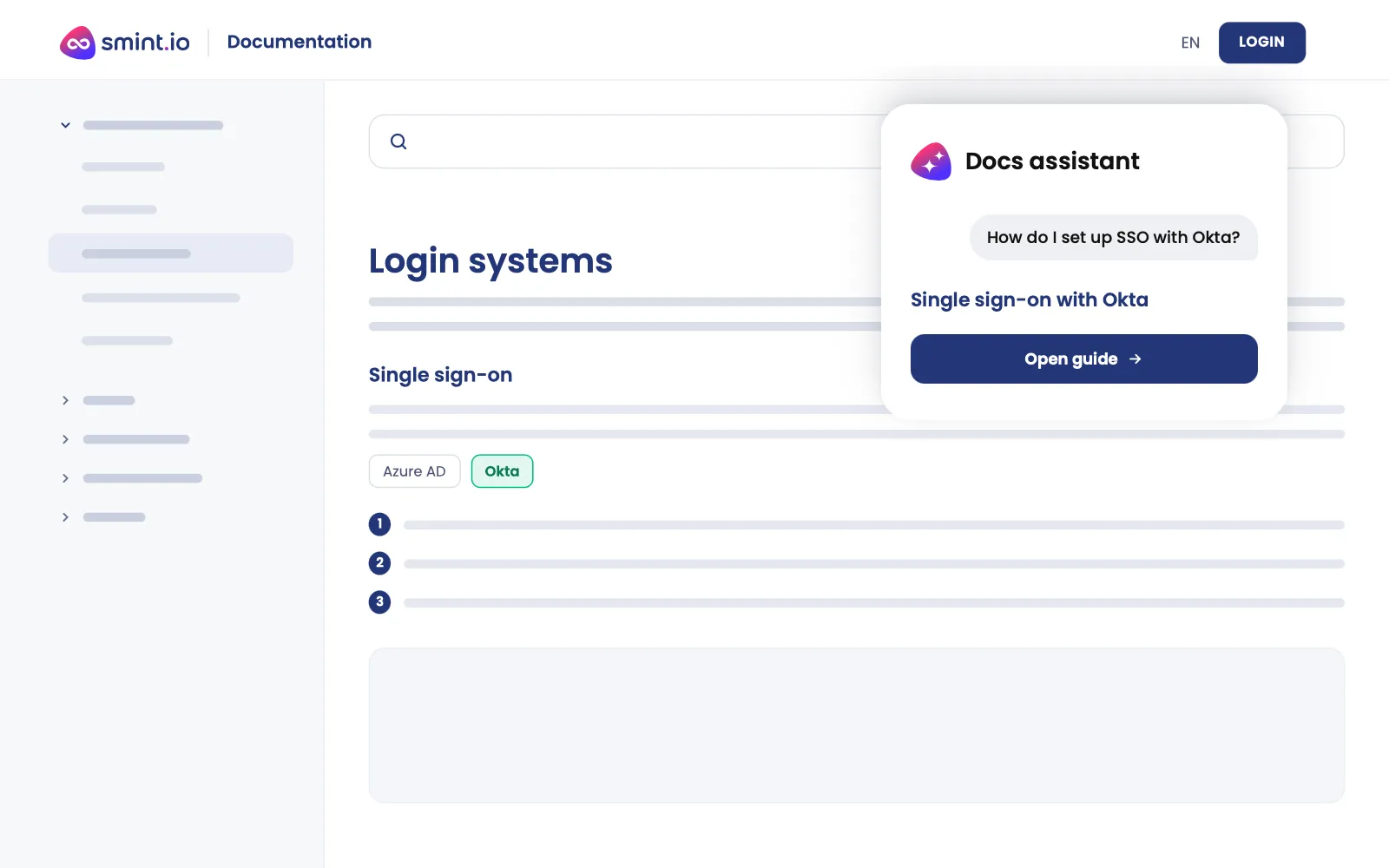
01
SharePoint, the ECM, cloud drives, your product systems, wherever the documentation is managed today. The semantic model relates documents to products, features, versions and assets.
02
A finished documentation portal in days, no code. Your brand, your product structure, natural-language search over everything, an MCP server of its own.
03
Customers, partners and staff, each with their own scope, public or signed in, per area. Their AI assistants read the same documentation with the same permissions.
Smint.io is a software vendor, and our product documentation runs on this portal type, based on SharePoint. Customers read it on the web and ask it questions in plain words. Their AI clients read the same documentation over the portal's own MCP server while they build. And the AI assistant in the Smint.io backend works with the same portal, next to its other sources, to do the right thing. One documentation, prepared for AI by Sminted AI, serving all three.
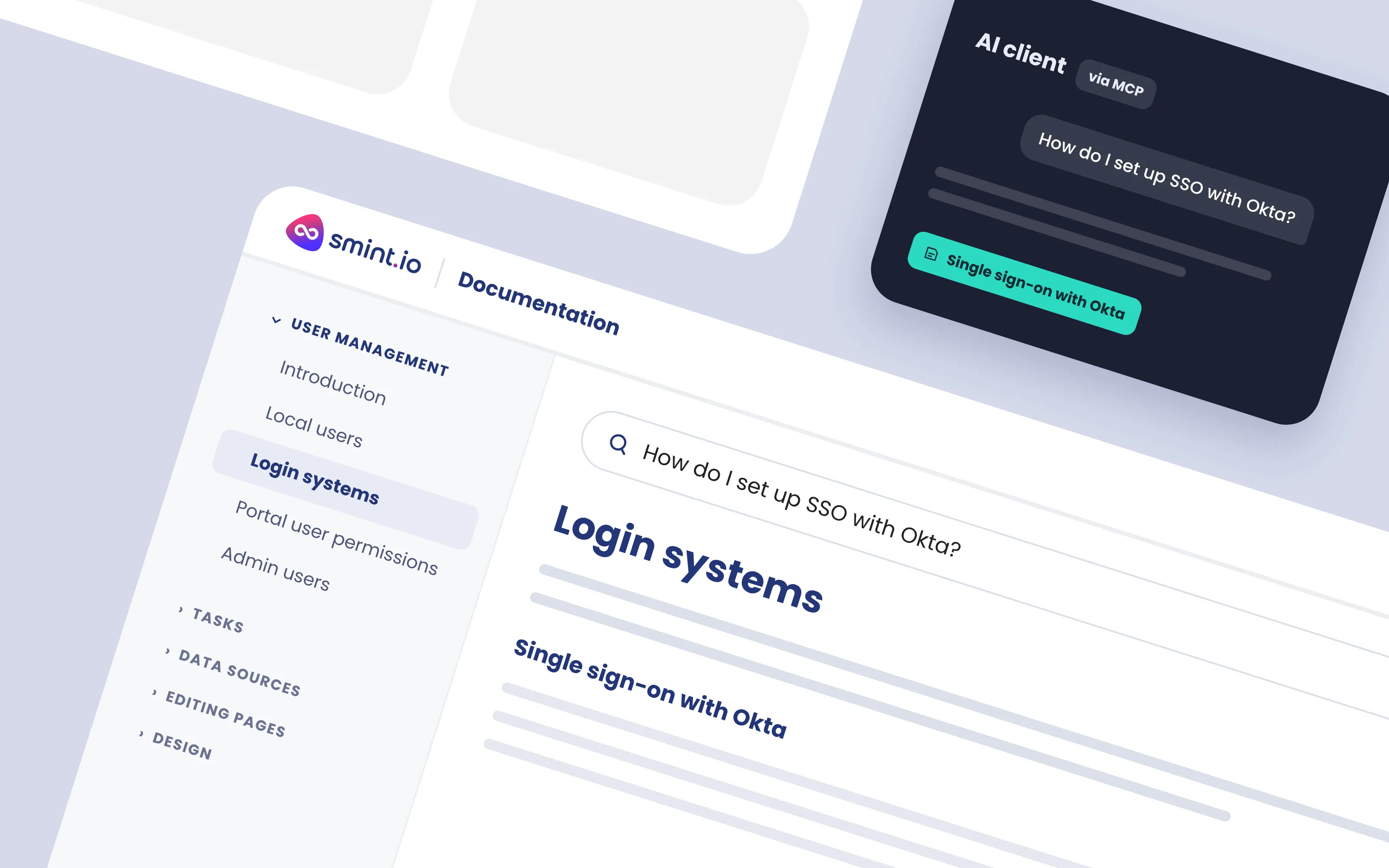
Screens from our own documentation portal, the one our customers and their AI clients read.
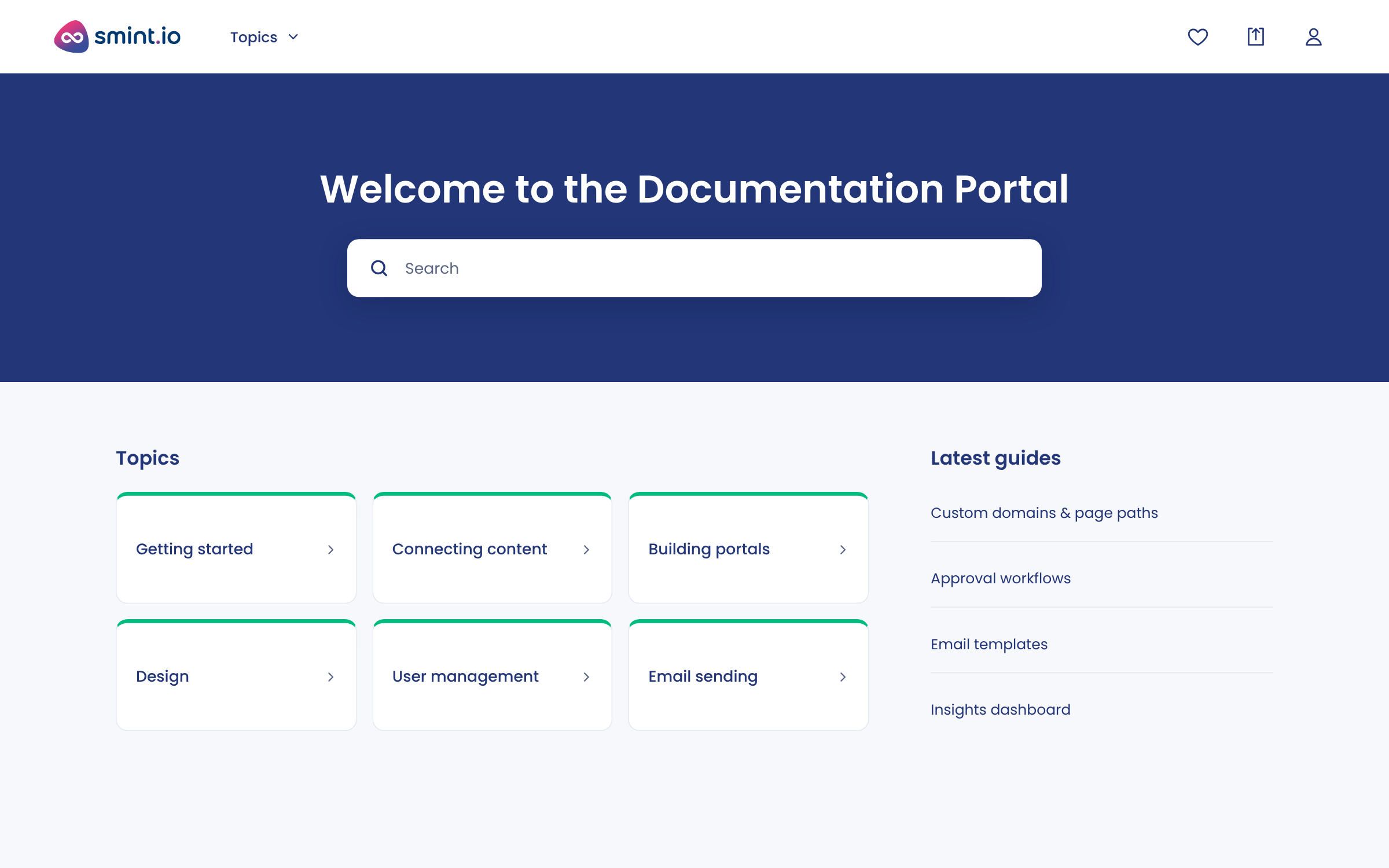
The documentation portal's front page: topics, latest guides, search.
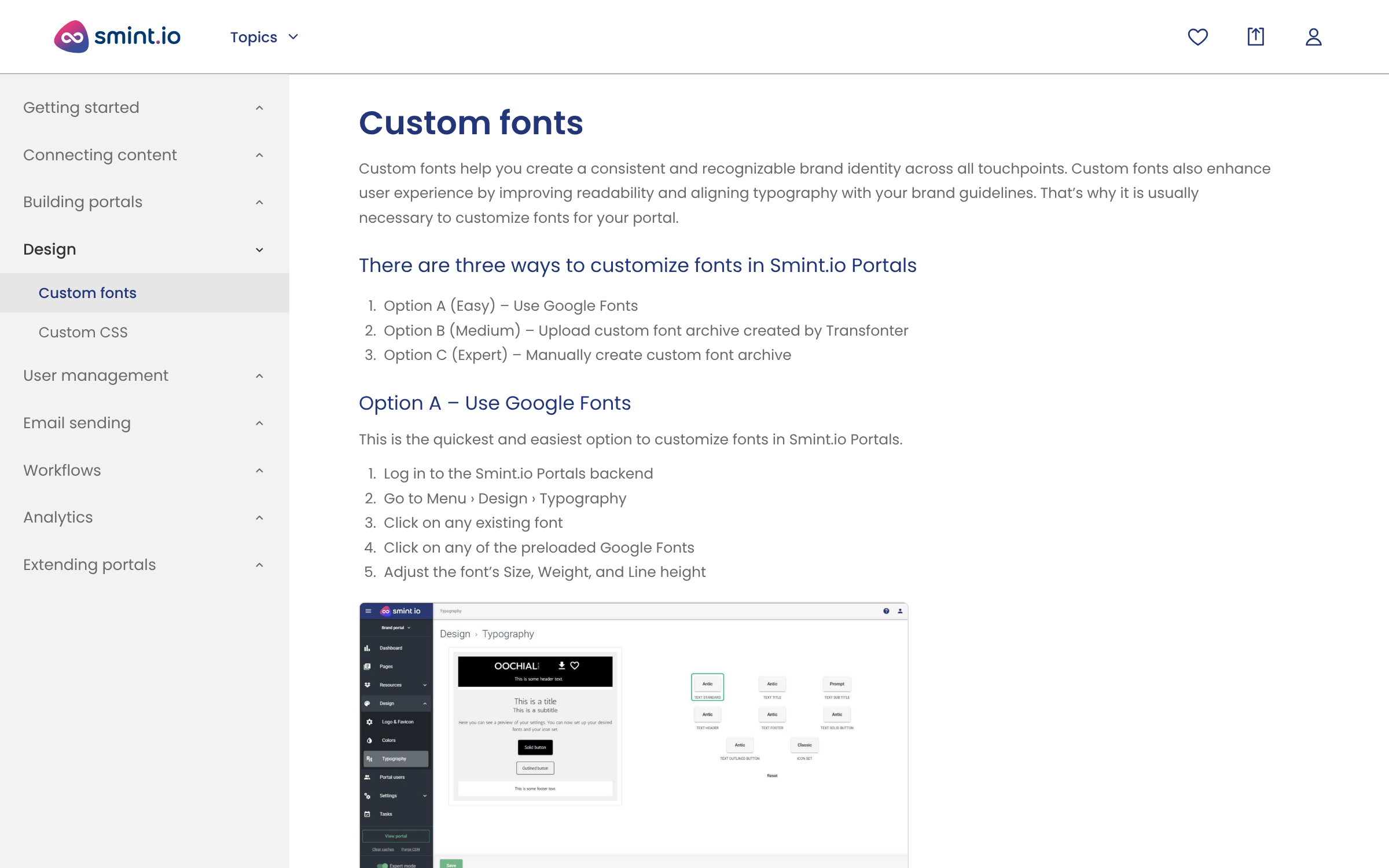
A step-by-step guide with screenshots, three methods from easy to expert.
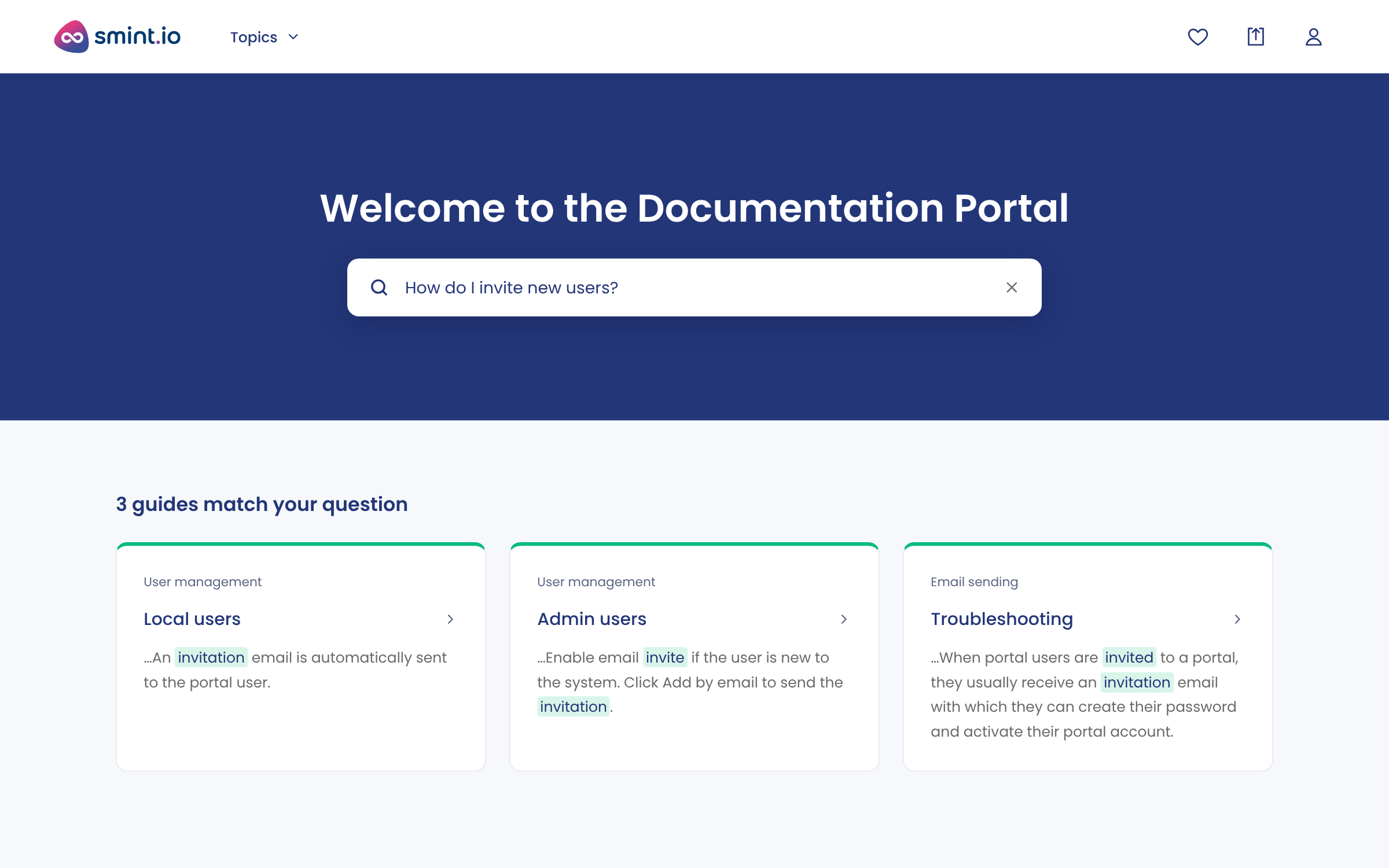
A question in plain words, the matching guides and the passages inside them.
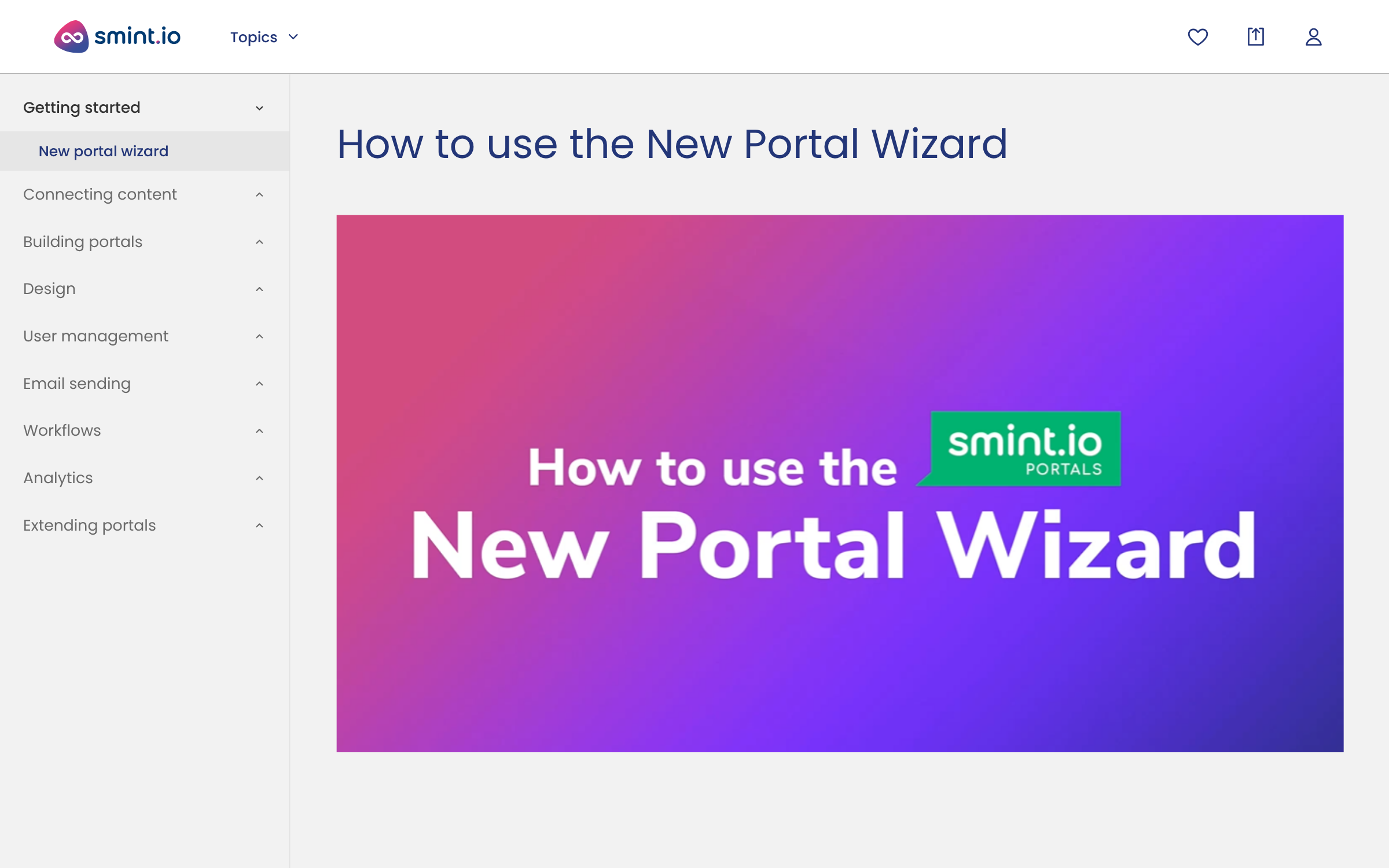
Short videos beside the written guide, for the people who prefer watching.
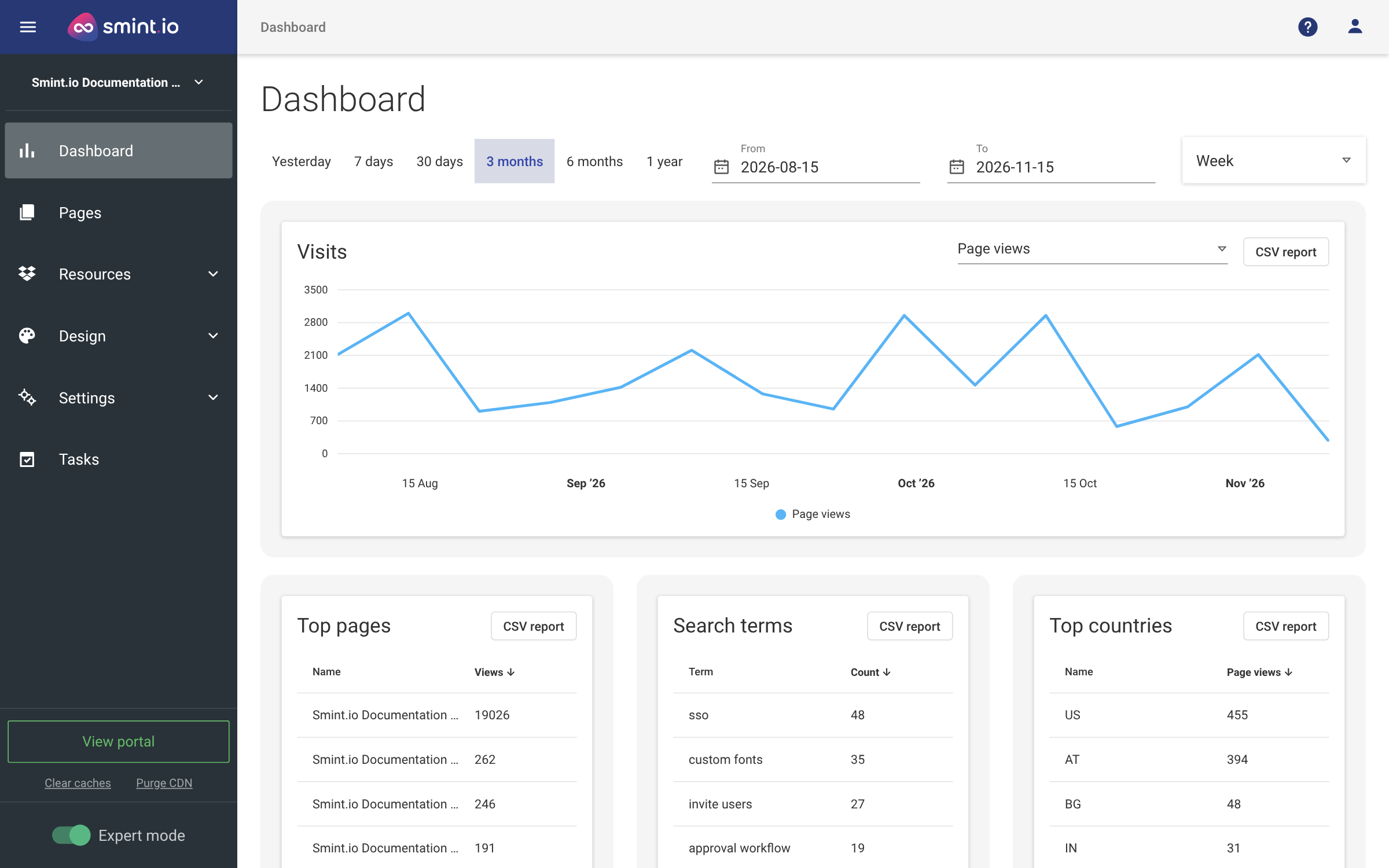
Which pages are read, what people search for and do not find.
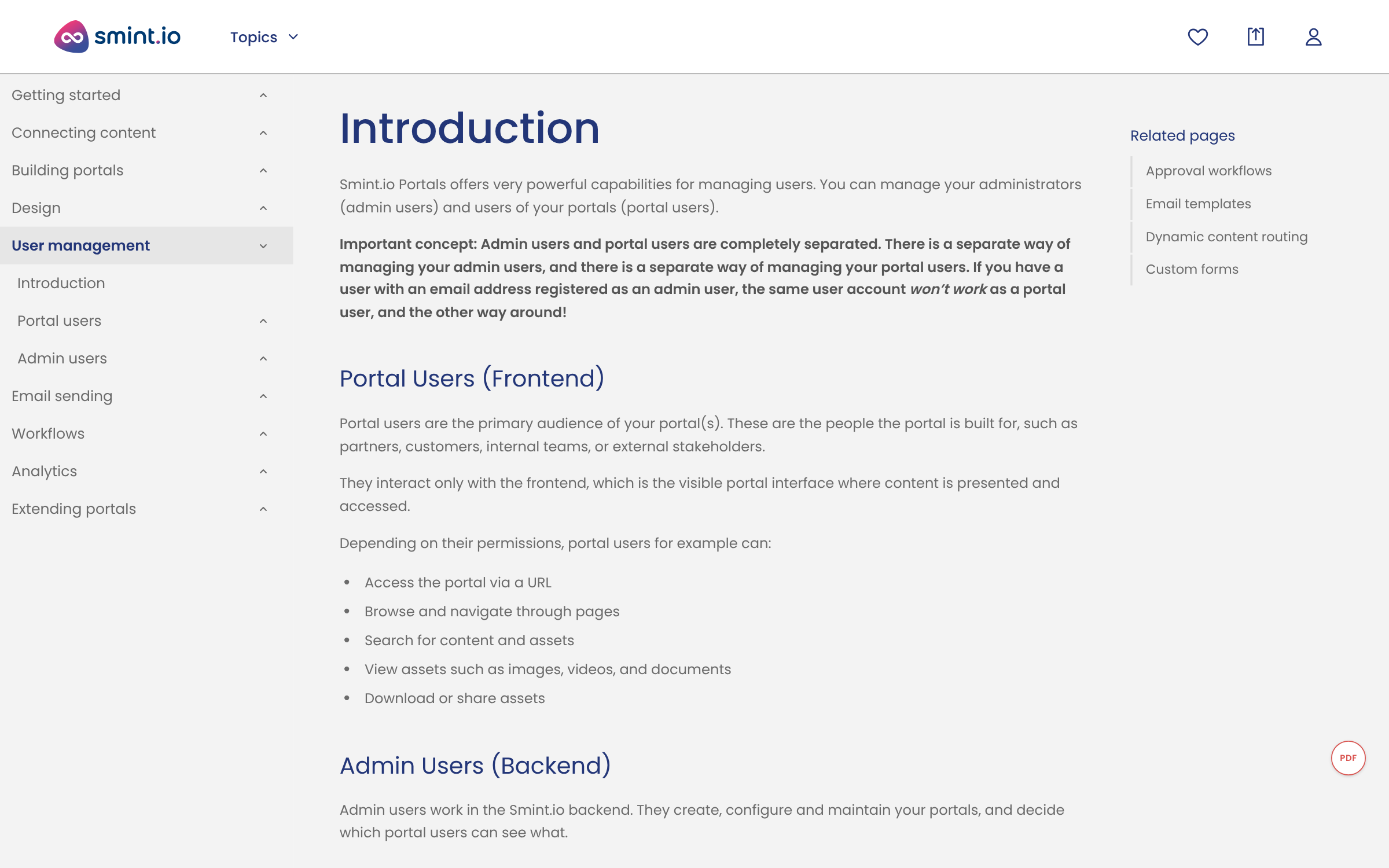
Guides grouped by product area, with the related pages beside them.
Here are three of our public portals. Our own documentation portal is the one this page is about, still growing: guides, tutorials and videos, readable by your AI client. Evosembly, our fictional robotics maker, carries technical specifications beside its product shots; our media center holds what we publish. Open one in your browser, or connect your AI assistant to it and ask it something.
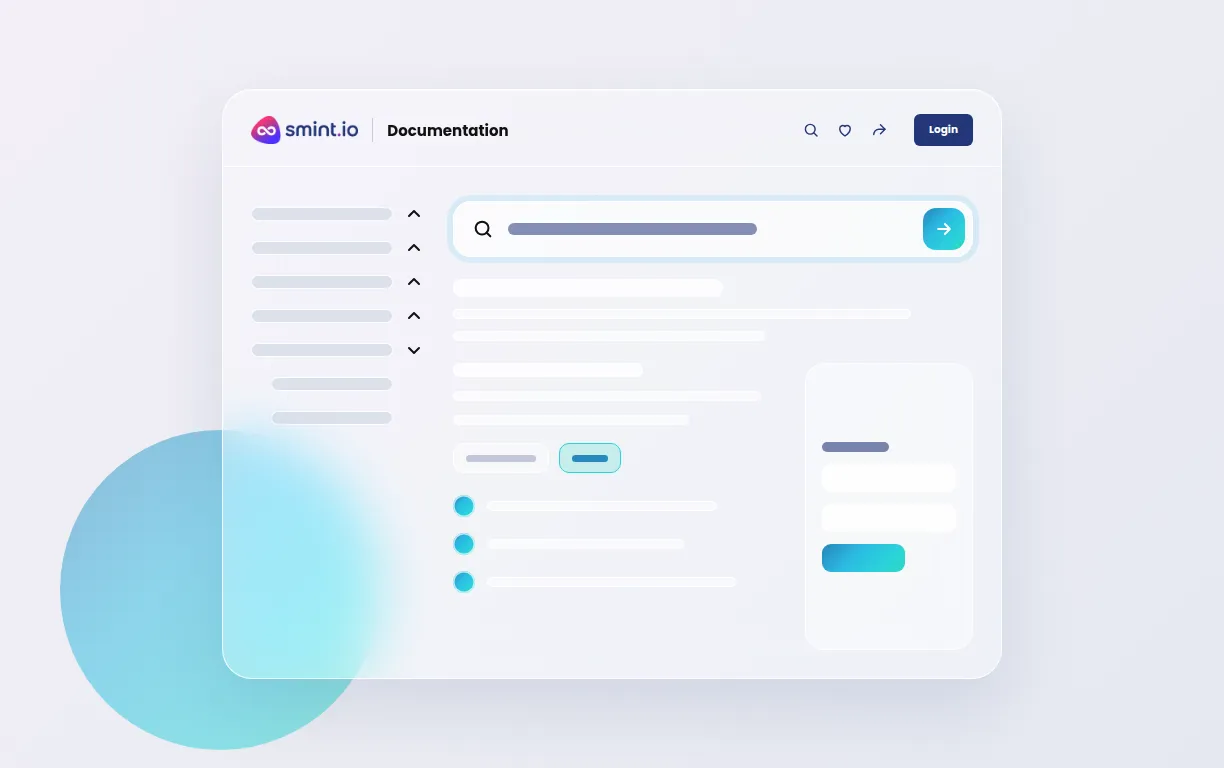
Our own product documentation: guides, tutorials and videos based on SharePoint, readable by your AI client.
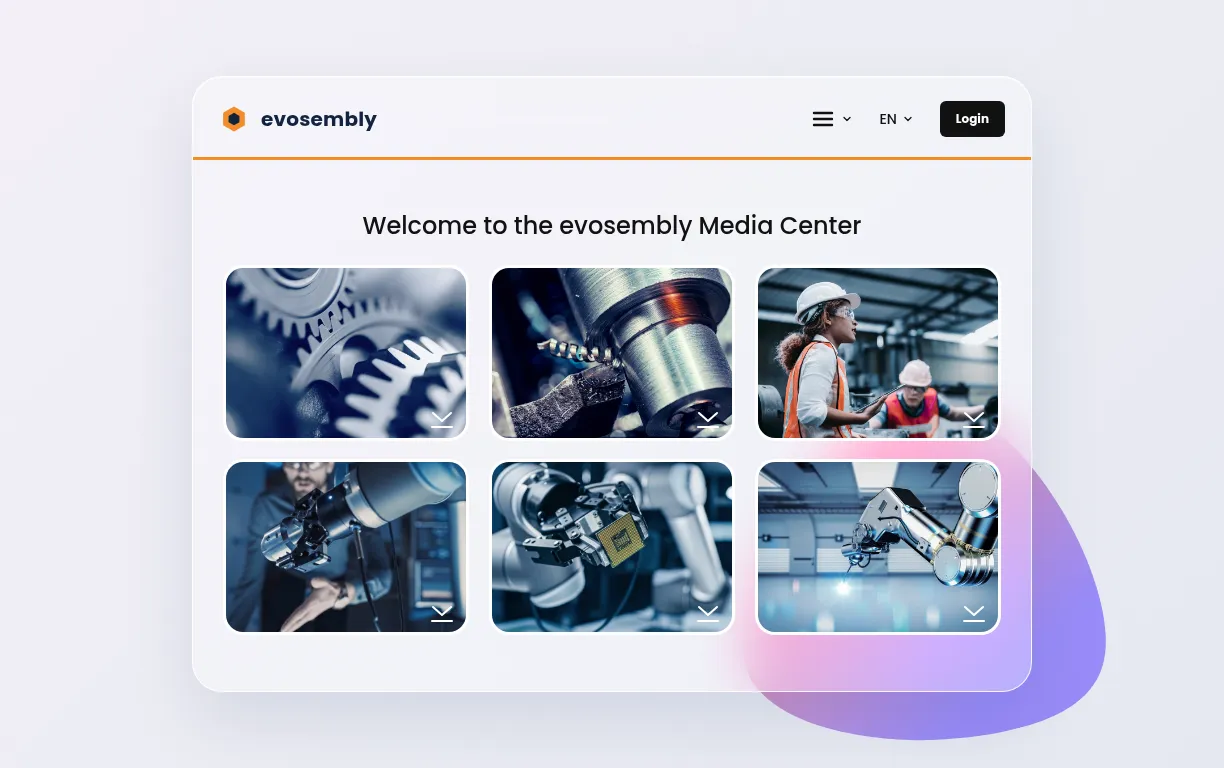
Our fictional robotics maker: product lines, technical specifications, product shots.
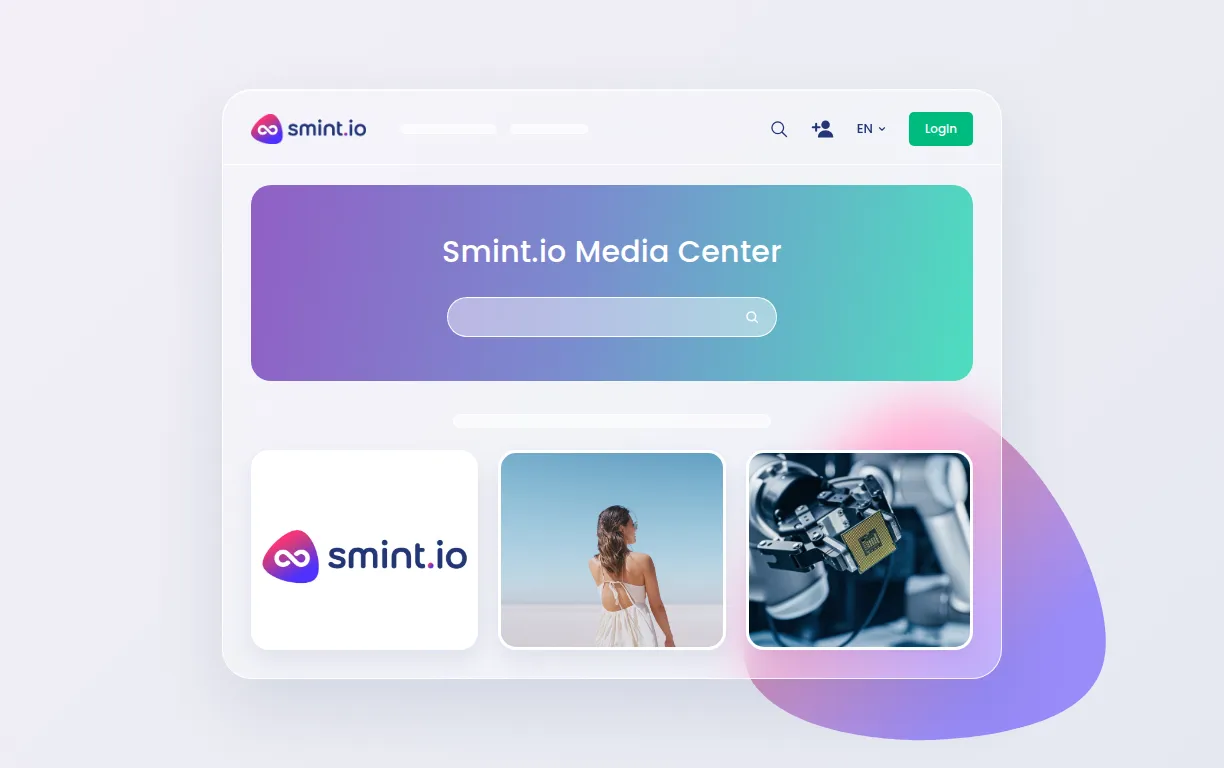
Our own media center: product images, videos, webinars.
Our own product documentation based on SharePoint, read by customers on the web and by their AI clients over MCP, and part of what the AI assistant in the Smint.io backend works with.
An e-learning portal for the training department on the DAM and SharePoint together, live in about two weeks; one of seven portals on one platform.
Product information portals for customer service and dealers where spec sheets, manuals and certificates sit on the product they belong to, on the group's own middleware.
What problems is Smint.io Portals solving and how is that benefiting you?
Smint.io Portals lets us finally provide the right content to the right stakeholders.
No. The documents stay where they are written and managed; the portal reads them there, indexes the text inside them, PDFs included, and relates them to your products and features. Bystronic's training department launched an e-learning portal on its DAM and SharePoint together in about two weeks, without moving a file.
Yes. Access is set per area, public or signed in, and can be derived from the documents' own metadata: a customer sees the user guides, a service partner the service manuals as well, staff the internal notes. Each reader's AI assistant sees exactly the same scope.
The semantic model relates every document to the product, feature, variant or version it belongs to, including relations that exist in none of the source systems. Readers browse the product tree or ask in plain words, and land on the guide for their release, not a similar one.
The portal shows the version the source holds now, near real-time; superseded versions do not linger in a copy. Languages come from the source's localised fields, so each market reads its documentation in its own language, the same structure throughout.
Yes, any of them. Every portal exposes its own MCP server through Sminted AI, so Claude, ChatGPT, Copilot or a customer's own agent reads the documentation with exactly the permissions that reader has, from the current document, over content Sminted AI has prepared for AI. Whatever your customers build or automate on top, the documentation portal is its single source of truth.