
The whole product, from all your systems
The PIM has the data, the DAM the imagery, the ECM the documents, the ERP the prices and the stock. The portal shows them as one product, related items included, and one search finds all of it.

A product information portal is the experience on top of the systems you already run, PIM, DAM, ECM, ERP or your own middleware. Everything about a product in one place, for customer service, dealers, sales and markets, and nothing replaced.
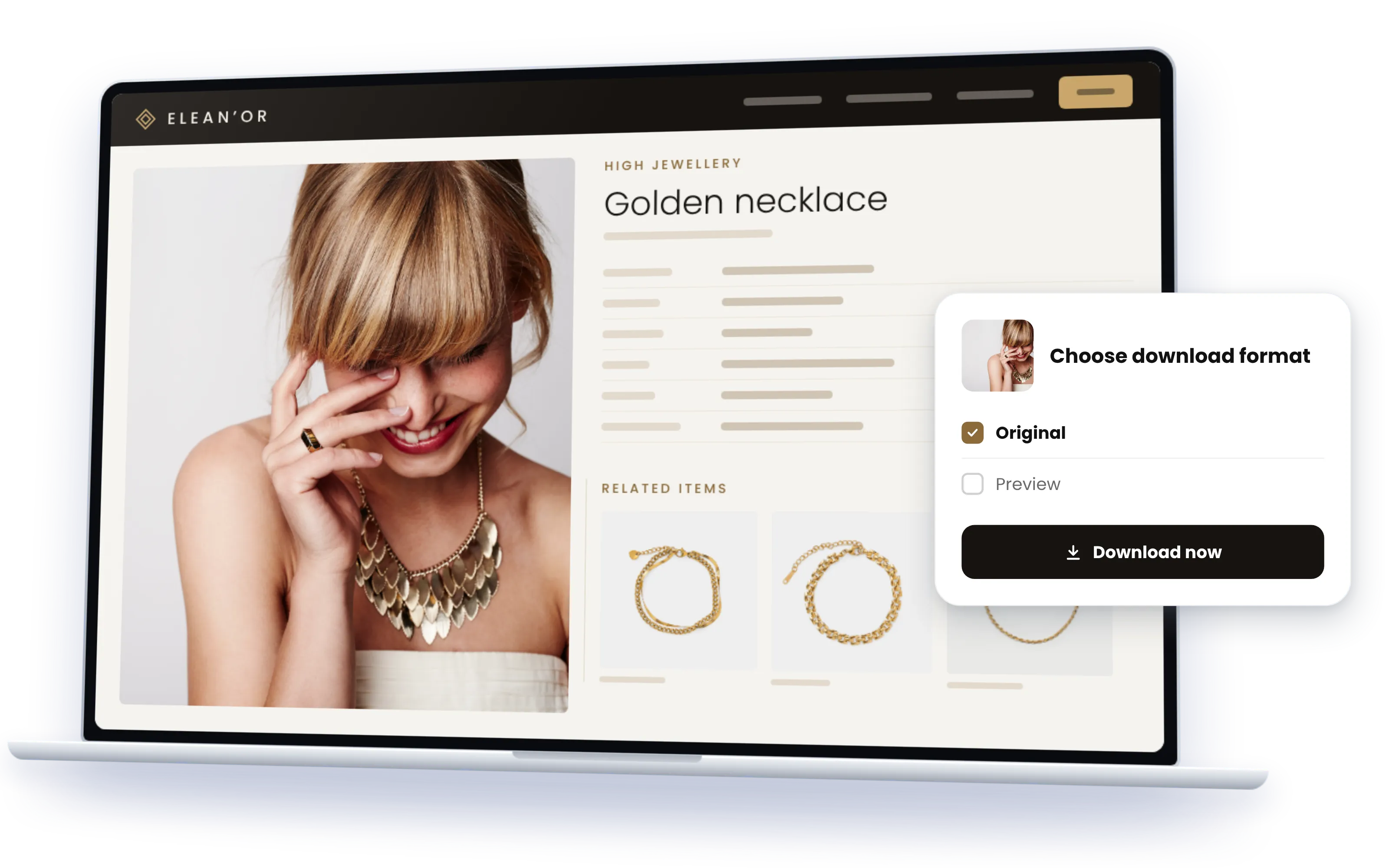
The product information exists; it is spread across PIM, DAM, ECM and ERP. The portal gives every audience one complete view across all of them, so nobody puts a customer on hold to look in a second system.
The PIM has the data, the DAM the imagery, the ECM the documents, the ERP the prices and the stock. The portal shows them as one product, related items included, and one search finds all of it.
Dealers see dealer prices, customer service sees stock and service documents, a market sees its languages. Views are set per audience, field by field; cost and margin never leave the source.
Variants, accessories, spare parts, compatibilities: deep product hierarchies become something a service agent navigates on a call, from the product to the part that fits.
Near real-time from the source systems. No spreadsheet exports, no zip files, and the price list is never last month's.
Connect Claude, ChatGPT, Copilot or any MCP client to your product information portal. The portal answers the questions a service agent used to chase across several systems: the part that fits the 2019 model, the stock of the two-metre version in blue, the spec sheet in French. A dealer's assistant asks the same portal with the dealer's view, through the portal's own MCP server, with exactly the fields that person may see. With Sminted AI, the assistant answers the way your product team would.
How Sminted AI works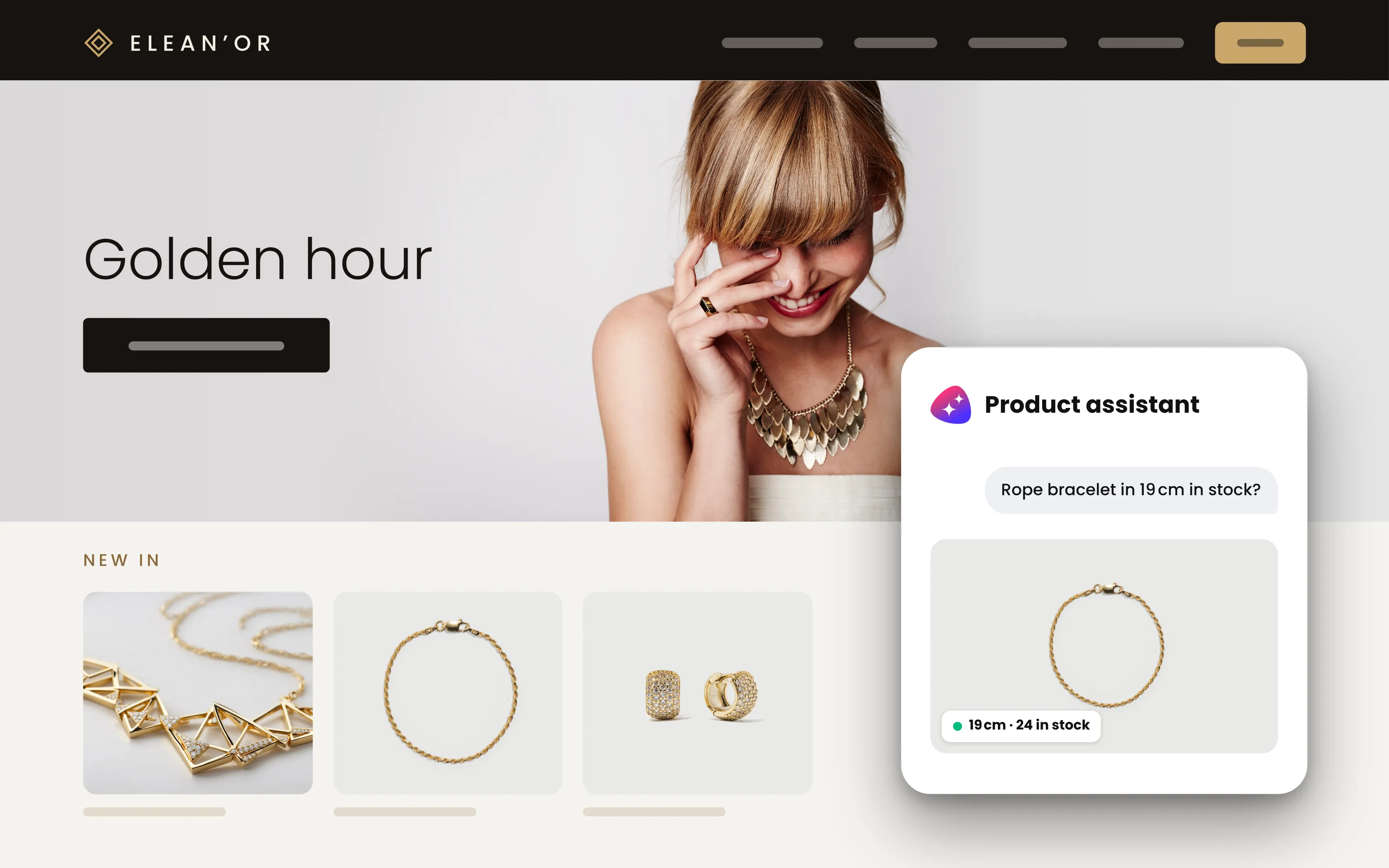

01
PIM, DAM, ECM, ERP or other systems. The platform maps them onto one semantic model that understands products, variants, assets, documents and their relations.

02
A finished product information portal in days, no code. Your brand, your product structure, your audiences.

03
Each audience its own view of the same products; your shop and downstream systems get the same data via API.
At Arper, the furniture design company, architects, dealers, agents, partners and press needed product imagery and product information that live in two systems, the Thron DAM and the Thron PIM. Today the two are joined on one foundation. On top sits a public resource center where each product comes with its imagery, its information and generated product sheets, and each region sees its own content. An employee portal sits beside it, fed from the same basis. Downloads went up by 40 %.
Read the story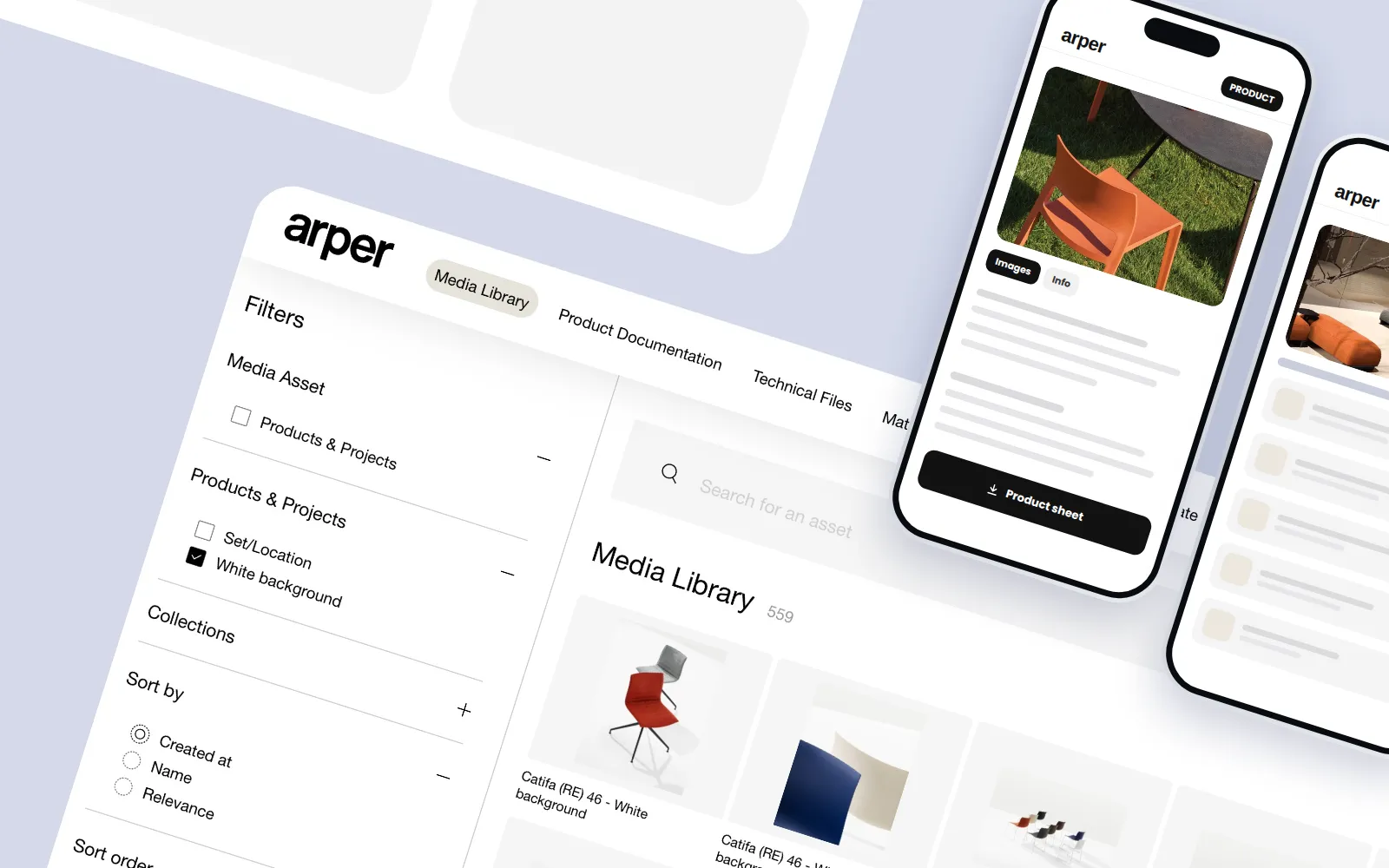
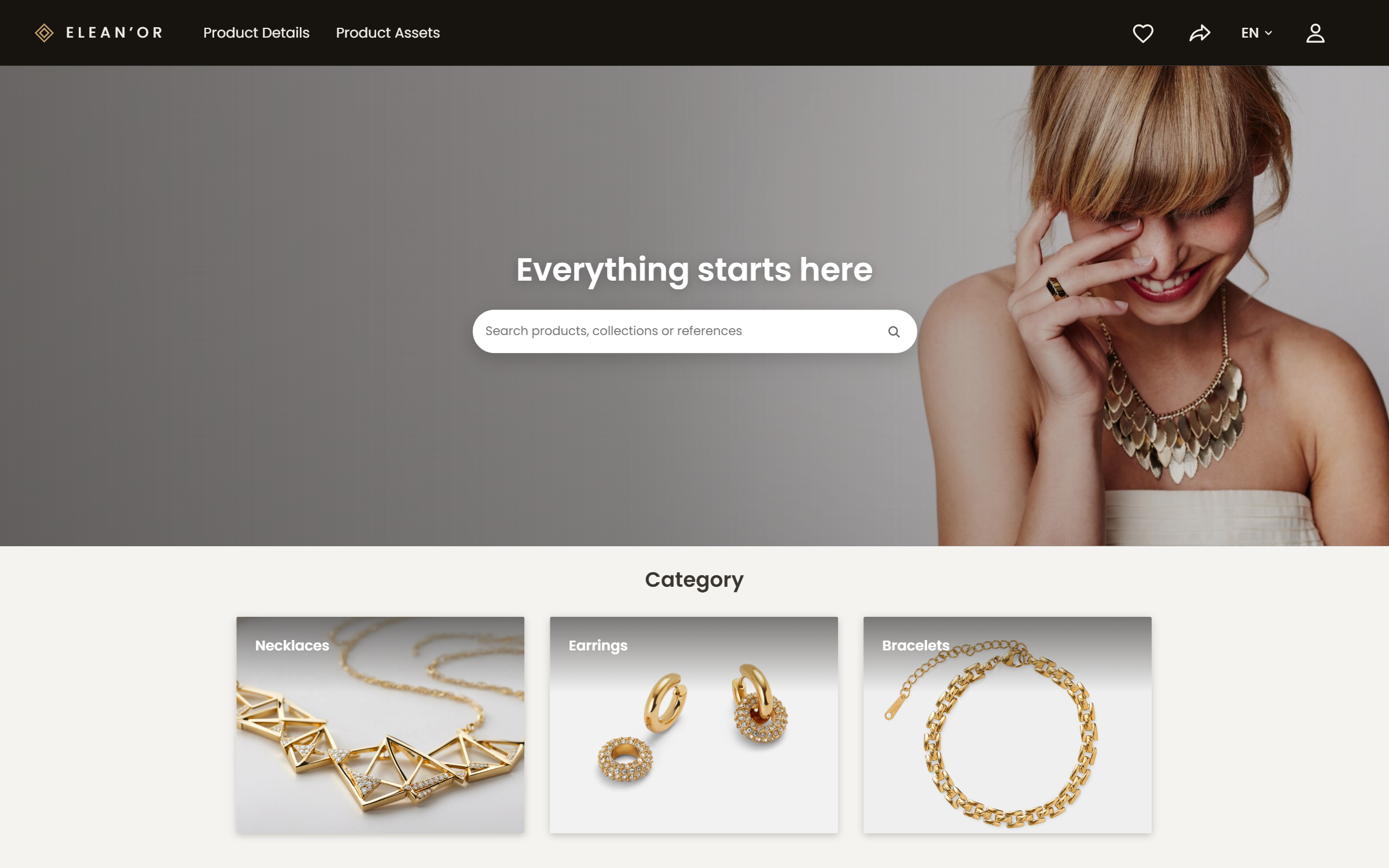
Screens from a real customer's product information portal, a global luxury group serving customer service, dealer shops and B2B. Logo, colours and product imagery were anonymized using AI; structure and functions are the customer's.
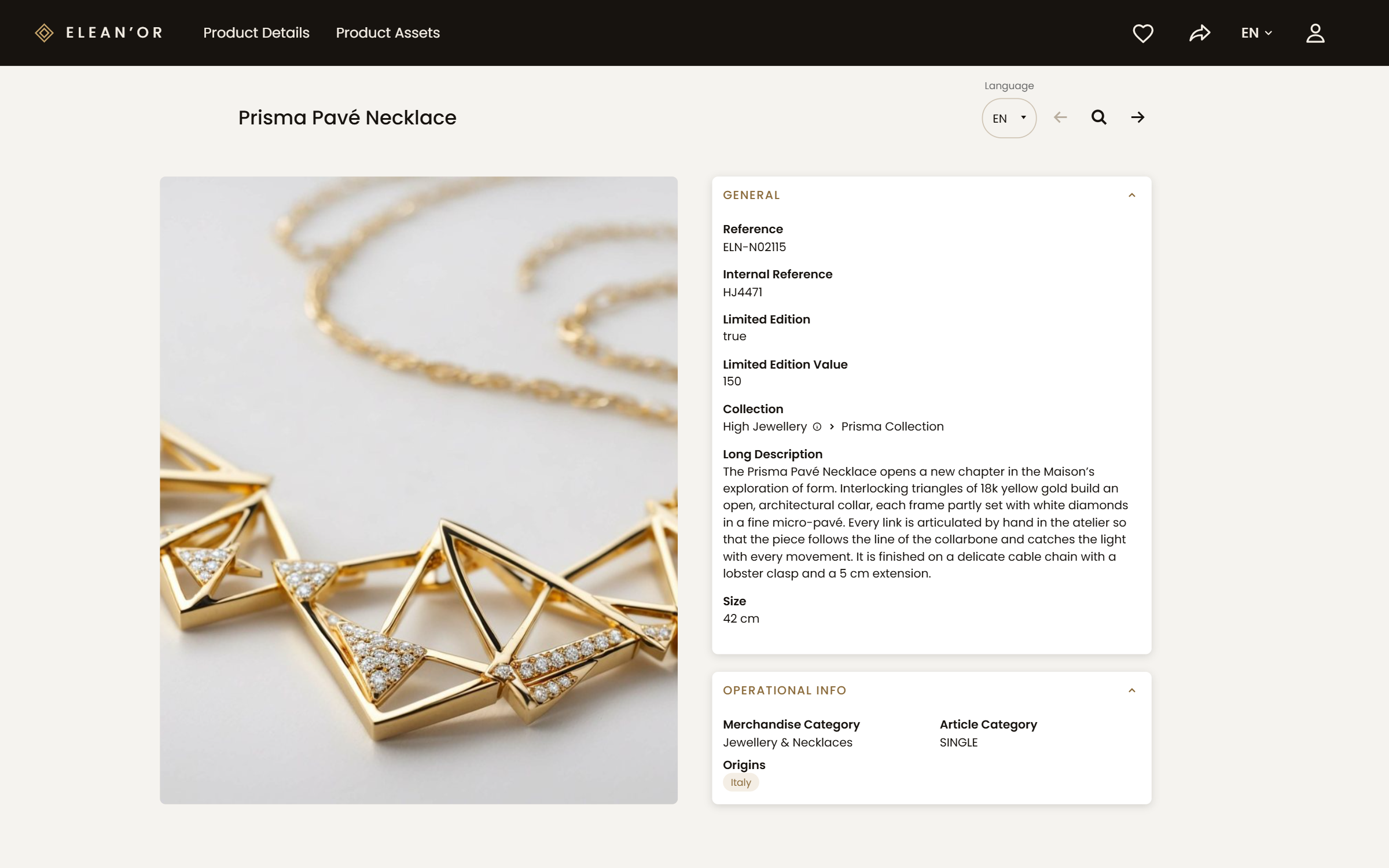
Data, imagery, documents and related items from several systems on one page.
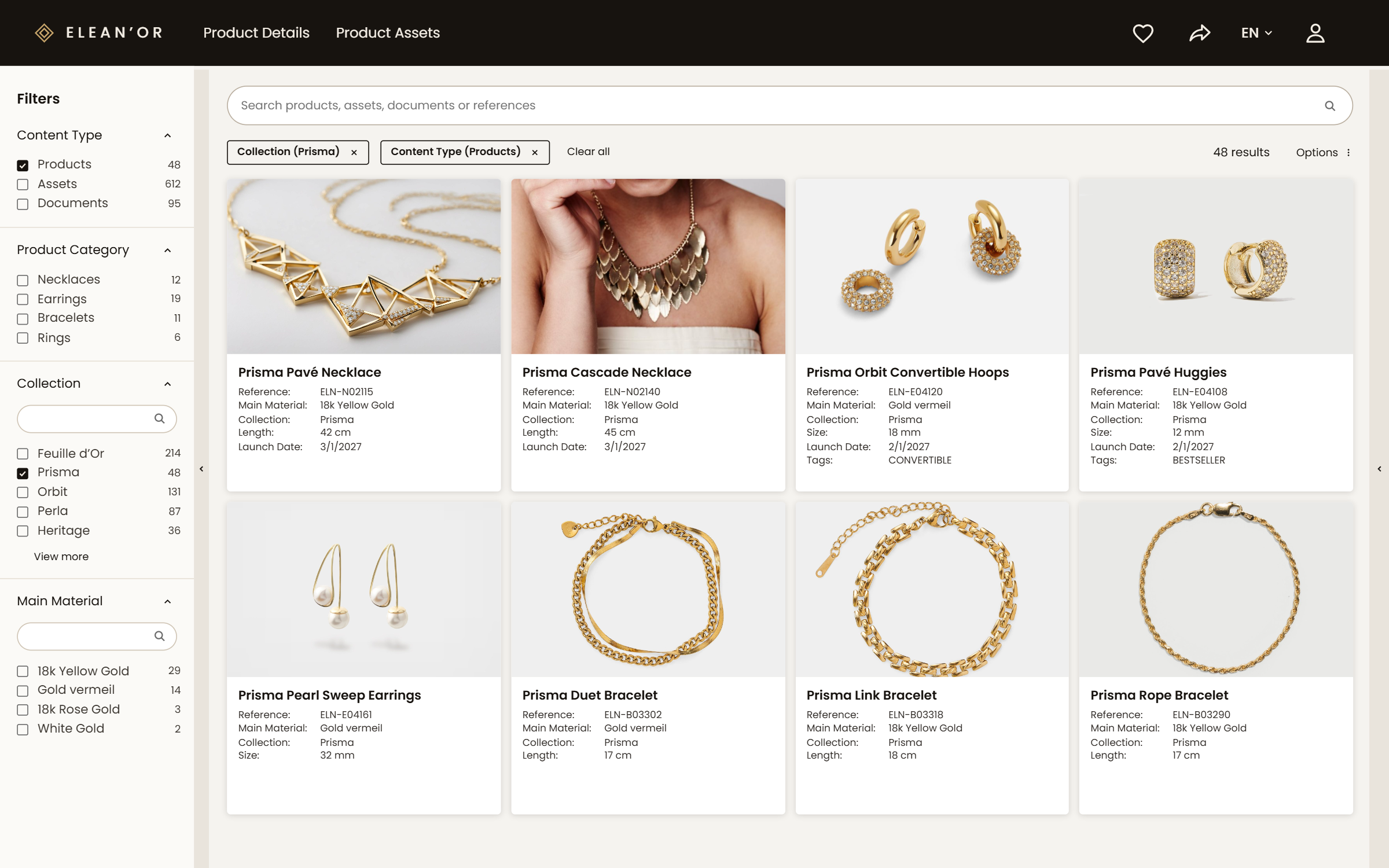
Across products, assets and documents, with filters from your own product structure.
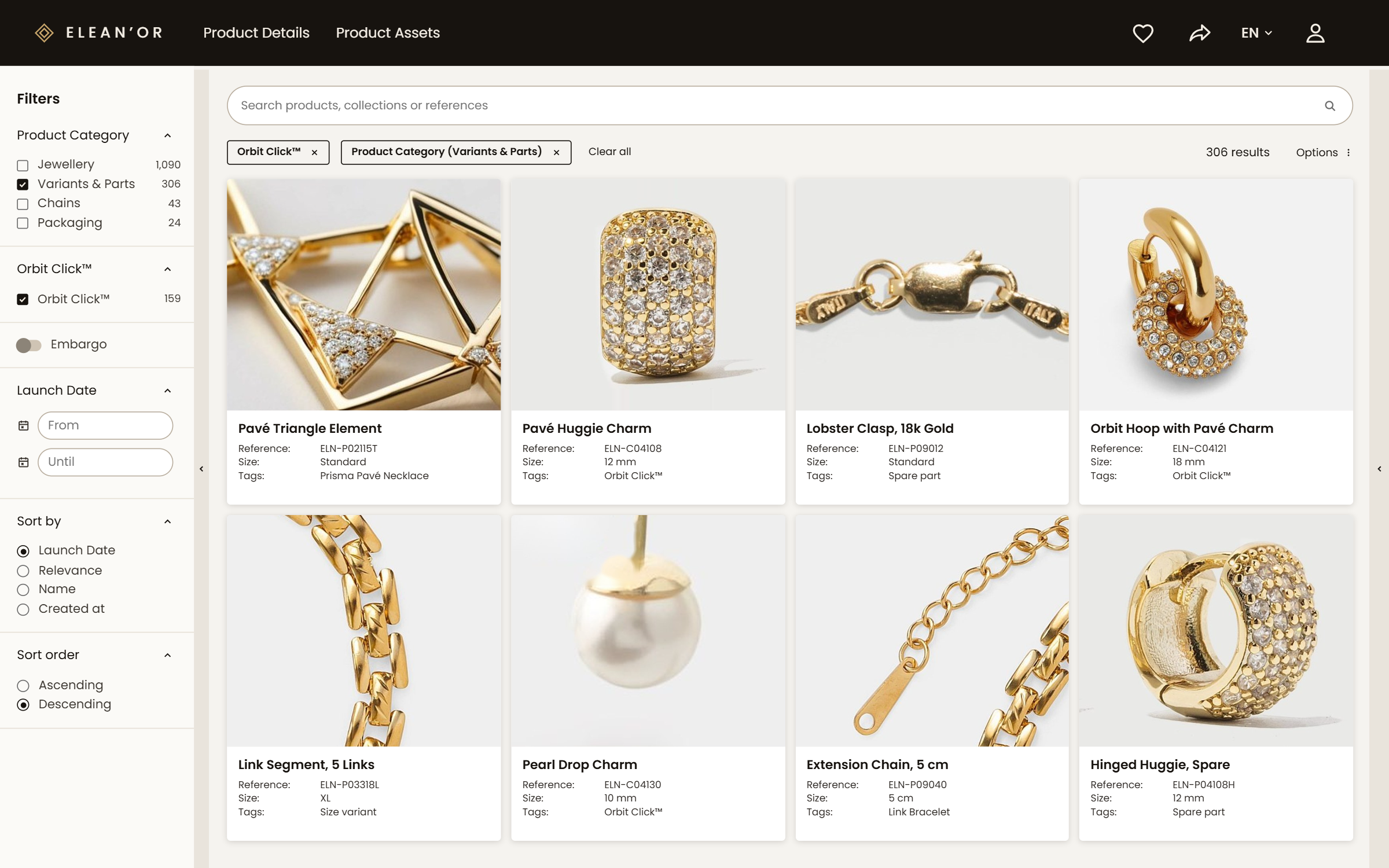
Colours, sizes, accessories and spare parts, navigable from the product.
A dealer's view with dealer prices; a service view with stock and service documents.
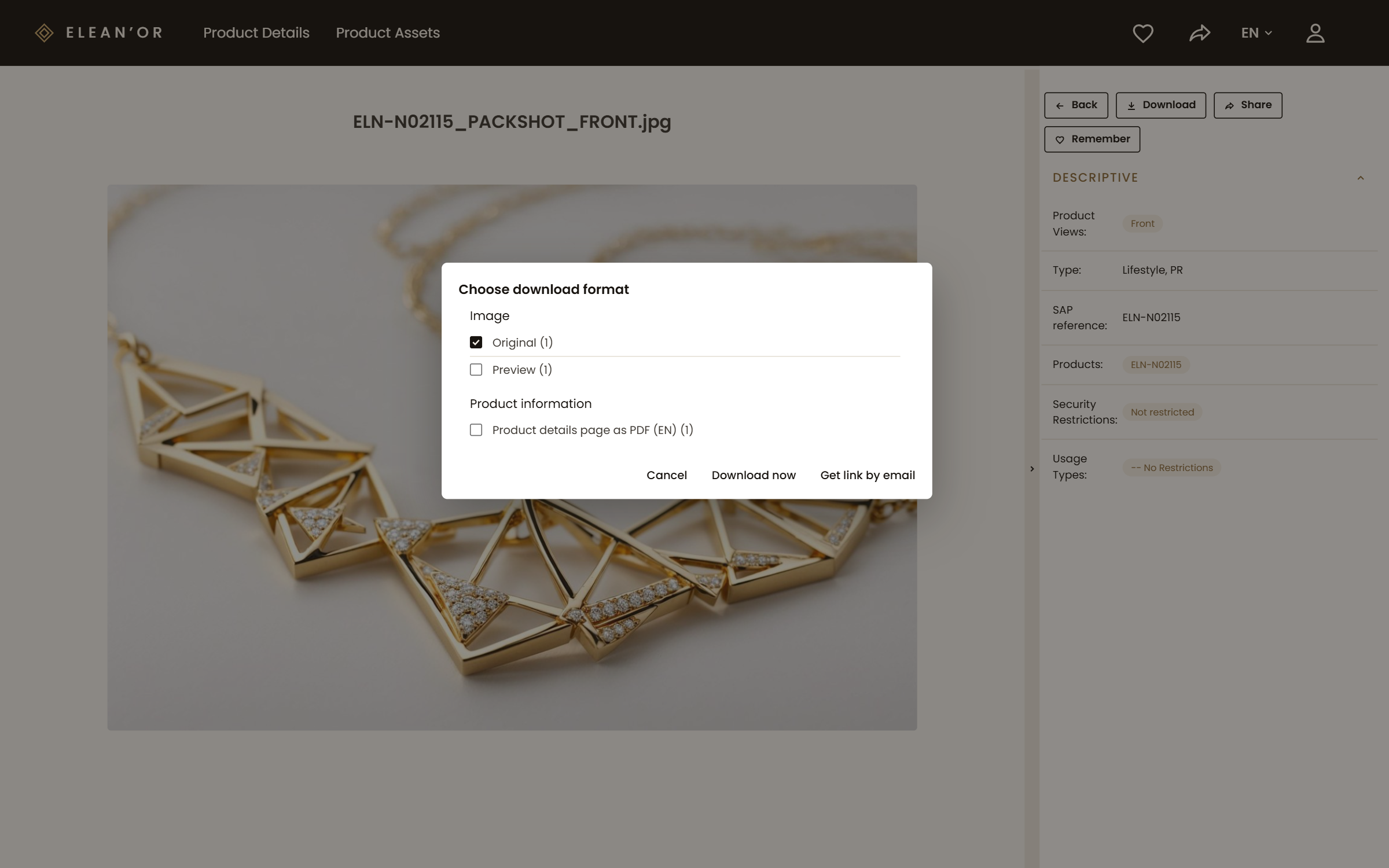
Spec sheets, manuals, certificates and images, in the right format.
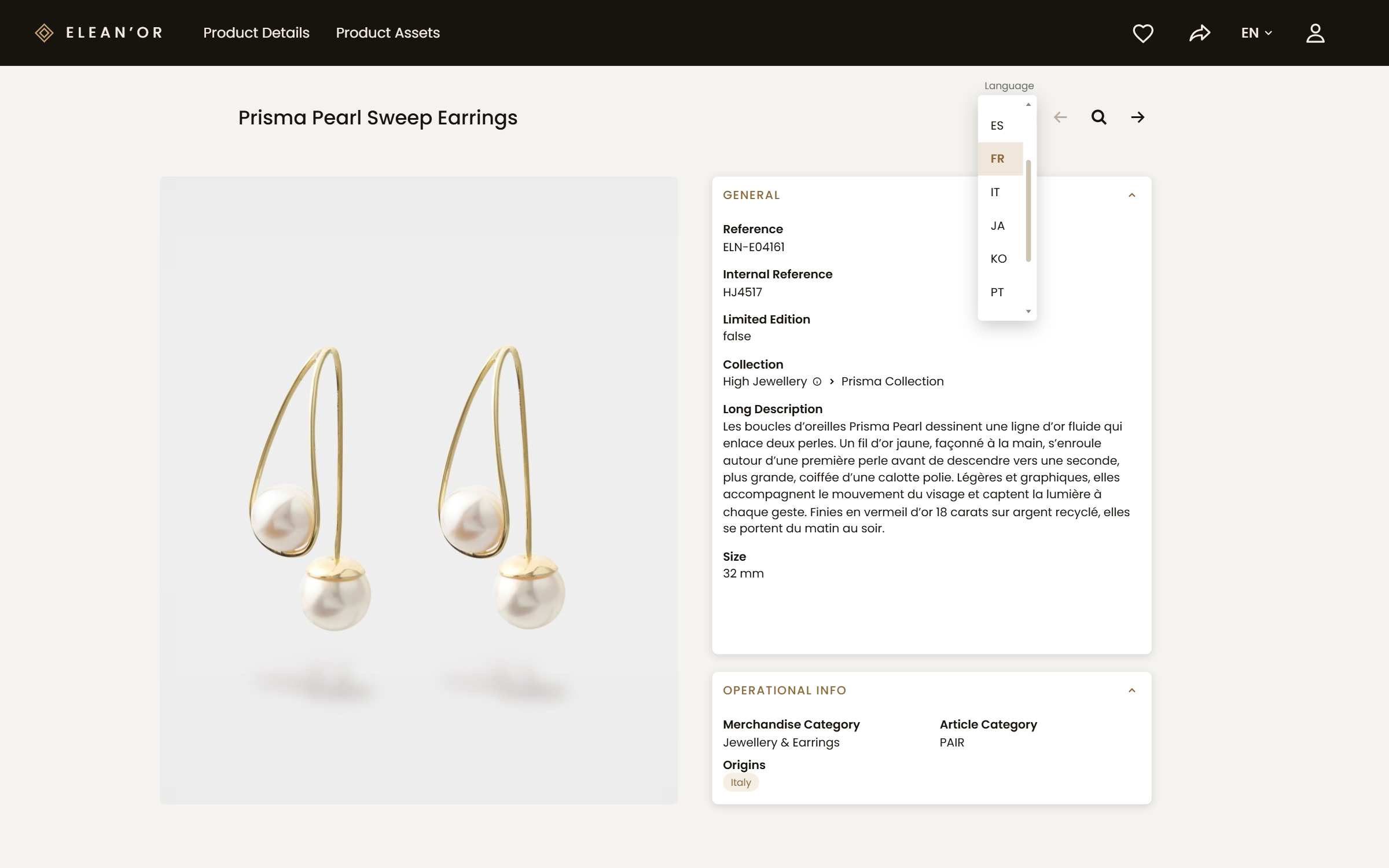
The same product in every language your markets work in.
Here are three of our public portals. Evosembly is our fictional robotics maker, with product lines, product shots and technical specifications; OOCHIALI, our fictional sunglass brand, has product groups and products. Open one in your browser, or connect your AI assistant to it and ask it something.
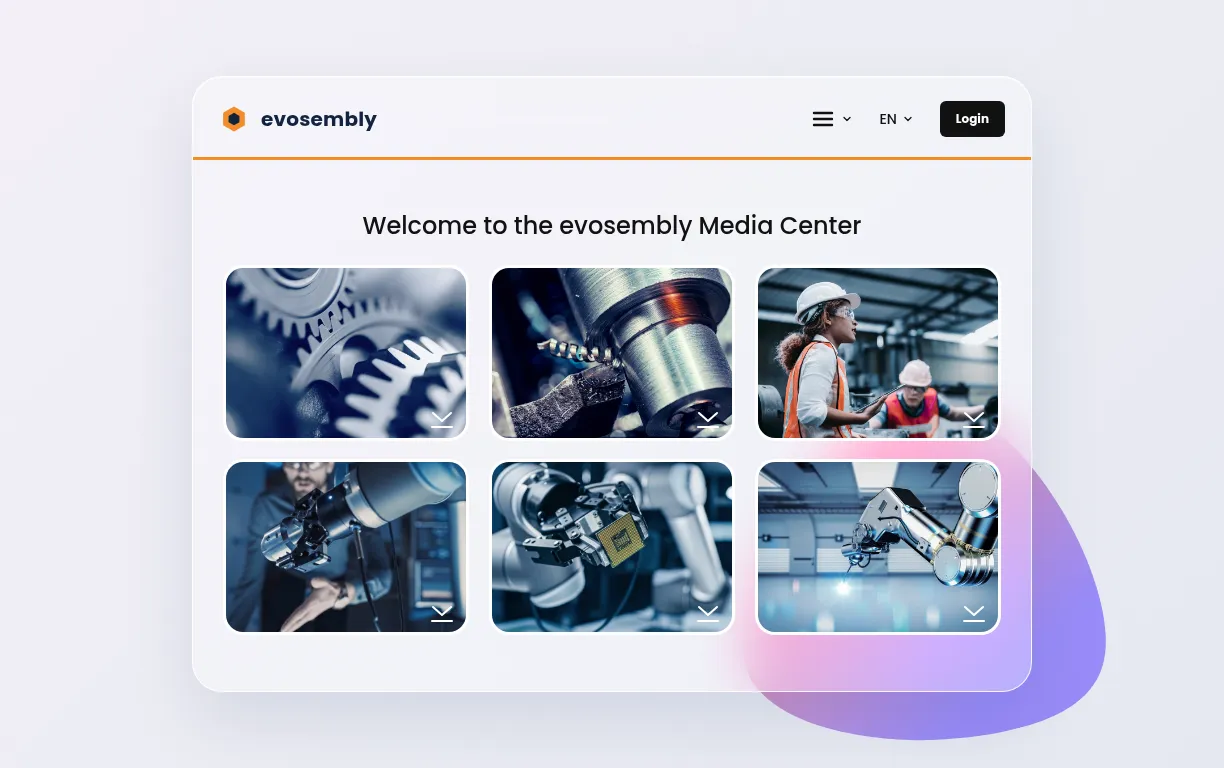
Our fictional robotics maker: product lines, product shots and technical specifications.
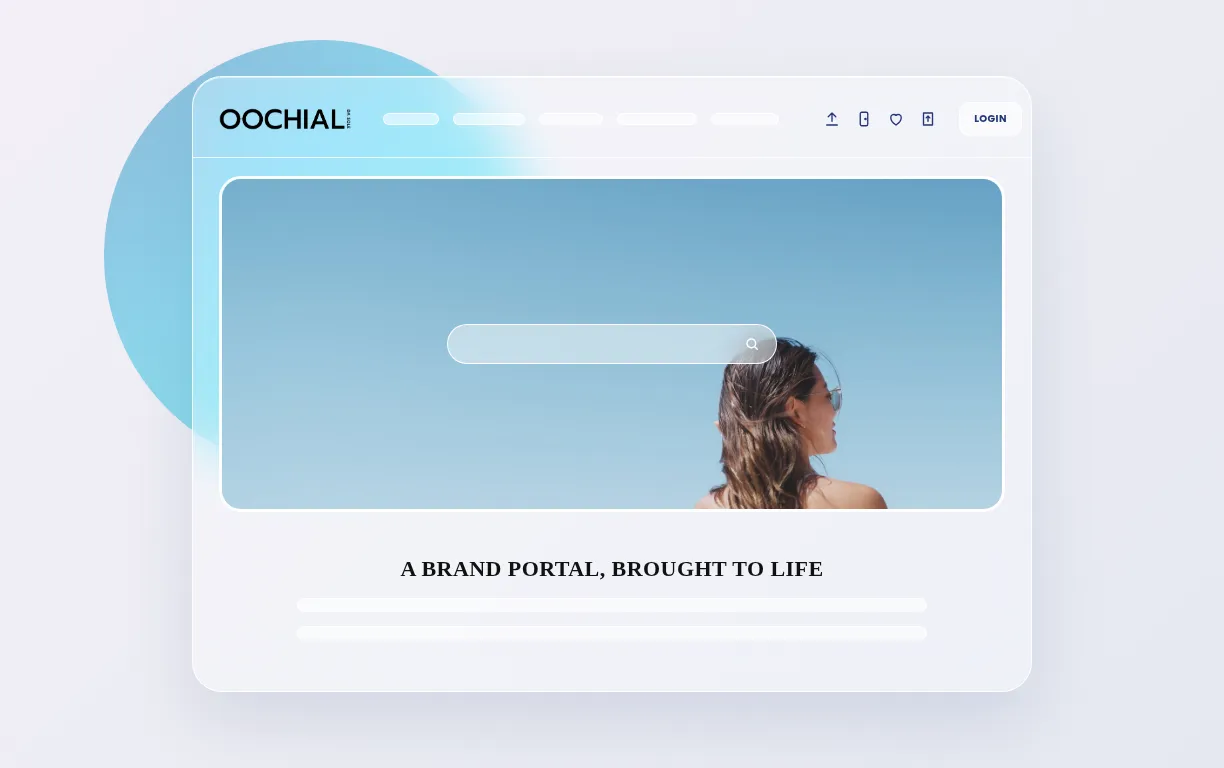
Our fictional sunglass brand: product groups, products, releases.
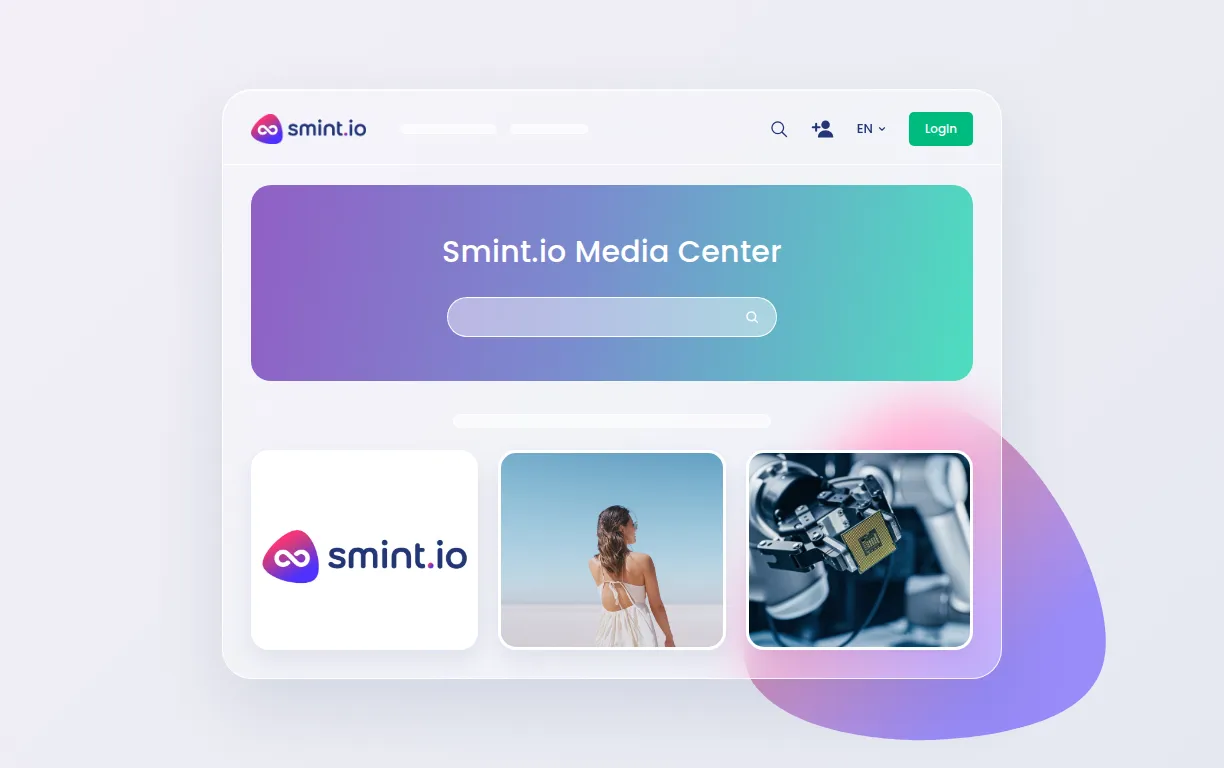
Our own media and brand portal.
Product information portals for customer service, dealer shops and B2B on the group's own middleware; product information found on the detail page instead of across systems.
Product images, compliance documents and art templates next to the product pages for distributors; downloads up 55 %.
More than 10,000 product images on SharePoint, served to retailers around the clock; searches up 48 %.
What problems is Smint.io Portals solving and how is that benefiting you?
Providing assets to external stakeholders with total control, and inheriting enrichment information from master data.
No. The portal reads product data from whatever holds it today, a PIM, an ERP, a DAM, SharePoint or a spreadsheet export someone keeps alive, and combines it. A PIM makes the portal richer; it is not the ticket in.
Yes. Views are defined per audience, field by field: dealers see dealer prices, customer service sees stock and service documents, a market sees its languages. Cost and margin never leave the source system.
Yes. The semantic model understands products, variants, assets, documents and the relations between them, including relations that exist in none of the source systems, so a service agent moves from the product to the part that fits in two clicks.
Yes. The consolidated product data behind the portal is available via API, so a shop, a configurator or a downstream system reads the same product as the portal shows.
Yes, any of them. Every portal exposes its own MCP server through Sminted AI, so Claude, ChatGPT, Copilot or your own agents read the product data, the documents and the relations with exactly the view that person has. Whatever your teams build or automate on top, the product information portal is its single source of truth.