
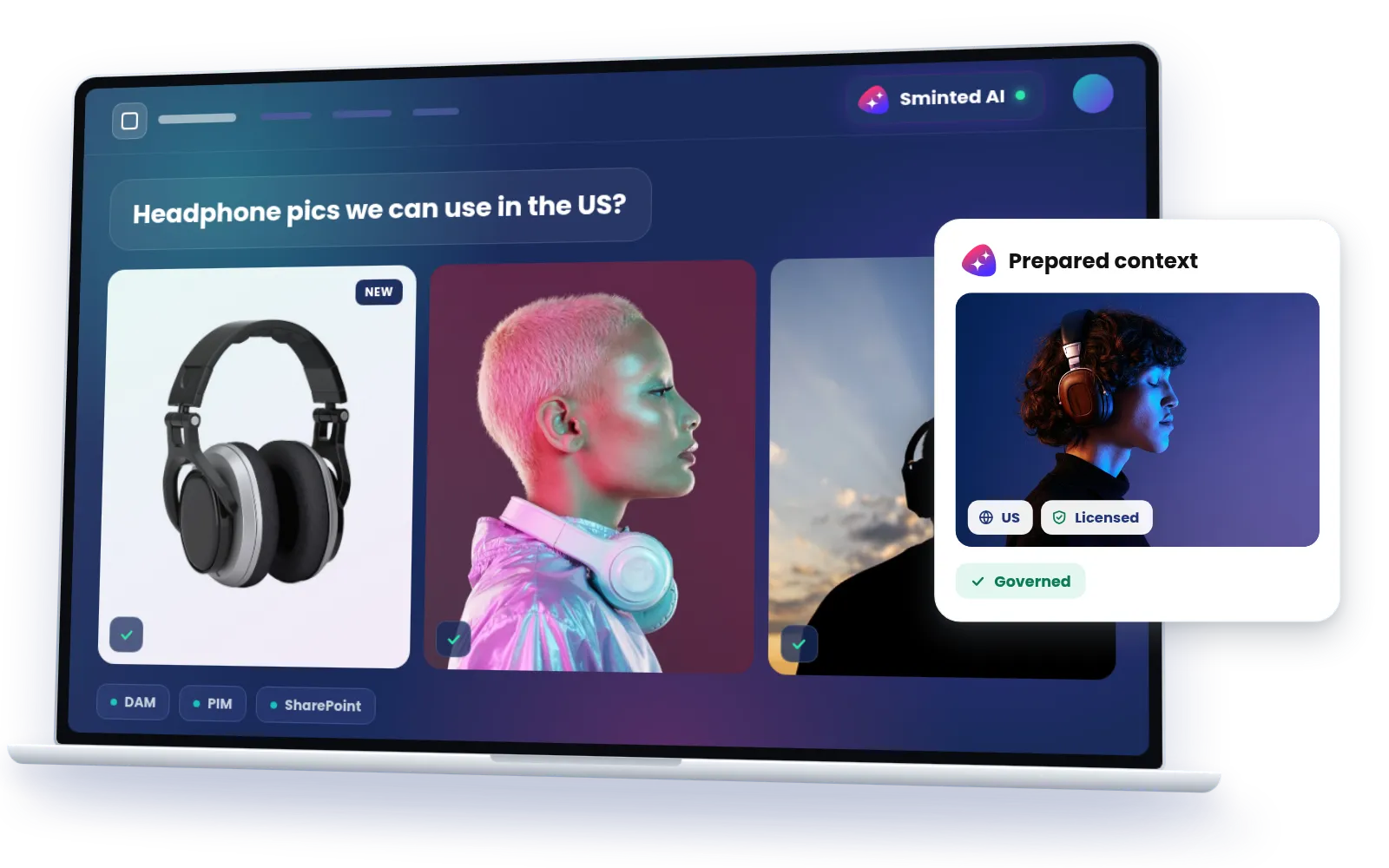
The governed experience layer for AI.
Sminted AI.

Sminted AI serves your content and information to AI as prepared context, from one consolidated, contextualized and governed data basis across all your systems.

One single source of truth

Sminted AI brings together your portal context, the guidelines, documentation and relations that exist in no other system, with your external data. From that one governed, agent-ready context it serves humans and AI alike.

Your existing systems

  • DAM
  • PIM
  • ECM / SharePoint
  • CMS
  • MRM
  • Custom systems

Sminted AI

The experience for AI

MCP · agent-ready context, governed per principal.

  • You are hereSminted AIWhere things come together: one MCP server per portal

Humans via MCP

  • Site search
  • Office
  • Creative tools

AI via MCP

  • AI agents
  • AI assistants

Everything your AI needs to act

AI needs to know how things relate, what it may see, and to get answers without waiting.

Relations

Your DAM knows assets, your PIM knows products, your ERP knows orders. Sminted AI knows that this asset belongs to that product in this market under that usage restriction. These connections live between systems, not inside any one of them.

Portal context

Your portal shows what your teams approved for that specific audience, and all the guidance they wrote around it. Sminted AI answers the way your portal would, because it reads your portal.

Governance

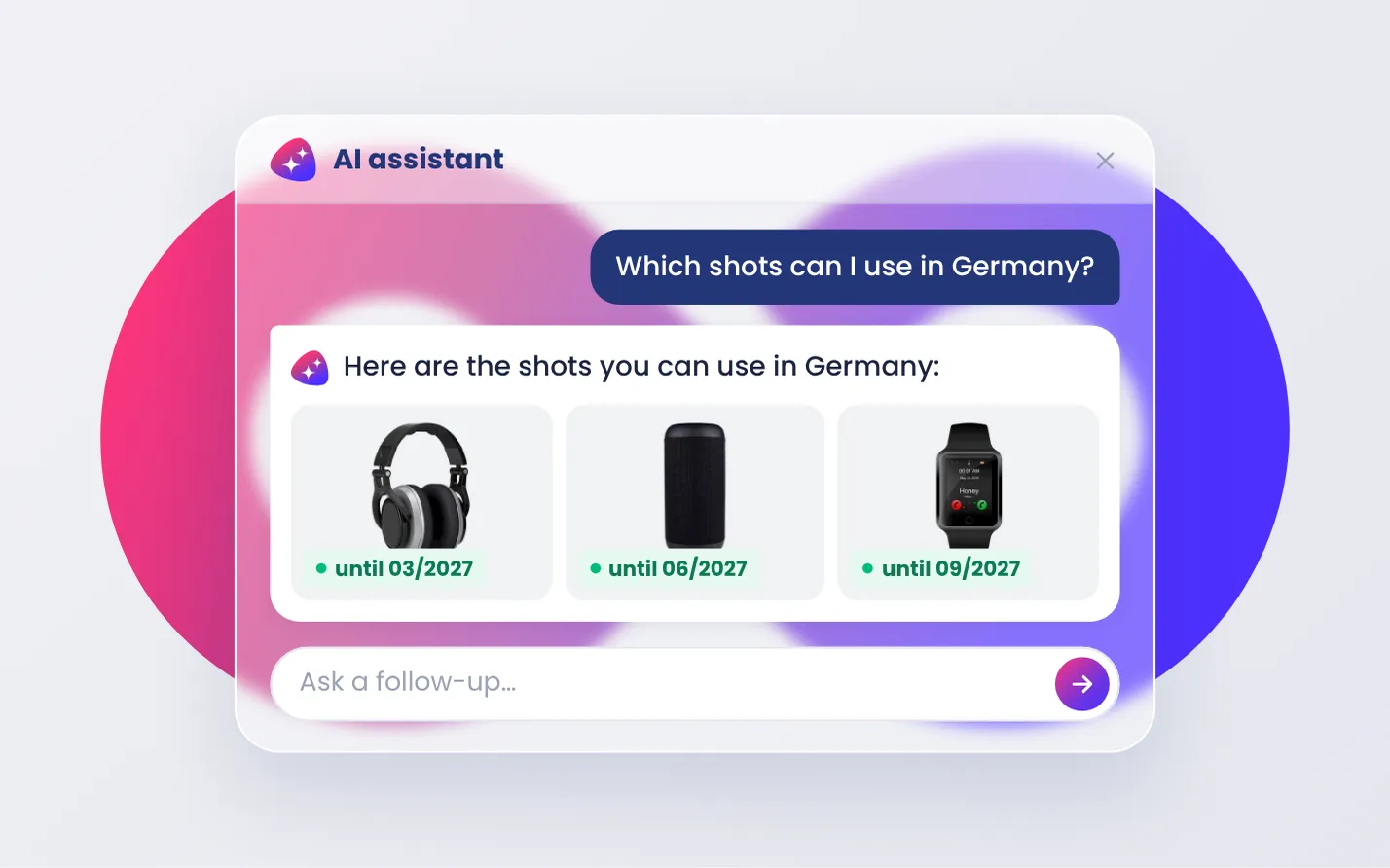
AI access runs through the same permission model as your people, for example per market, per license or per expiry. Two colleagues asking the same question get different answers, because their permissions differ.

Speed, resilience

Answers come from the Unified Semantic Context Layer's prepared index, with no live load on your source systems and no quota limits.

Sminted AI complements your source systems: each keeps its own domain, and the layer above adds what only a cross-system view can.

Realize significant token savings

Sminted AI prepares content up front: embeddings, summaries written for AI, and context. It even reads inside files to capture their meaning. Your AI clients consume ready context instead of assembling it. One connection instead of many also means smaller context windows and faster answers.

Preparation runs once, on cost-efficient models, with caching that avoids repeated token use. Your premium model is spent only on consuming refined context, prepared once and amortized across every query.

“Use your own AI” covers preparation too. Those models can be your own, running in your own cloud. Your content never passes through an inference provider you didn't choose.

Raw, every timeSminted AISavingsBREAK-EVENCOSTQUERIES

Wherever your teams work, your content is there

Sminted AI is a standard MCP server, so any MCP client can consume it without per-tool plugins. Same content, same permissions, no download-and-re-upload detour.

AI assistants

“Which product shots may we still use in Germany, and until when?” Answered from your own content, with that person's permissions.

Office

The current product description and the approved image, straight into the proposal deck.

Creative tools

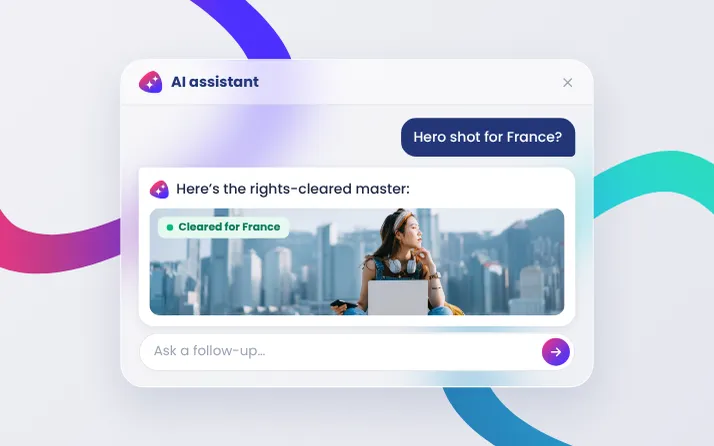
The rights-cleared master for the market you're designing for, instead of a copy someone emailed last quarter.

AI in the product, not next to it

AI site search

Visitors chat with your content instead of paging through result lists: the built-in RAG application on the governed retrieval layer.

Semantic and visual search

Natural-language queries and reverse image search across everything the layer indexes. In production at a global jewelry company.

AI-enriched metadata

Asset analysis, automatic metadata extraction and OCR make content findable without manual tagging, including the text inside PDFs.

Use your own AI

Connect your own models, AWS Bedrock, your own Claude, ChatGPT or Gemini accounts, or local models, for consuming refined context and for preparing it. Your data, your model choice.

How enrichment and search work

Try it on a real portal

Open a portal in your browser, or connect your AI assistant to it and ask it something.

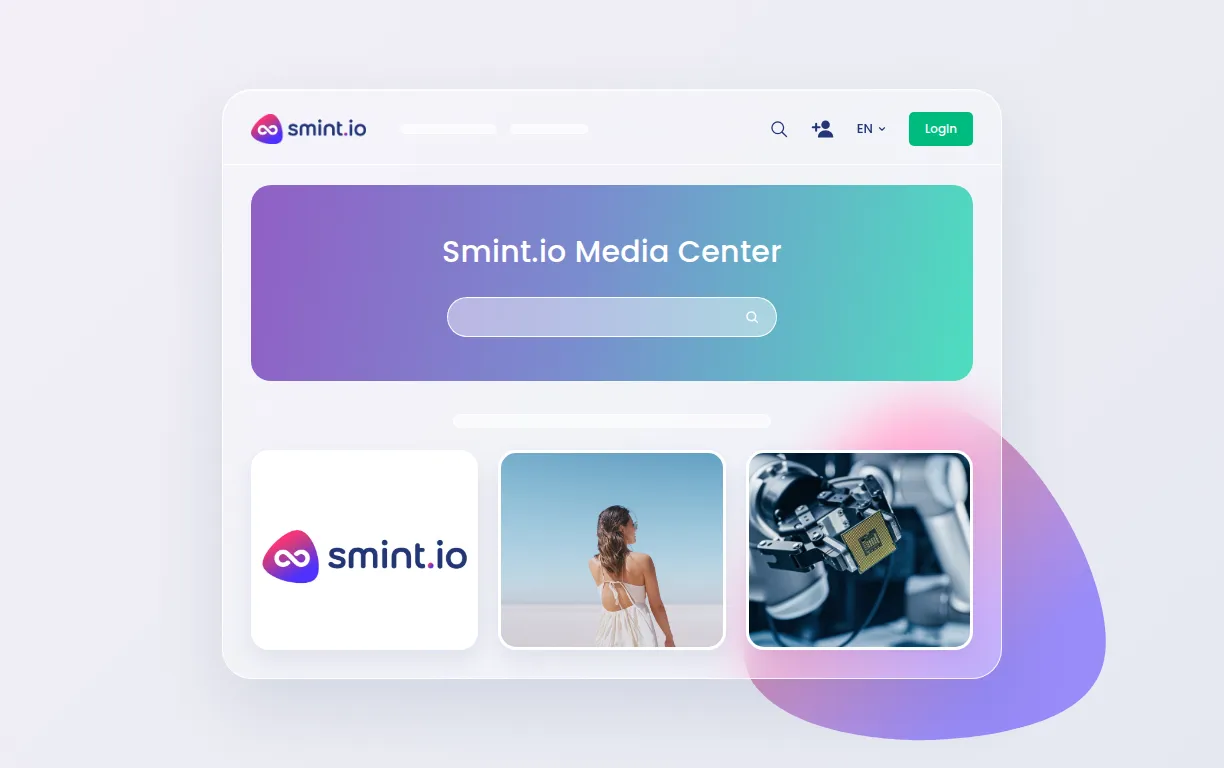
Connect your AI to the Smint.io Media & Brand Portal

It is easy, and it takes only about a minute.

  1. Create your portal user account first

  2. Add a new connector

    In Claude, open Customize → Connectors, select + Add and choose Add custom connector.

  3. Paste this address

    https://media.smint.io/mcp
  4. Asked for a client ID? Use this one

    smintio-mcp
  5. Sign in and approve

    Your AI client opens the portal's sign-in. Sign in with that account and approve the connection.

  6. Try asking something, for example

    • “Find our current logo as SVG.”
    • “What are the Smint.io brand colours?”
    • “Show me the Portals promo videos.”

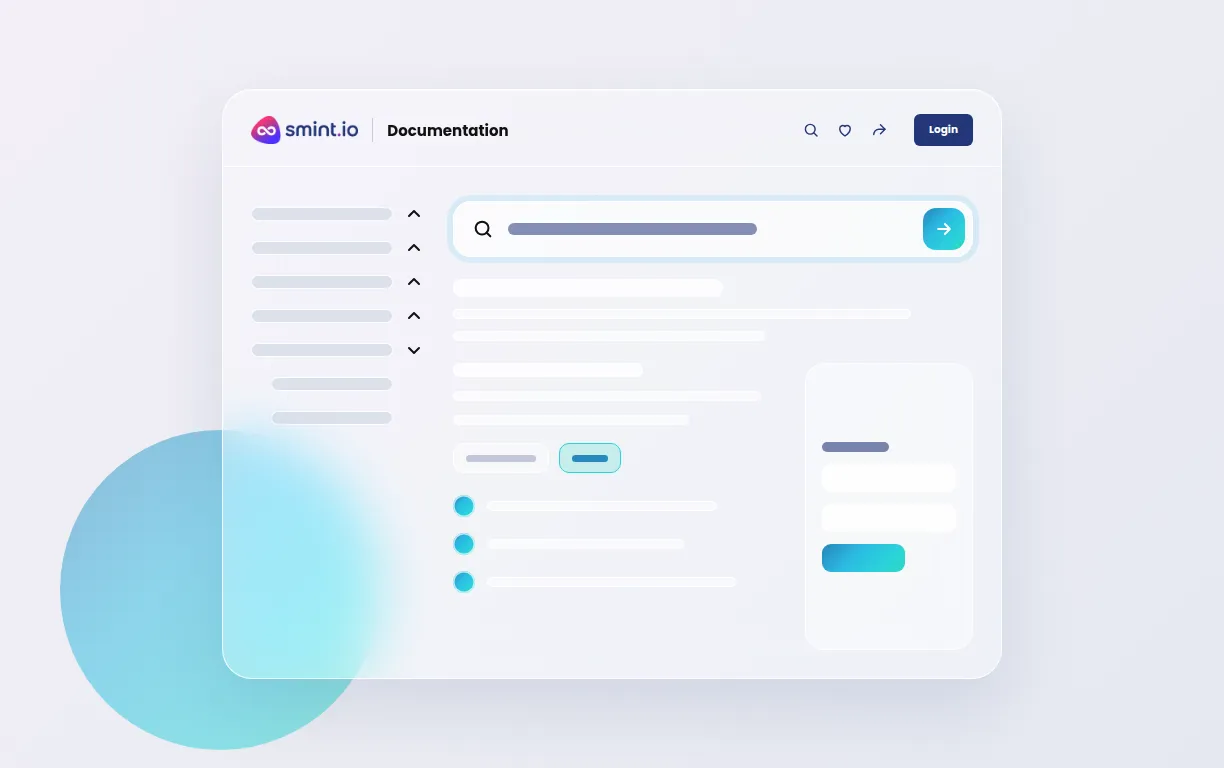
Connect your AI to the Smint.io Documentation Portal

It is easy, and it takes only about a minute.

  1. Create your portal user account first

  2. Add a new connector

    In Claude, open Customize → Connectors, select + Add and choose Add custom connector.

  3. Paste this address

    https://documentation.smint.io/mcp
  4. Asked for a client ID? Use this one

    smintio-mcp
  5. Sign in and approve

    Your AI client opens the portal's sign-in. Sign in with that account and approve the connection.

  6. Try asking something, for example

    • “Which SSO providers are supported?”
    • “How do I require approval before a download?”
    • “What is Dynamic Content Routing?”

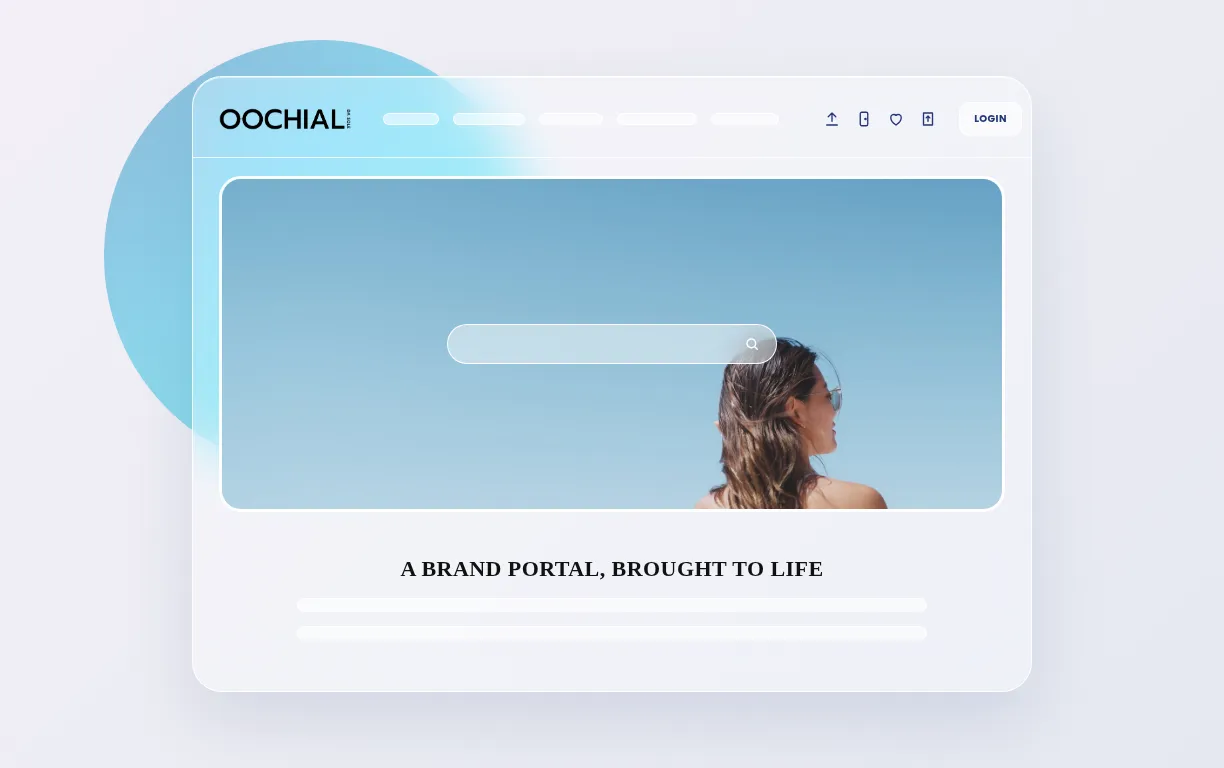
Connect your AI to the OOCHIALI Brand Portal

It is easy, and it takes only about a minute.

  1. Create your portal user account first

  2. Add a new connector

    In Claude, open Customize → Connectors, select + Add and choose Add custom connector.

  3. Paste this address

    https://new.oochiali.com/mcp
  4. Asked for a client ID? Use this one

    smintio-mcp
  5. Sign in and approve

    Your AI client opens the portal's sign-in. Sign in with that account and approve the connection.

  6. Try asking something, for example

    • “Show me the OOCHIALI colour palette.”
    • “Which logo variants may I use on a dark background?”
    • “What is in the Live freely campaign?”

Your portals are already agent-ready

Sminted AI is live, and every portal you run is agent-ready automatically. See it working on your own content.