Sminted AI gives your AI one governed access point across all your systems, with the relations, permissions and prepared context that only a cross-system layer can supply. The single source of truth for your AI.
Connecting AI to your systems one by one means an integration each time, and permissions and context that stop at every system's edge. Sminted AI gives every AI assistant and agent one access point across all your connected systems.
Governed by the same rules as your people
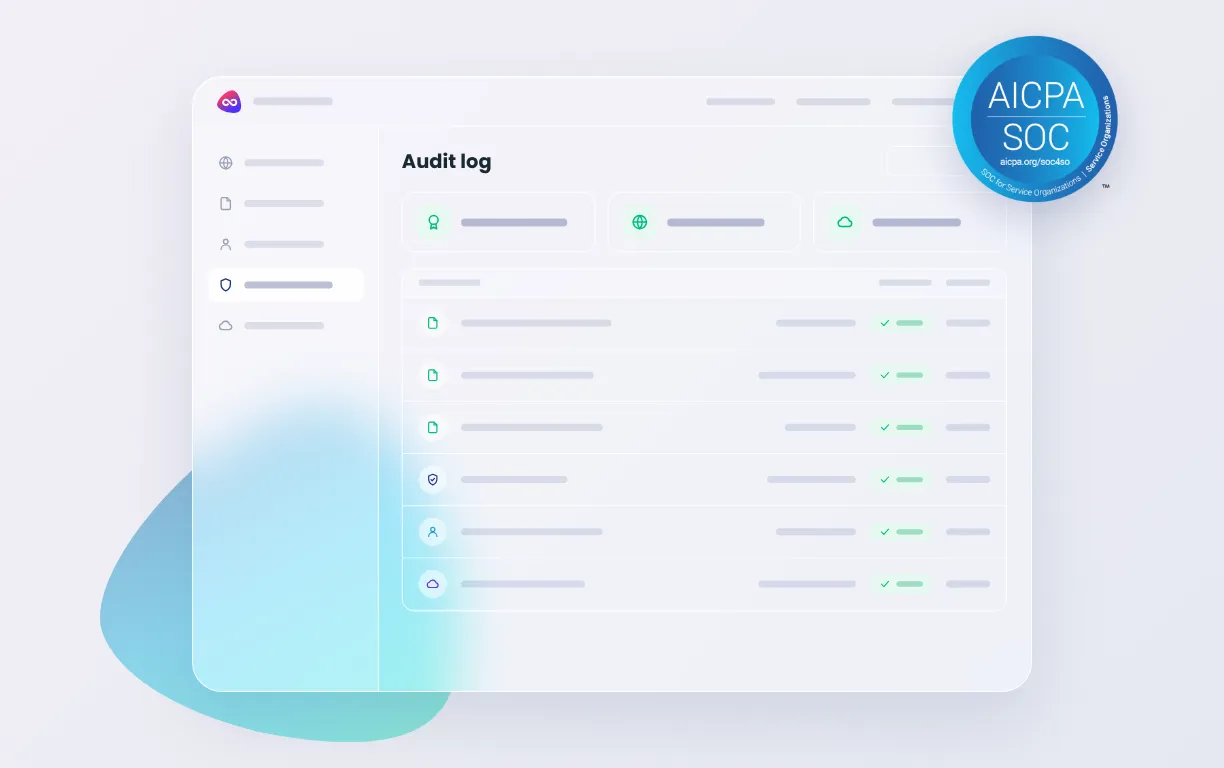
AI access runs through the same permission model as human access: the platform's own, with Dynamic Content Routing deriving who sees what from metadata, per market, per licence, per expiry. Evidenced by audit trails and SCIM.
Context no single system holds
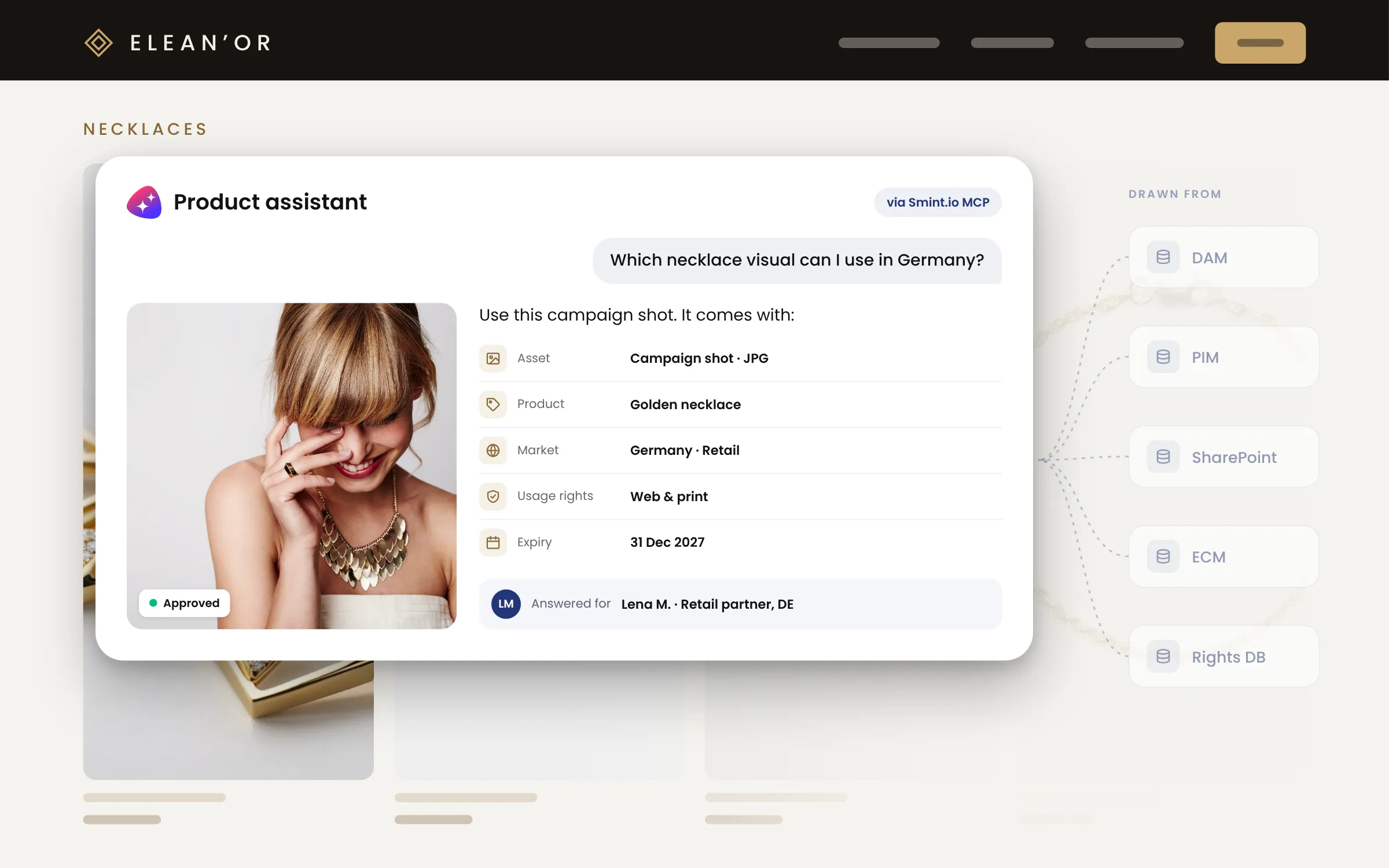
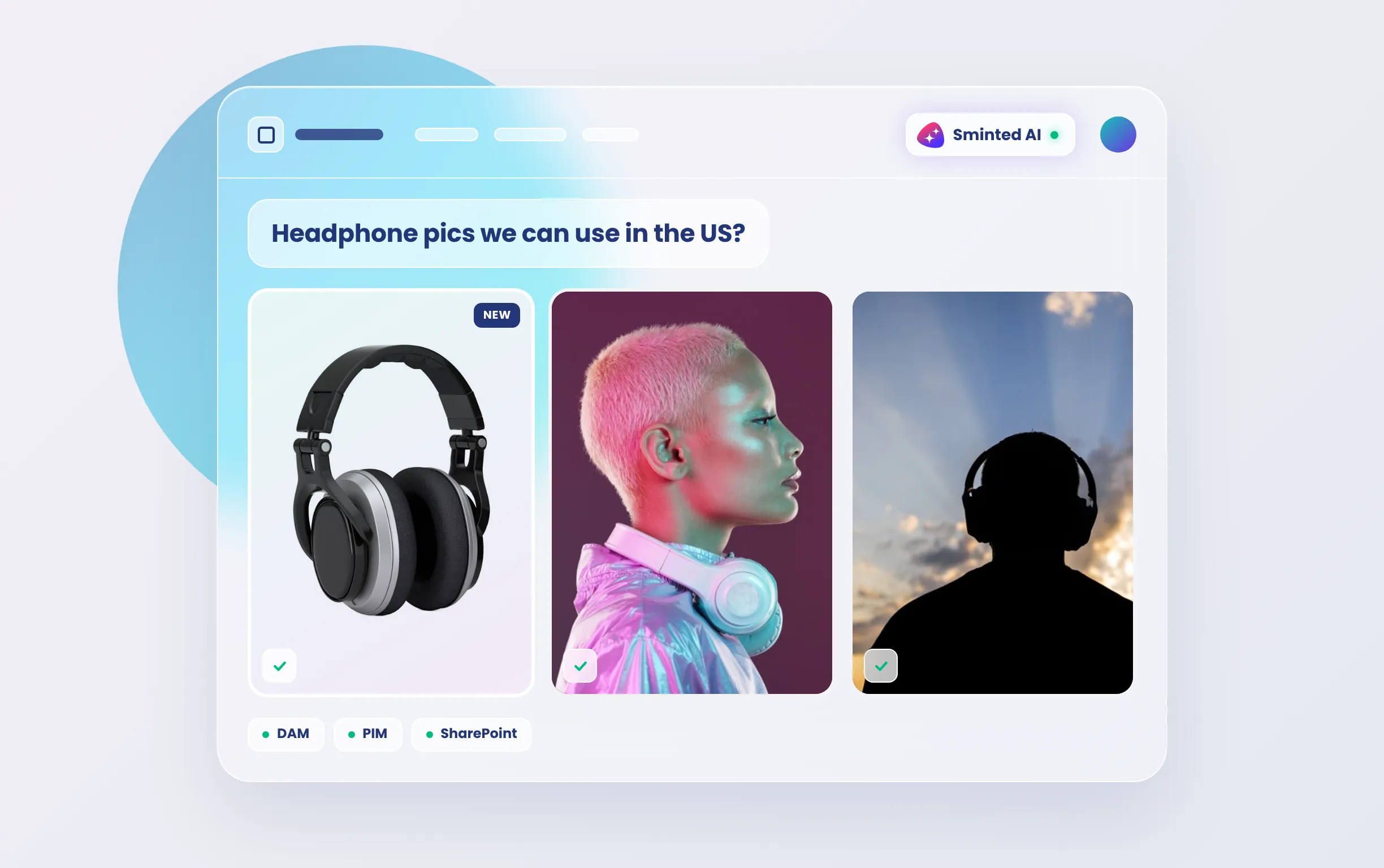
The endpoint knows how your systems relate, asset to product to market to rights, and serves content prepared for AI: permission-aware retrieval from one basis, not from ten systems one by one.
Answered from the platform's own index
AI assistants and agents are served from the Unified Semantic Context Layer's own enriched index. Only original downloads reach your source systems, and we can host those originals too.
Your AI, not ours
Connect your own models: AWS Bedrock, your own Claude, ChatGPT or Gemini accounts, or local models. Preparation runs once on cost-efficient models of your choice; your premium model is spent only on consuming refined context.
With Sminted AI, your AI gets context, not files
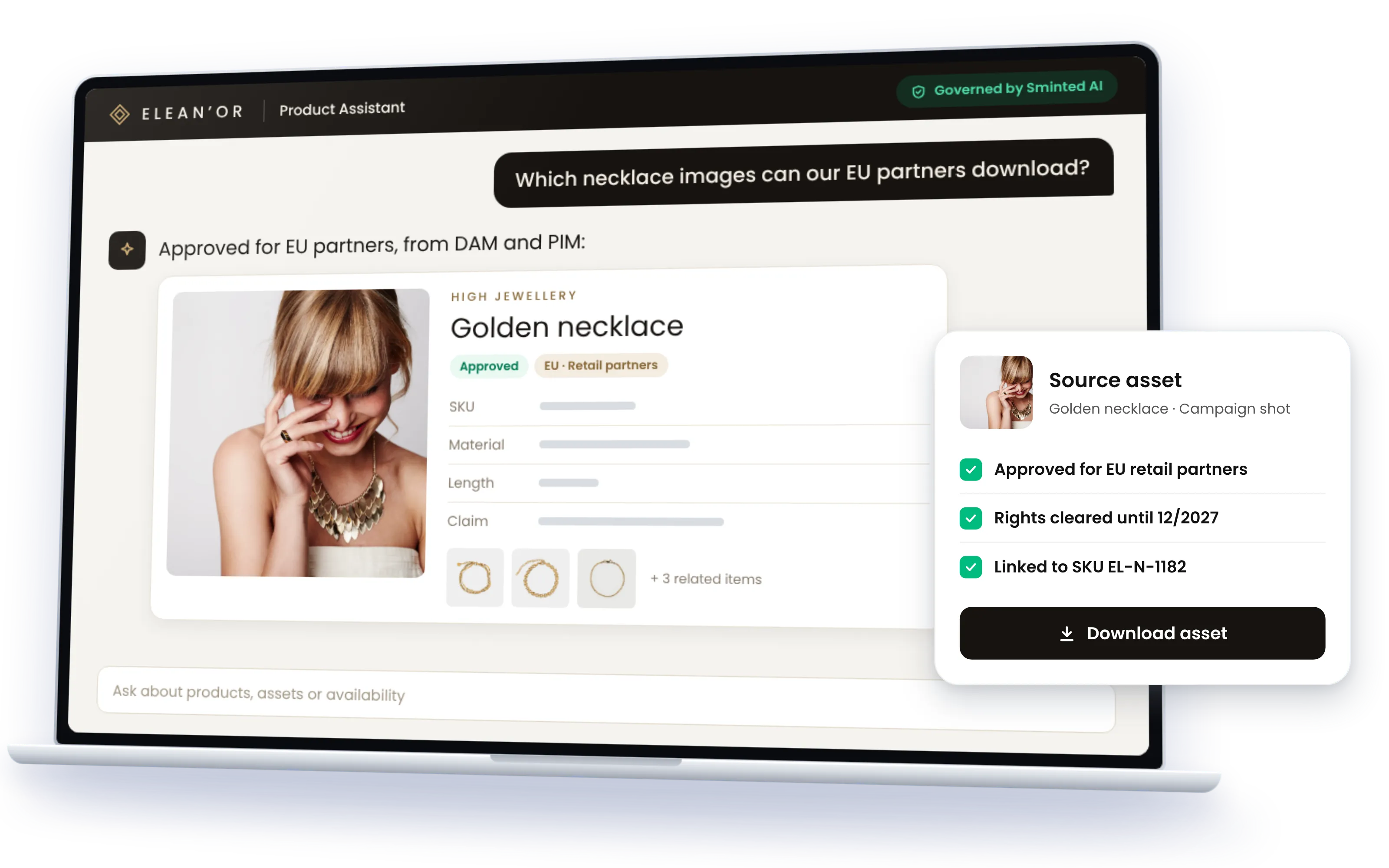
An AI assistant or agent asking a Smint.io portal does not get a folder listing. It gets the asset with its product, its market, its usage rights and its expiry, prepared for machines: embeddings, summaries written for AI, and context drawn from inside the files themselves. It gets exactly what the portal user it acts for may see, across every connected system at once. And it gets it through a standard MCP server, so Claude, ChatGPT, Copilot, Cursor or your own agent framework connect without a plugin per tool.
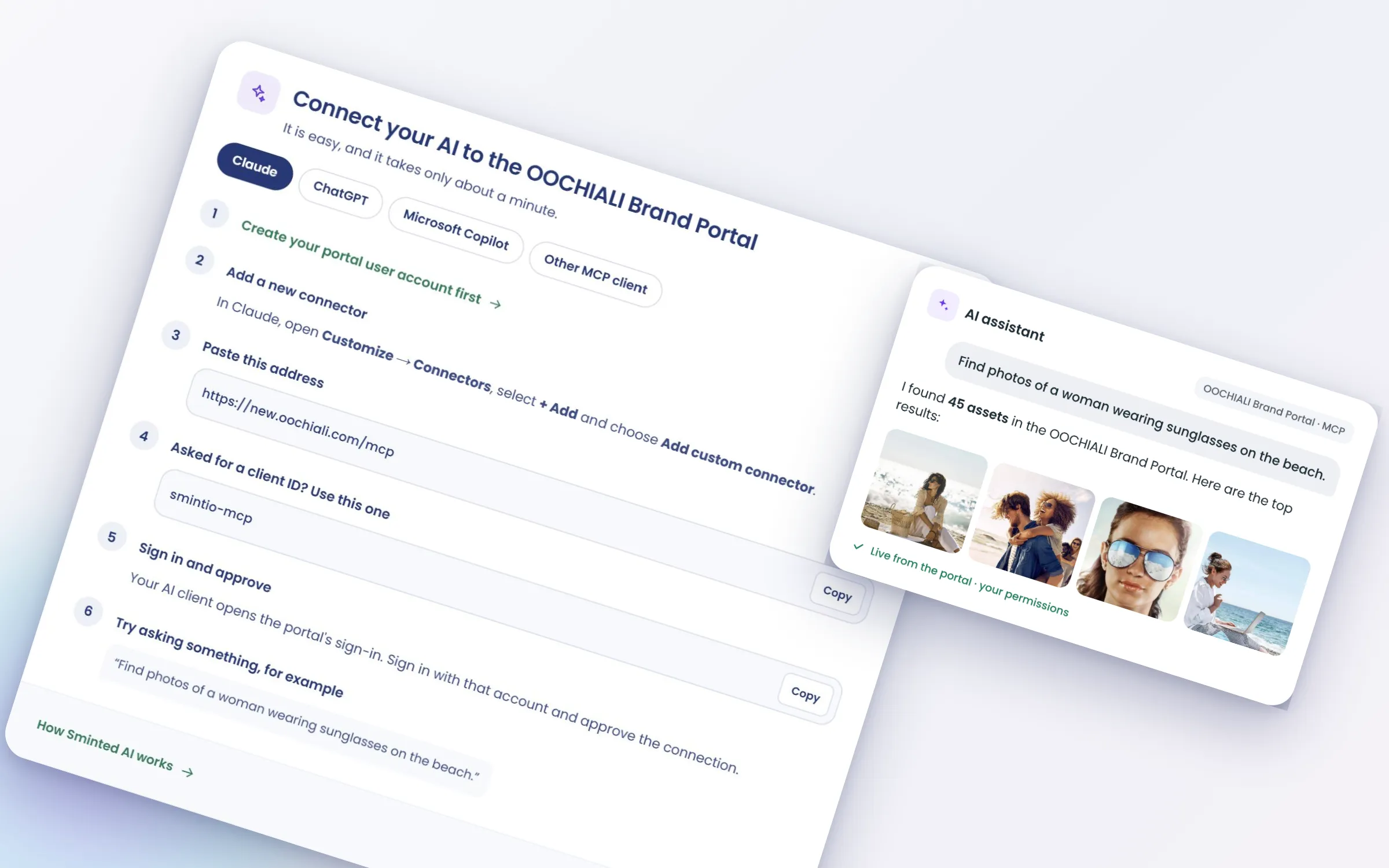
Every portal has its own MCP server, and there are two ways in. An AI assistant or agent can sign in as a portal user via OAuth and see exactly what that person sees. Or it runs as a service principal, a non-human identity with permissions of its own. Either way the same permission model applies, and every access is logged, human or AI. AI reads by default and writes where a component allows it.
Try it on a real portal
Three public portals, each with its own MCP server. Just point your AI client at one, ask and see.
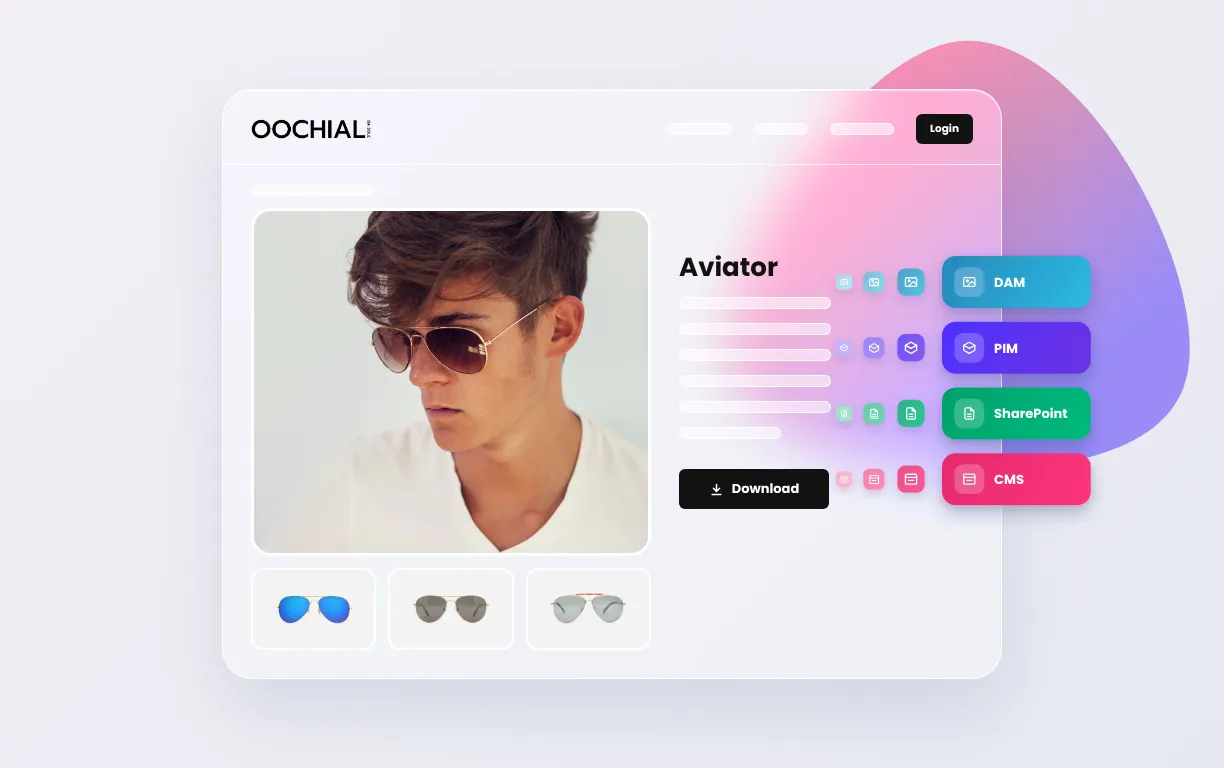
OOCHIALI Brand Portal
Our fictional sunglass brand: collection sheets, campaign presentations, and the assets that are current rather than superseded.
Each region sees its own content through Dynamic Content Routing, the same permission model AI access runs on.
Global printing services companyAnonymized
Client portals operated in the provider's own VPC on AWS under strict isolation requirements.
Global luxury groupAnonymized
Several audiences on one platform, customer service, dealer shops and B2B, each a portal and so an endpoint of its own.
Increasingly, your content is being read by AI assistants and agents. The question is whether they read it governed, from one semantic layer across all your systems, or scraped from ten of them one by one. We have the answer: Sminted AI gives every AI one cross-system context, the permissions of the user behind it, and content prepared for AI by AI.
Reinhard HolznerCEO & CTO, Smint.io
Questions AI platform teams ask
Exactly those of the portal user it acts for. The platform's own permission system applies, including Dynamic Content Routing, which derives permissions from metadata. Pass-through authentication to a source system's permissions is possible where required.
Two ways. Delegated user identity via OAuth: the AI signs in as a portal user. Or a service principal with an assigned scope: a non-human identity with its own permissions. Both run through the same permission model, and both are standard MCP.
Portal MCP servers read by default. Where a portal component supports it, uploads or requests for example, AI can also write, under the same permissions as a person using that component.
Any MCP client: Claude, ChatGPT, Copilot, Cursor or your own agent framework, without a plugin per tool. The models are your choice: AWS Bedrock, your own Claude, ChatGPT or Gemini accounts, or local models. Preparation can run on your own models in your own cloud.
Yes. AI access appears in the audit trail beside human access.