
Be the source journalists come back to.

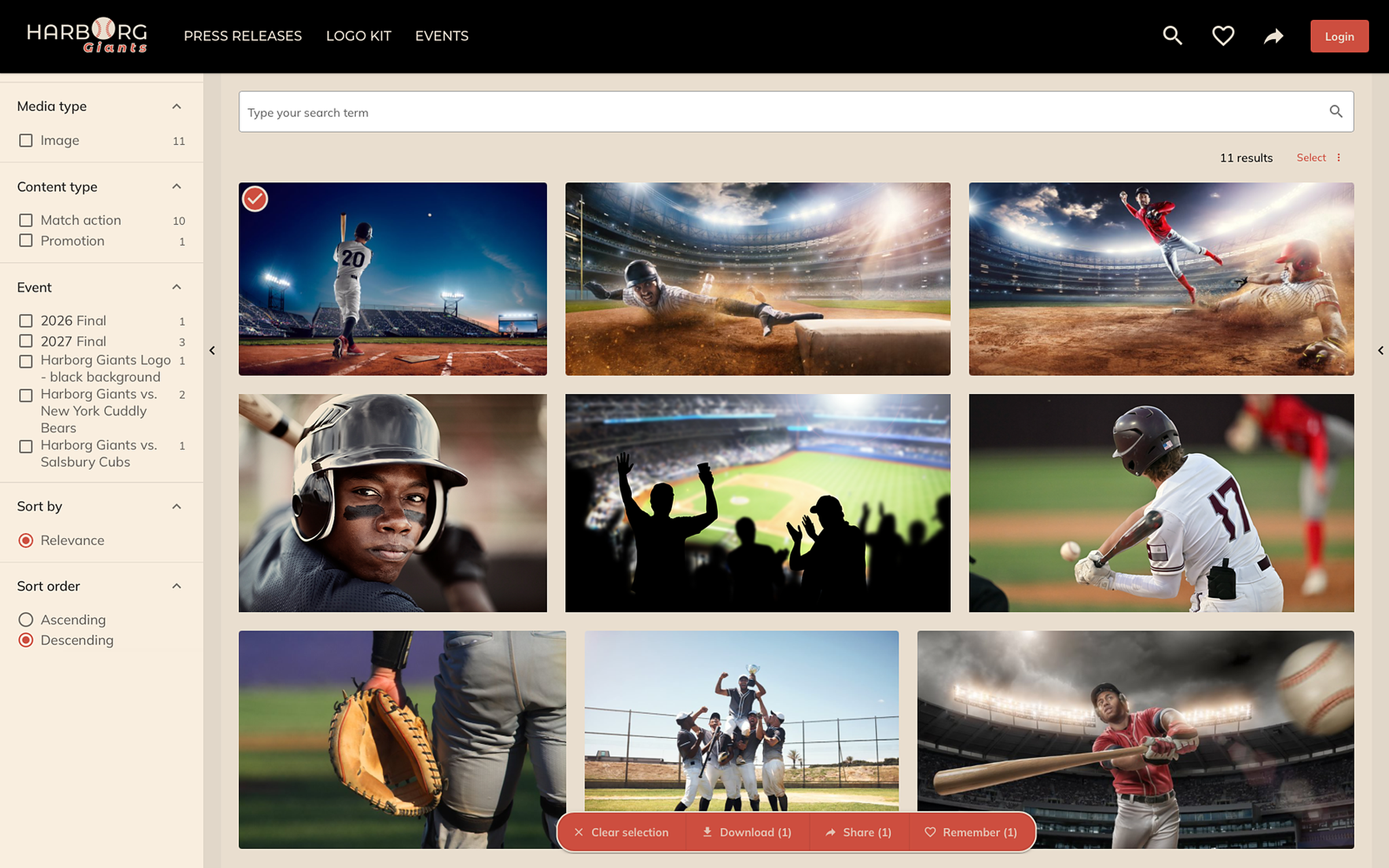
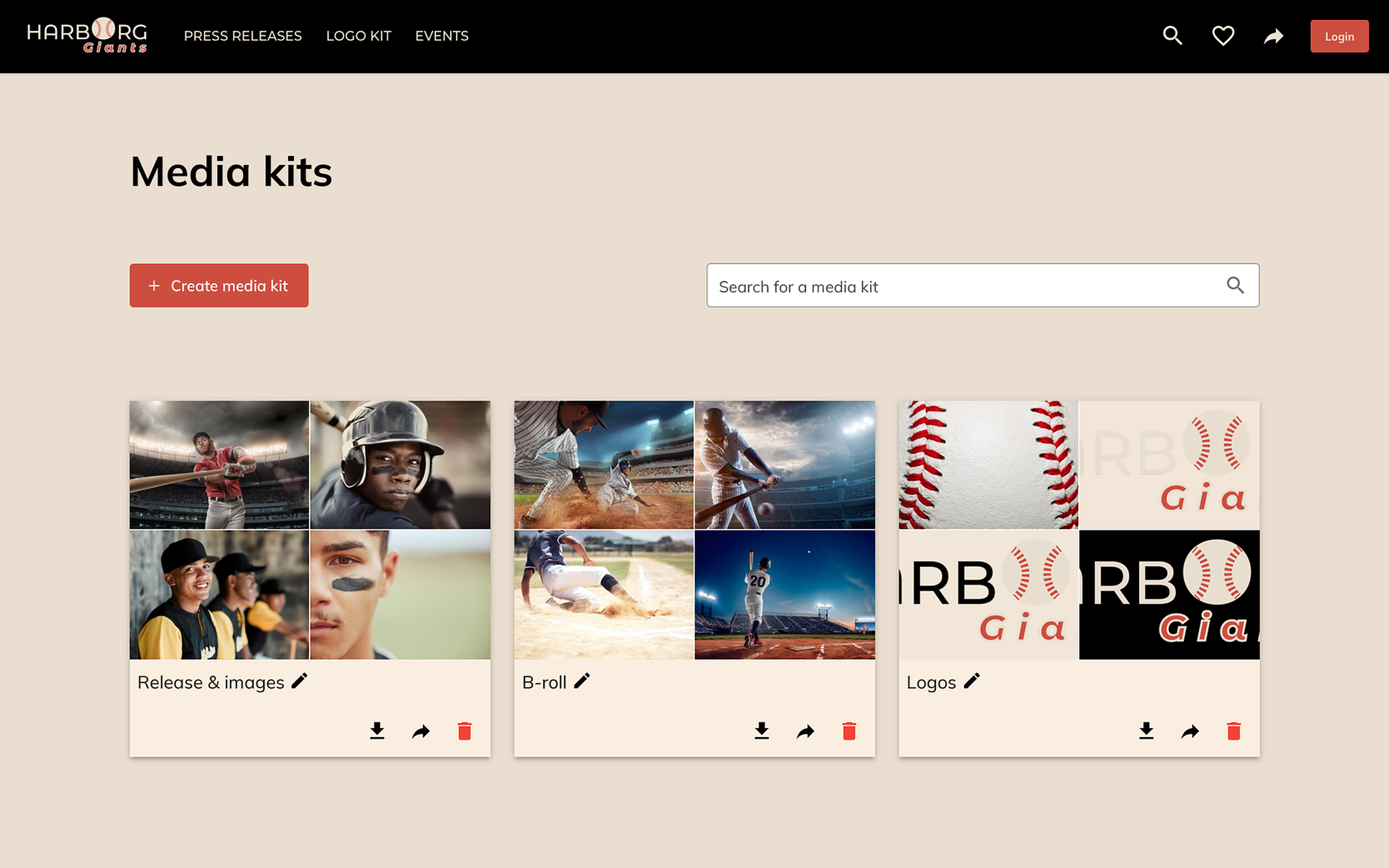
A press portal that journalists trust: the current release, the right image, the B-roll, every resolution, from the systems you already run. Public for everyone, embargoed for accredited press, and always there when the story is.

Everything a journalist asks for, before they ask.

A press portal is where your press material is used, not where it is stored. Your systems stay; the portal gives every journalist the current, released version of the material for the story, on a phone, on a deadline.

Always the current, rights-cleared version

Material comes straight from the systems you already run, DAM, ECM or any other, near real-time. What is released is what the press sees, with the credit and the usage right on it, and nothing is copied anywhere.
Public and accredited, side by side

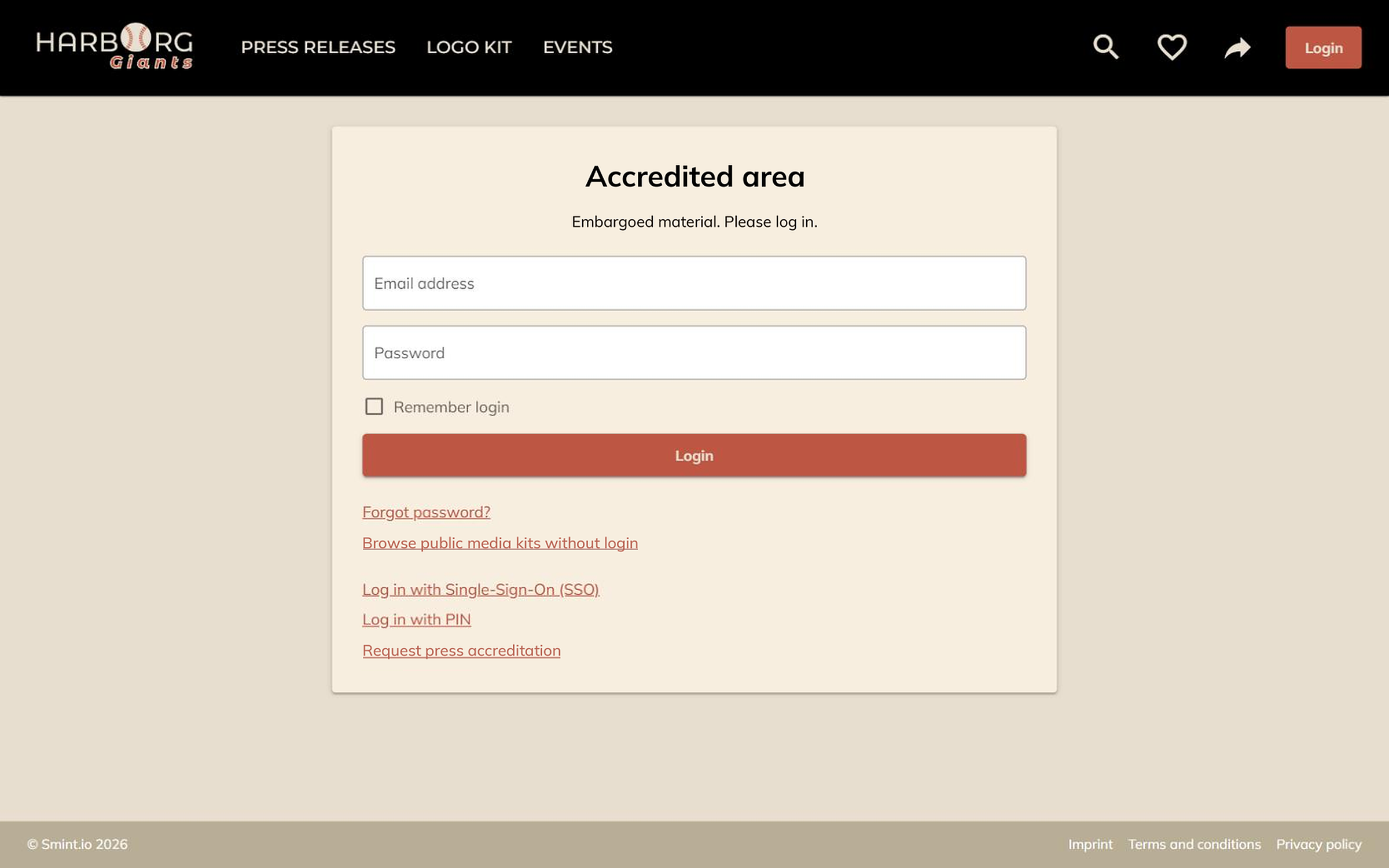
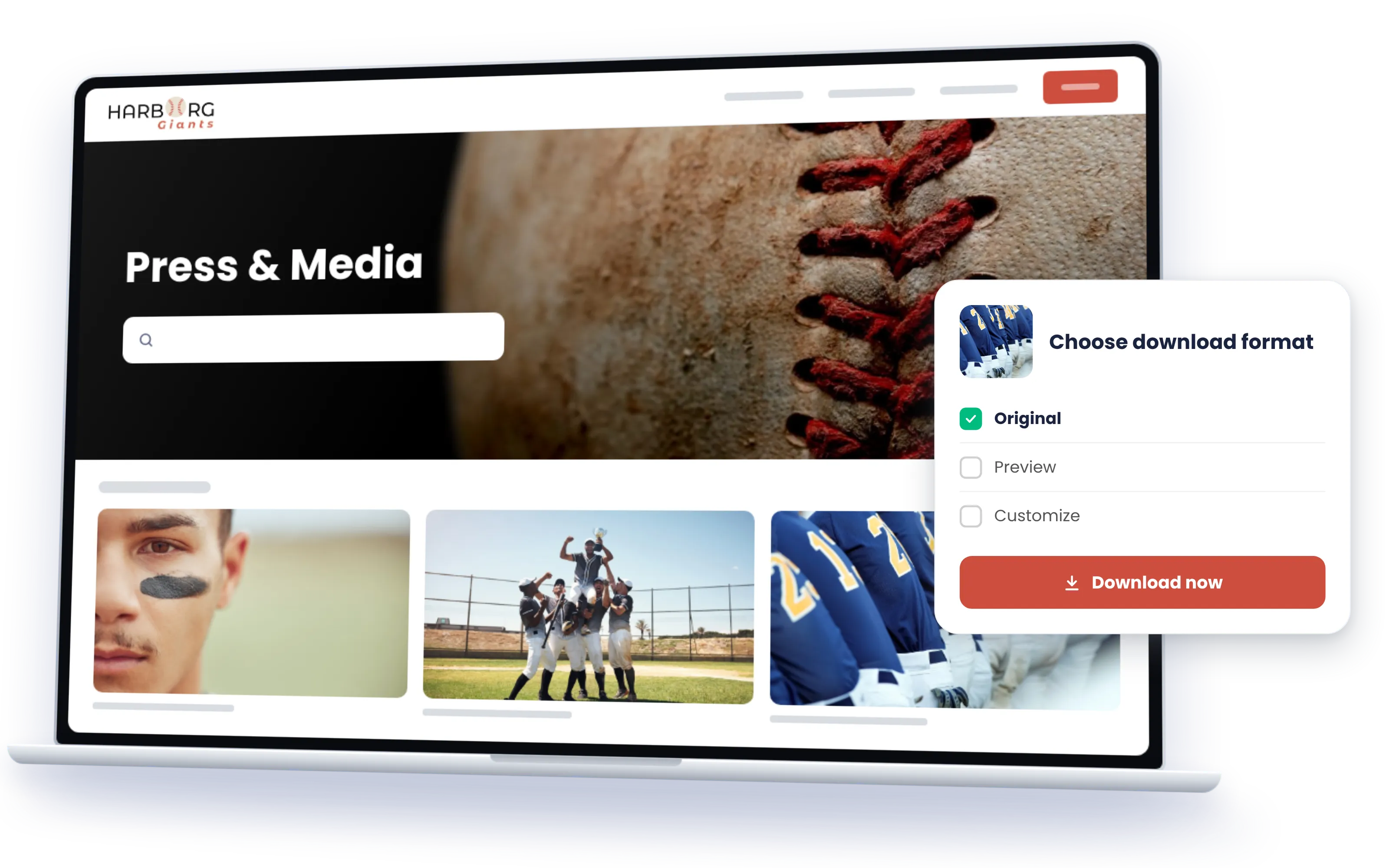
Public kits for everyone, no registration. Embargoed material for accredited press, by invitation or automatically by newsroom email domain, so nobody waits for an approval.

The right format, ready

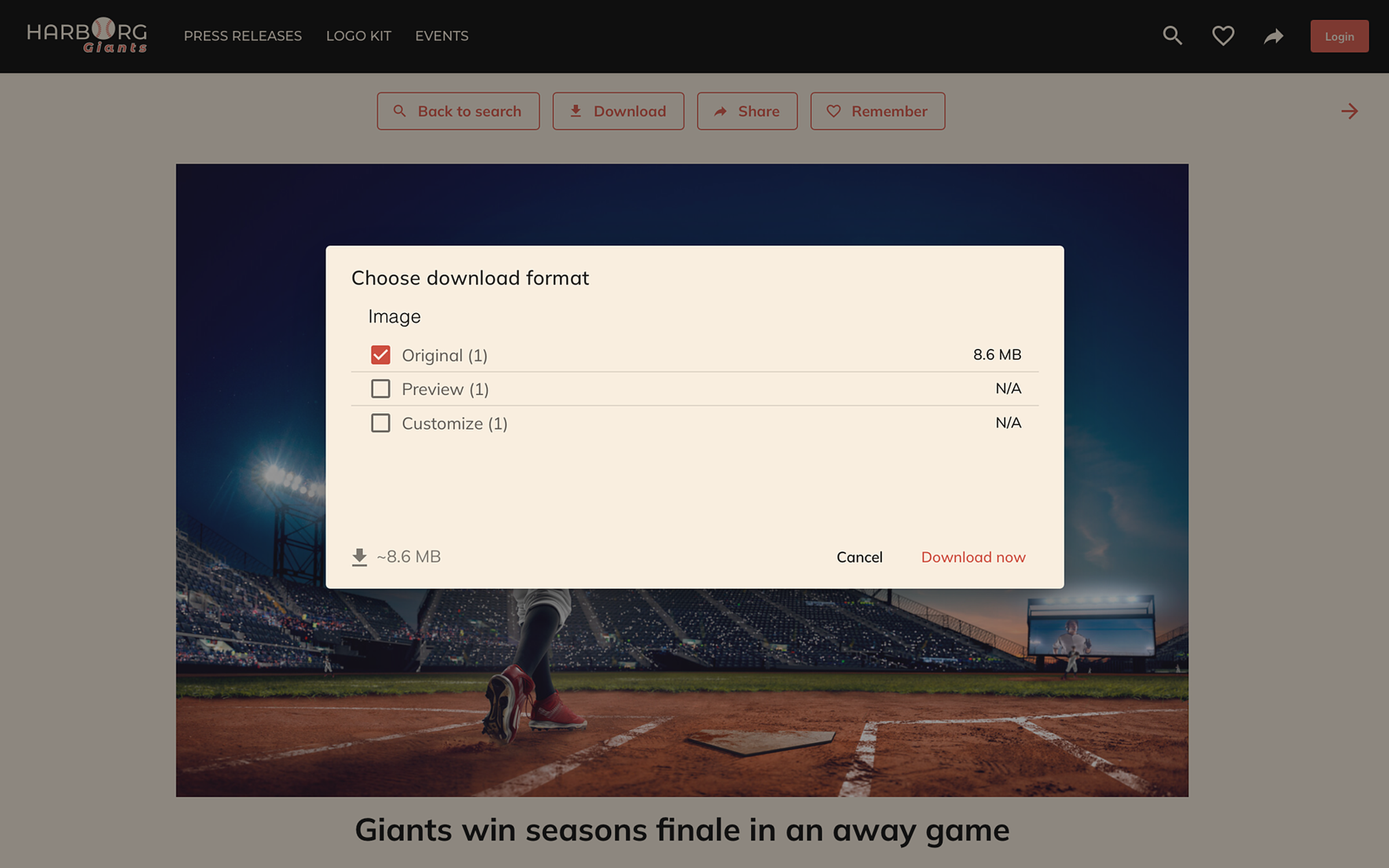
Hi-res for print, web size for online, social crops, B-roll, logos in every resolution: generated on the fly, so a journalist never asks for 'the big one'.

Ready for launch day

Mobile first, because that is where journalists and event crews are. Peaks are served from the platform's own index, so your source systems never feel them.

The release and its pictures, one asset, published once

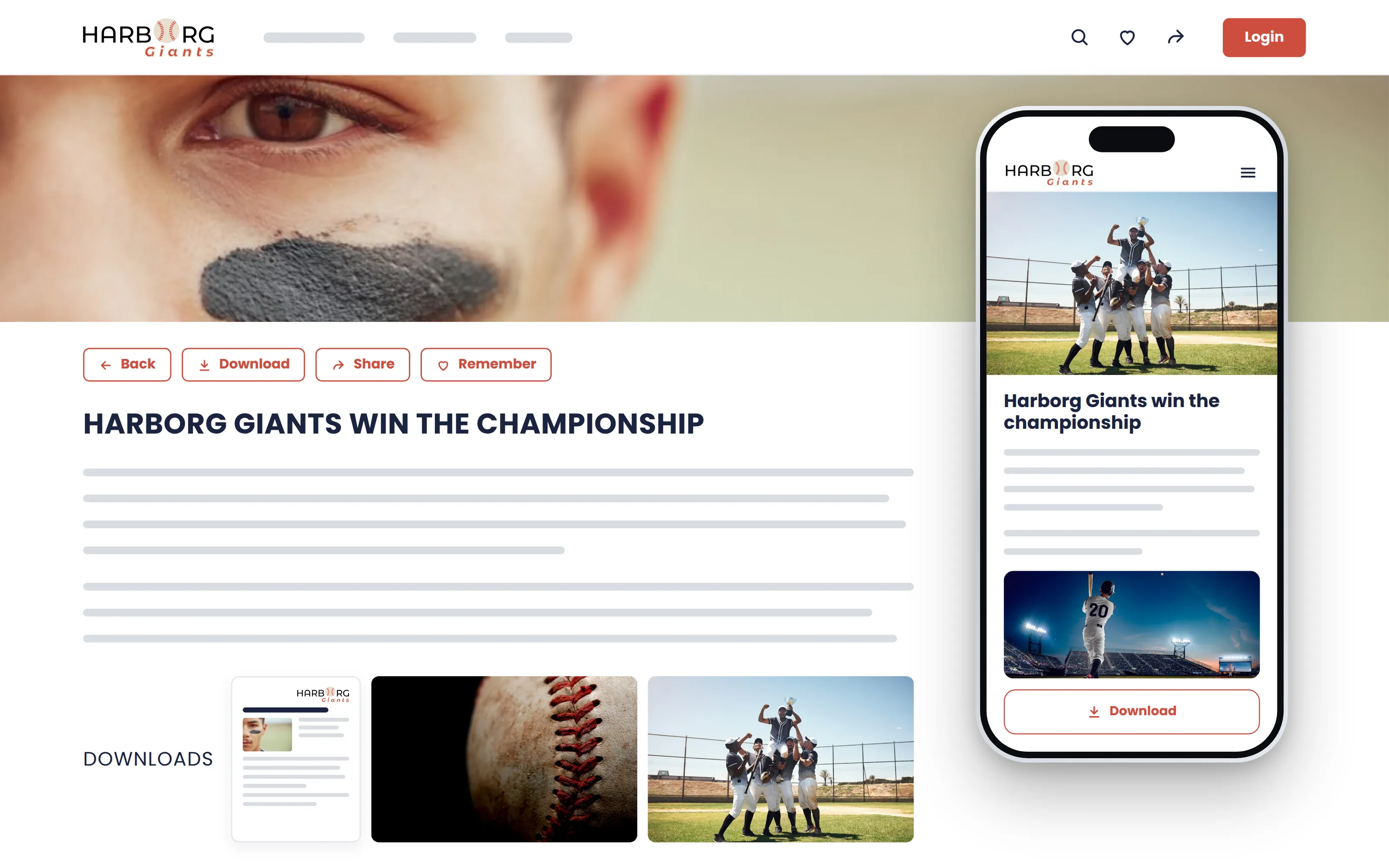
A press release in the portal is one composable asset, not a PDF with a folder next to it: the text, the quote, the contact, and the images, video and documents that belong to it, pulled straight from the systems you already run. Write it once in every language you publish in, set when it goes live, and the portal does the rest: public or embargoed, on a phone, every rendition ready.

With Sminted AI, your press portal becomes the journalist's assistant

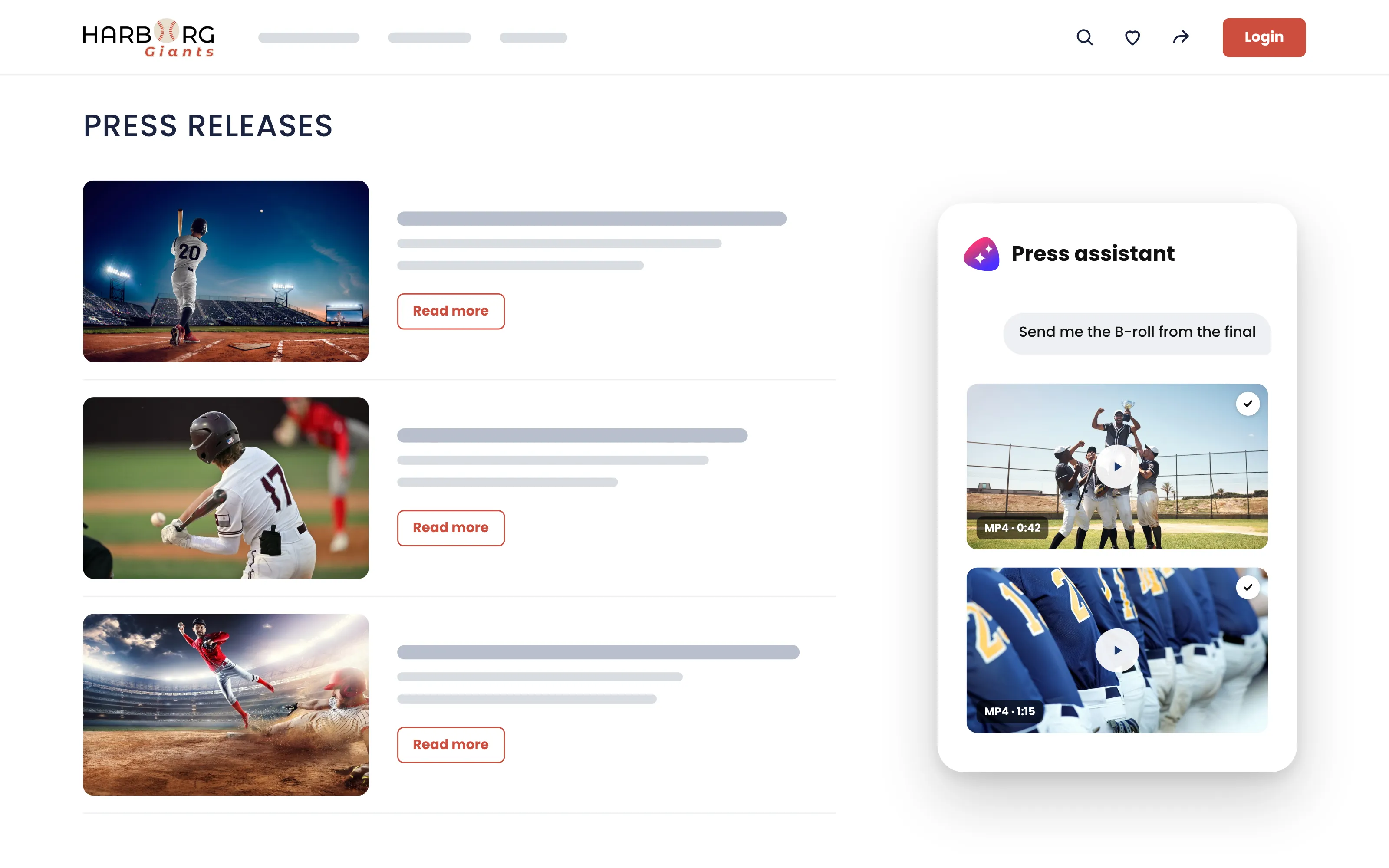
Connect Claude, ChatGPT, Copilot or any MCP client to your press portal, and a journalist on deadline can ask instead of browse: the CEO's headshot in hi-res, this morning's release, the B-roll from the launch. The answers come from the portal, through its own MCP server, with exactly the permissions that journalist has, public or accredited. Your comms team gets the same assistant from the inside. With Sminted AI, the assistant answers the way your comms team would.

How Sminted AI works

Your press portal in days instead of months

01

Connect.

DAM, ECM or other systems. Content stays where it is.

02

Create from a template.

A finished press portal in days, no code. Your brand, a public area and an accredited one.

03

Publish kits.

Per launch, event or topic, with every rendition ready. Accreditation by invitation, or automatically by email domain, so nobody waits.

One event, four audiences, one source

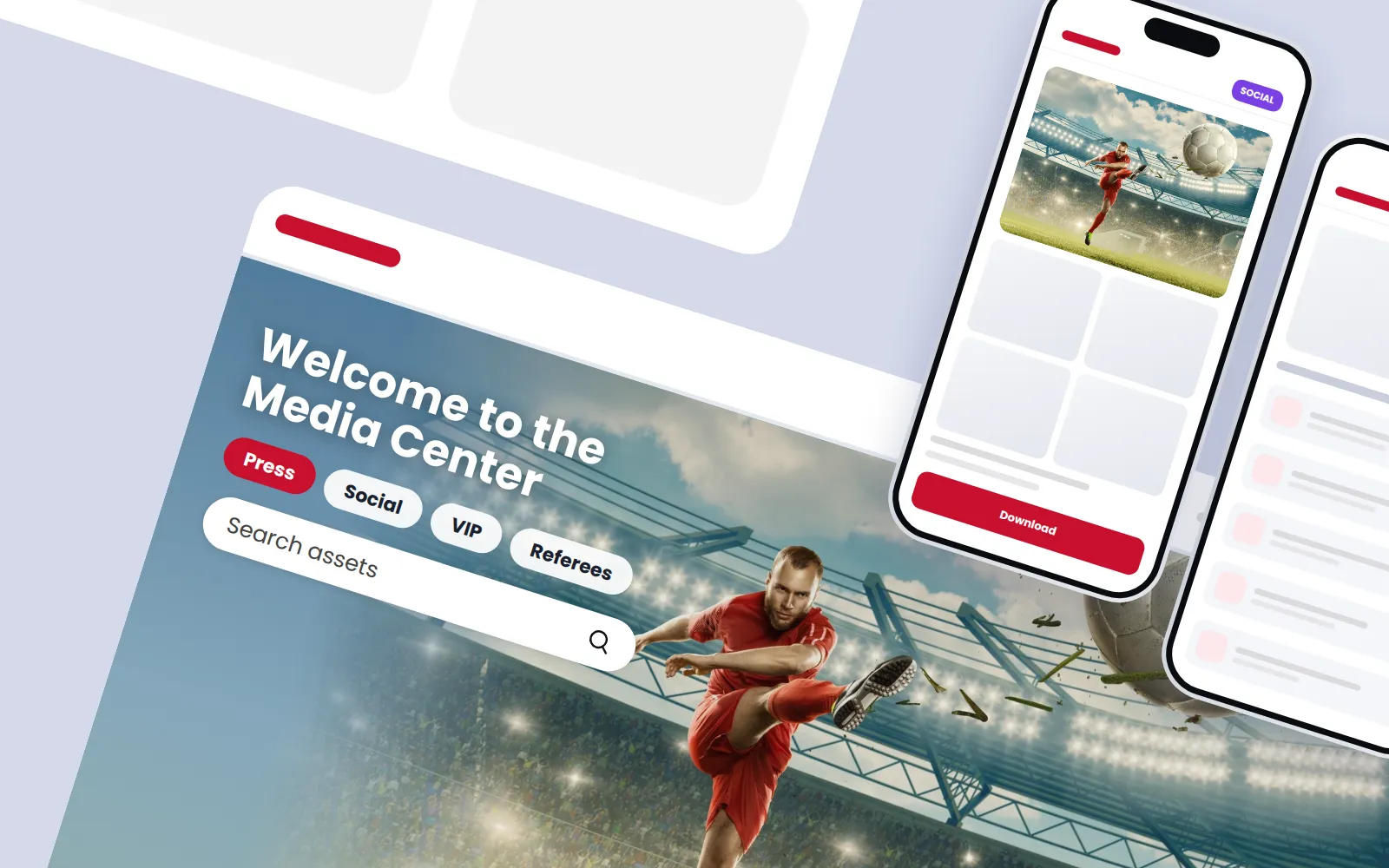
At one of the world's largest sporting events in summer 2026, an international sports federation served four audiences that could not be more different: accredited press, the players' social media teams, VIPs and referees. Each saw its own view, on a phone, in the moment it was needed, and everything uploaded on the way to the DAM passed an approval first. The existing Bynder DAM stayed what it was; the portals gave each audience its experience.

Read the story

Try it on a real portal

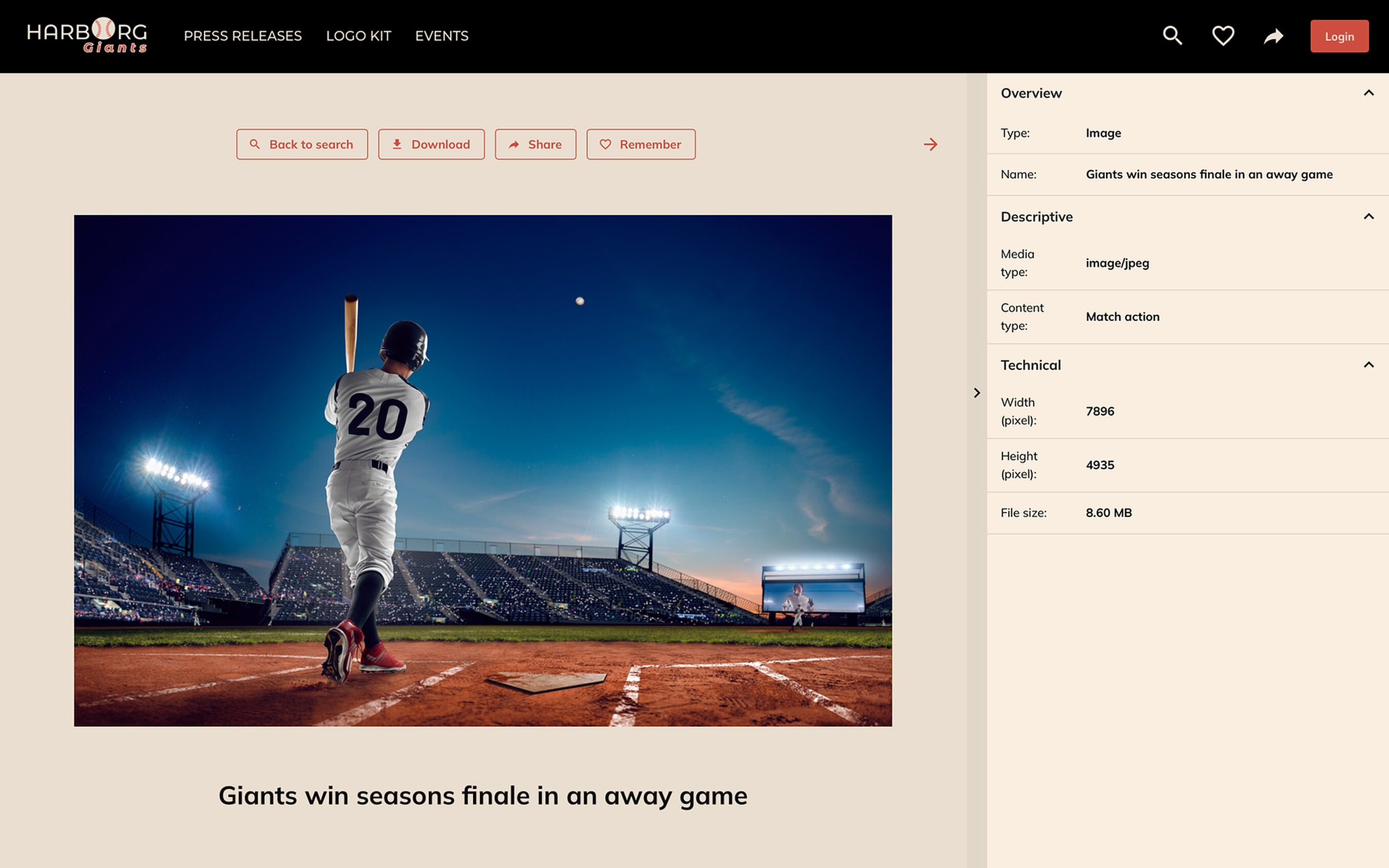
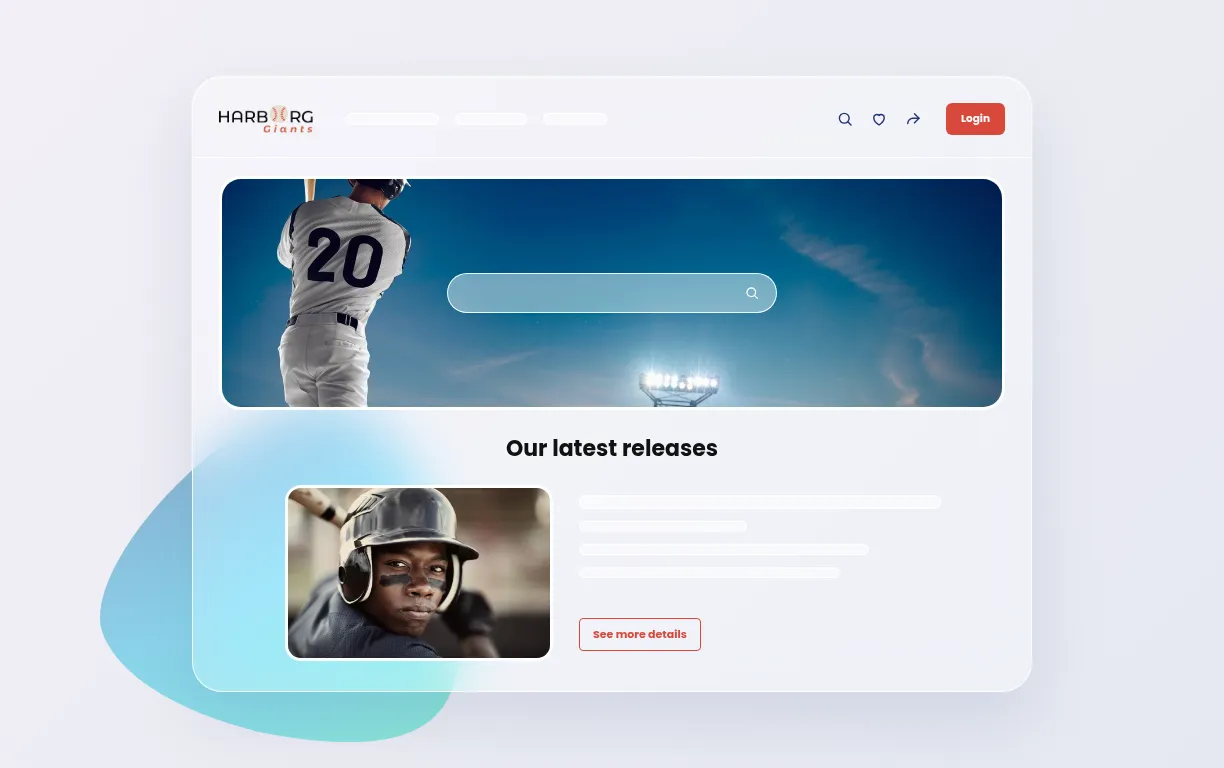
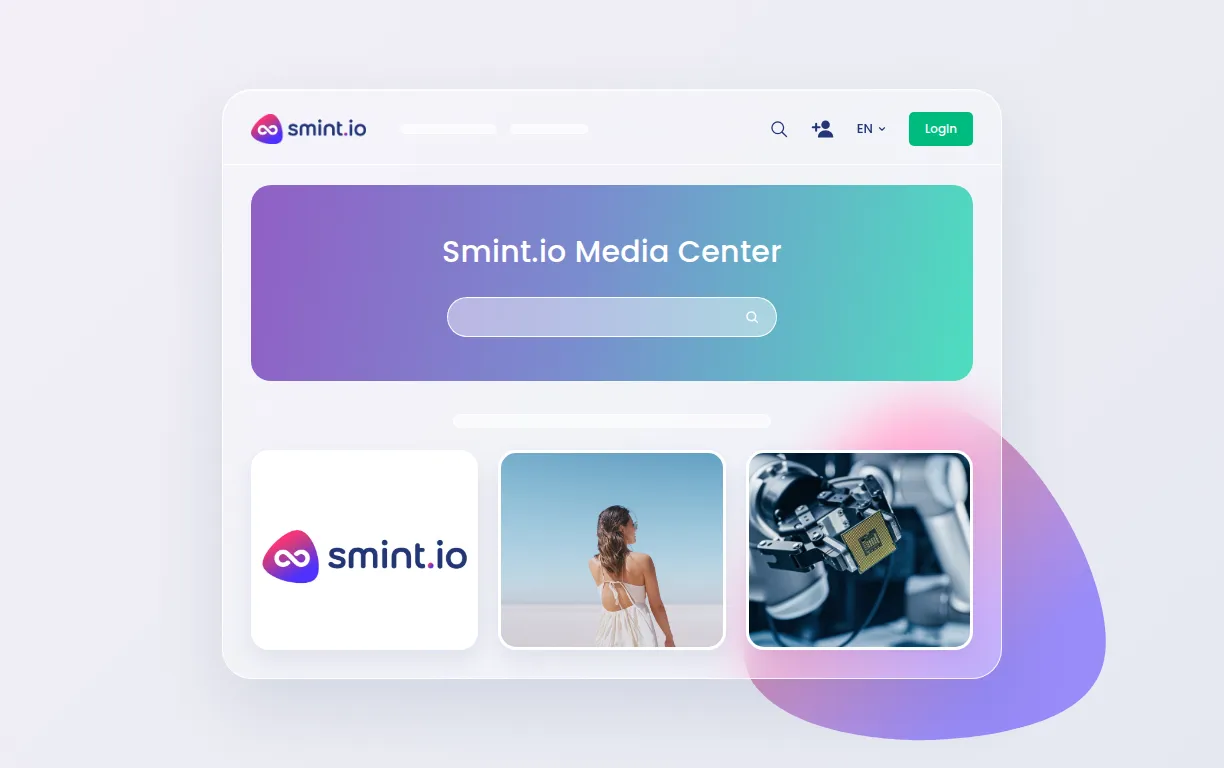
Here are three of our public portals. Harborg Giants is our fictional sports club, with a press portal that carries releases, match imagery and media kits the way a journalist would want them. Open one in your browser, or connect your AI assistant to it and ask it something.

Connect your AI to the Harborg Giants Press Portal

It is easy, and it takes only about a minute.

  1. Create your portal user account first

  2. Add a new connector

    In Claude, open Customize → Connectors, select + Add and choose Add custom connector.

  3. Paste this address

    https://press.harborg-giants.com/mcp
  4. Asked for a client ID? Use this one

    smintio-mcp
  5. Sign in and approve

    Your AI client opens the portal's sign-in. Sign in with that account and approve the connection.

  6. Try asking something, for example

    • “Show me the latest press release.”
    • “Which match photos do you have from the 2022 Final?”
    • “Is there a logo on a black background?”

Connect your AI to the Smint.io Media & Brand Portal

It is easy, and it takes only about a minute.

  1. Create your portal user account first

  2. Add a new connector

    In Claude, open Customize → Connectors, select + Add and choose Add custom connector.

  3. Paste this address

    https://media.smint.io/mcp
  4. Asked for a client ID? Use this one

    smintio-mcp
  5. Sign in and approve

    Your AI client opens the portal's sign-in. Sign in with that account and approve the connection.

  6. Try asking something, for example

    • “Find our current logo as SVG.”
    • “What are the Smint.io brand colours?”
    • “Show me the Portals promo videos.”

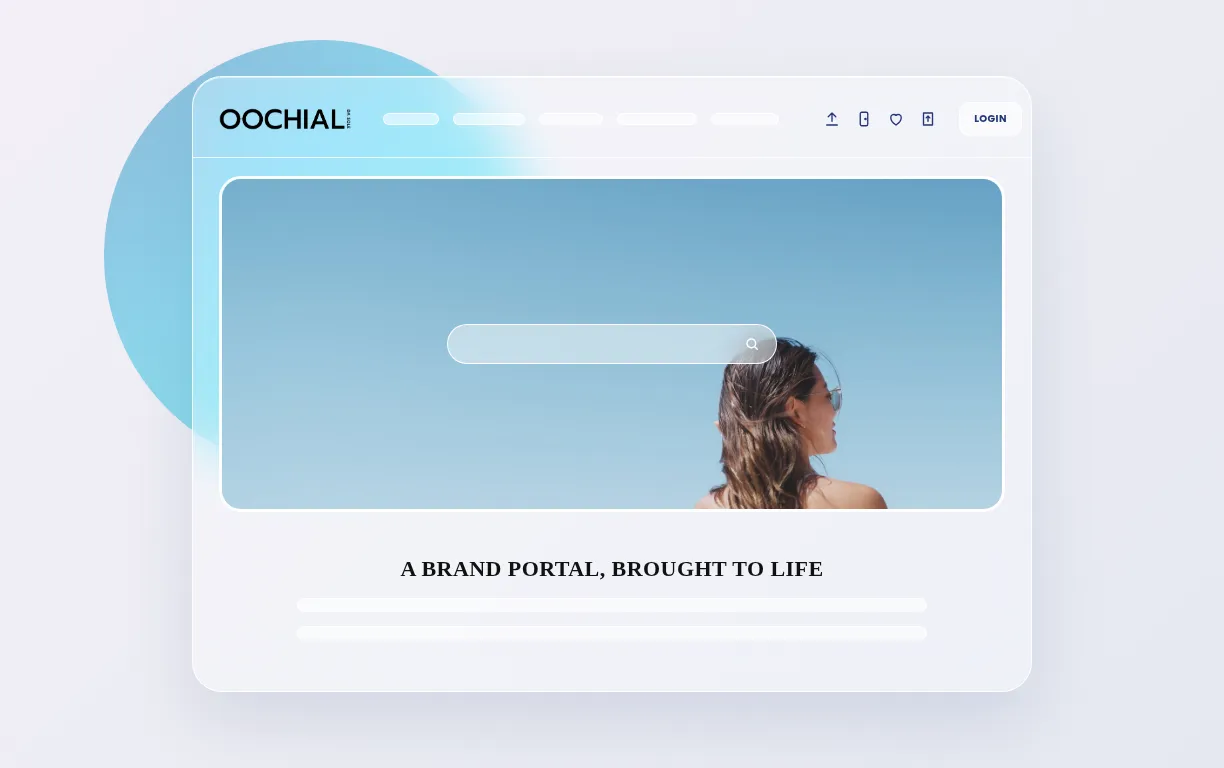
Connect your AI to the OOCHIALI Brand Portal

It is easy, and it takes only about a minute.

  1. Create your portal user account first

  2. Add a new connector

    In Claude, open Customize → Connectors, select + Add and choose Add custom connector.

  3. Paste this address

    https://new.oochiali.com/mcp
  4. Asked for a client ID? Use this one

    smintio-mcp
  5. Sign in and approve

    Your AI client opens the portal's sign-in. Sign in with that account and approve the connection.

  6. Try asking something, for example

    • “Is there a press release about Via dei Condotti?”
    • “What is in the Live freely campaign?”
    • “Which logo variants may I use on a dark background?”

In use at

Worldwide sports federationAnonymized

Event content for press, players' social media teams, VIPs and referees at one of the world's largest sporting events, on the existing DAM.

BystronicIndustrial machinery

Press center and media centers for several brands on one platform, on the existing Fotoware Alto DAM; the press portal was live in about a week.

ArperFurniture design

Architects, dealers, agents, partners and press on one public resource center, with a menu of its own for the press.

What do you like best about Smint.io Portals?

To start with, the flexibility, speedness and ease of use to create branded portals for our sport events. The integration with our DAM was quite easy and Smint.io manages the huge amount of digital assets we push during events.
Verified G2 reviewerEnterprise, sportsvia G2

Questions comms teams ask

Not for public material: releases, kits and images in the public area are open to everyone. Accredited areas are by invitation, or automatic: a journalist who signs up with a newsroom email domain you have listed is accredited on the spot, with nobody waiting for a reply.

Yes. Embargoed and public material sit side by side; accredited press sees the embargoed kit, everyone else sees it at the release time you set, to the minute.

Yes. A press release is written once with a version per language, title, text, quote and captions included, and every journalist reads it in the language of the portal they opened. The images and downloads behind it are the same assets in every version.

Yes. The portal serves from the platform's own index, not from your source systems, so a launch-day spike or an event with thousands of accredited users never reaches them.

Yes, any of them. Every portal exposes its own MCP server through Sminted AI, so a journalist's Claude, ChatGPT, Copilot or any other MCP client fetches the current release, the right image and the B-roll with exactly the permissions that journalist has, public or accredited. Whatever your comms team builds or automates on top, the press portal is its single source of truth.

Be there when the story is.