

How Arper Transformed Its Resource Center and Accelerated Content Access by 55%
- 40% increase in content downloads
- 35% less time spent on asset management
- Personalized content based on different user groups and regions

Introduction
Arper is a global Italian design brand founded in 1989, specializing in contemporary furniture for workspaces, public spaces, and residential environments.
Headquartered in Monastier di Treviso, Italy, the company has built a strong international presence, operating in more than 90 countries worldwide.
A Hard-to-Navigate Resource Center
Arper already had an existing resource center in place. However, it fell short of user expectations and user-friendliness. The filtering options were difficult to navigate and unintuitive, making it difficult for users to quickly find relevant content, access product information, and resources.
In addition, the design no longer reflected Arper’s standards or brand quality, highlighting the need for a more intuitive and modern update.
Scaling Asset Distribution for Multiple Users
As a global brand, Arper needed to manage and distribute a large volume of digital assets, including product images, 3D models, and marketing materials. Presenting these assets in a clear and structured way was a challenge, especially when serving different users, such as:
- Architects and designers
- Dealers
- Agents
- Partners
- Press users
- Internal teams
Also, ensuring each user group could access the right materials without overwhelming the internal teams had become increasingly difficult.
Making Content Open, Without Losing Control
Arper aimed to make its resource center freely accessible to all users while also maintaining a reserved section that adapted dynamically based on different user groups. This required a careful balance between openness and controlled access.
At the same time, the resource center needed to be integrated with Arper’s new website, which made it harder to deliver a consistent and user-friendly experience across all pages.
Identifying the Need for a Centralized Solution
Arper recognized the need for a simpler, more effective way to publish and share brand and media assets. Managing access to content and marketing materials required a centralized solution that serves different audiences without added complexity.
The goal was clear, to provide a single, user-friendly platform for partners and professionals to access the right content at the right time.
Exploring the Best Path Forward
Arper spent a couple of months researching potential solutions, starting with an online search. They also considered building an entirely custom solution. However, this required significant effort in terms of scalability and long-term maintenance.
To ensure the right decision was taken, Arper involved both the digital marketing and IT teams and consulted external partners, including THRON and Merkle, to evaluate technical and strategic fit.
Choosing a Platform That Adapts to Every User Group
Arper needed a centralized, user-friendly solution to efficiently publish and share brand and media assets. Consolidating all key resources into a single, reliable location would make it easier for both internal teams and external users to find and access content.
Smint.io Portals stood out by providing a Media Download Portal that adapts content dynamically to different user groups, while its intuitive interface simplifies searching and downloading of assets.
“Managing and sharing a large number of resources has become much simpler, and the constant support from the Smint.io team has made the collaboration very positive.”
A Centralized and Efficient Media Download Portal
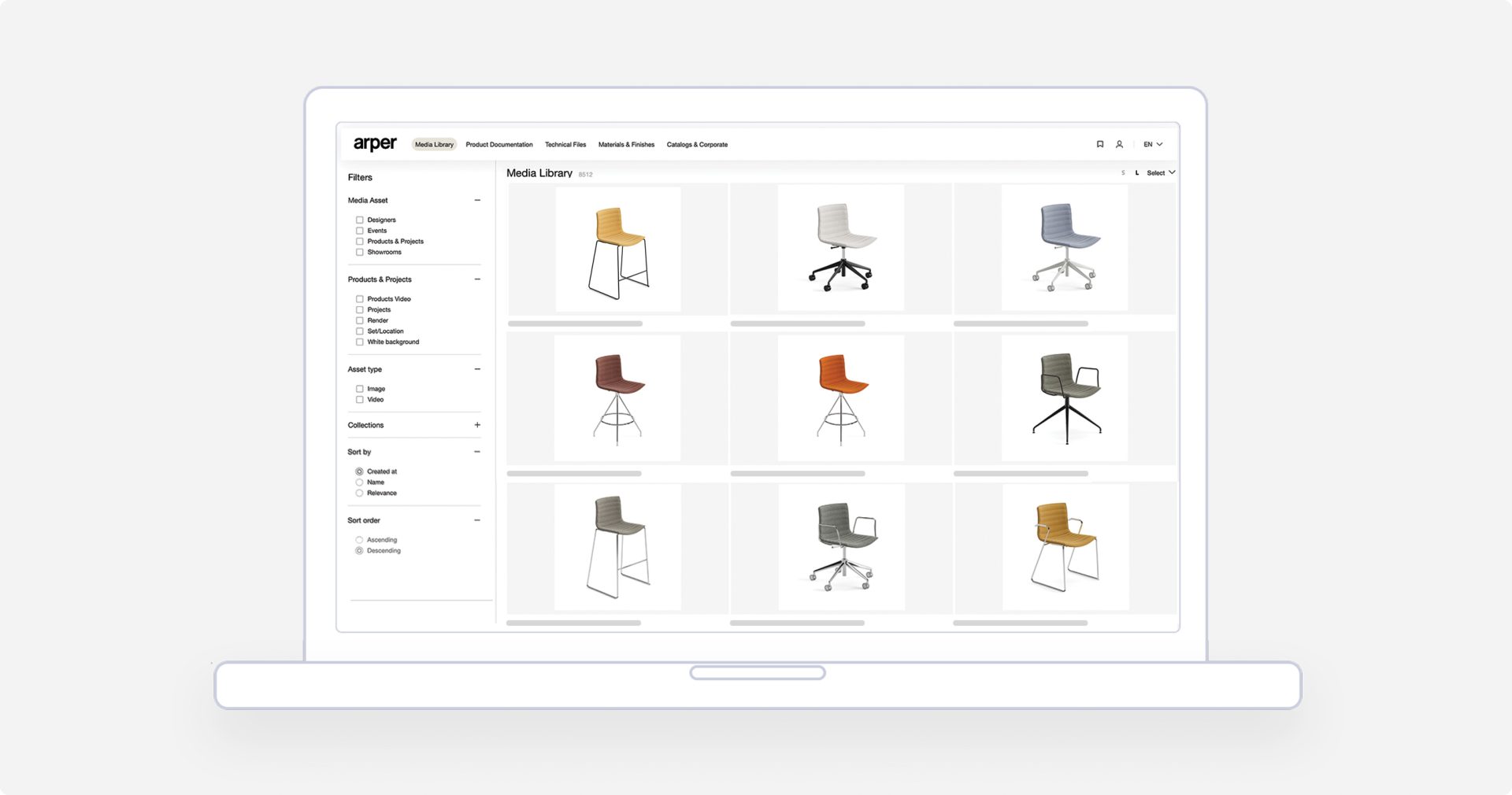
With Smint.io’s Media Download Portal, Arper established a single user-friendly hub for sharing its brand assets. The portal seamlessly integrated into Arper’s website, following the same design and structure, creating an on-brand experience.
The Portal centralized classical marketing assets from the DAM, including images, videos, and supporting documents. Integrating easily with Arper’s existing content source system, THRON, allowed assets to be shared directly from the source, ensuring consistency and reliability.
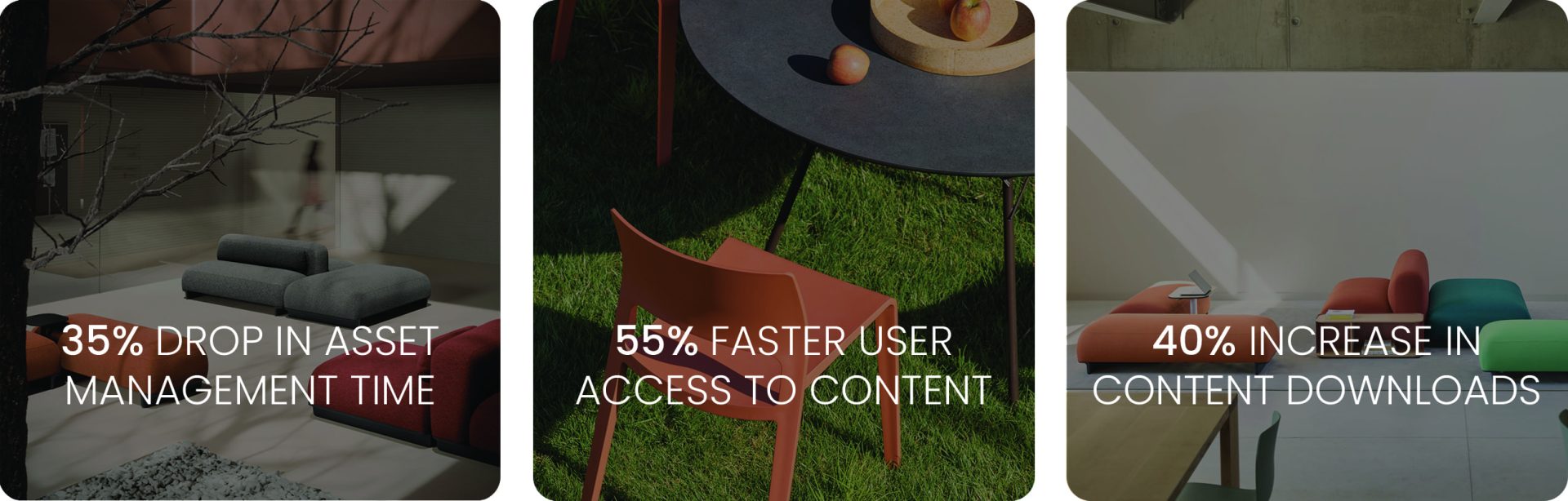
As a result, Arper reduced the time spent on asset management by 35% and enabled 55% faster access to content. Teams, partners, and professional users could quickly find, access, and use the right materials, supporting smoother collaboration and more efficient day-to-day work.
Tailored Content for Different User Groups
The portal’s dynamic content routing personalized the experience for different user groups and regions. Even anonymous users are able to see assets relevant to their location, ensuring regional accuracy. While specific user groups, such as sales or press, received tailored menu options and content.
This targeted approach led to a 40% increase in content downloads, as users could more easily access relevant content. While keeping content management simple and in control for internal teams.
A Smooth Rollout Supported by Ongoing Collaboration
Arper valued the ease of use of Smint.io Portals on both the front-end and back-end, making it simple to manage and publish resources without technical complexity.
In addition to the Media Download Portal, Smint.io provided an Employee Portal. The platform’s customization options were tailored for Arper’s specific needs, and with the constant support from Smint.io, the rollout was smooth and seamless.
Together, this built a strong, positive working relationship over time.
Key Data
- Number of Portals: 2
- Use Cases: Media Download Portal & Employee Portal
- Content Source: THRON
Benefits
- Live integration with Arper’S DAM
- Role-based access to content
- Improved user experience
- Fast rollout
- Consistent brand presentation
Want to accelerate your own content operations like Arper?
Arper’s design-driven culture required more than just access to assets. It needed a resource center that matched its standards. See how you can do the same.