
SharePoint Site: Advanced Branding Strategies
What branding options are available in SharePoint?
SharePoint, a powerful platform by Microsoft, offers a wide range of branding options that can significantly enhance the user experience and reinforce your organization’s brand identity.
By customizing SharePoint, you not only improve the aesthetic appeal of your site but also ensure consistency, usability, and engagement.
This blog post explores the various branding options available in SharePoint, offering a comprehensive guide for organizations looking to leverage these features to enhance their brand presence.
Customizing themes
Themes are a powerful tool for establishing a consistent and visually appealing color scheme throughout your SharePoint site.
By implementing custom themes, you can ensure that the site’s colors, fonts, and overall design align with your organization’s branding, creating a cohesive user experience and a visually appealing environment.
Custom themes typically include:
- Color Palettes: Custom themes allow you to define primary and secondary colors that resonate with your brand’s visual identity. These color palettes ensure that every element of your site, from headers and footers to buttons and links, reflects your brand’s distinct color scheme. Consistent use of brand colors improves visual appeal and reinforces brand recognition and loyalty.
- Fonts: Selecting the right fonts is crucial for maintaining your corporate style. Custom themes enable you to choose fonts that match your branding guidelines, ensuring that all textual content on the site is consistent with your brand’s typography. This attention to detail enhances readability and professional appearance, providing a seamless user experience.
- Backgrounds and Textures: Incorporating specific backgrounds and textures can add a unique branded touch to your site’s overall design. Whether it’s a subtle texture that adds depth or a branded background image that strengthens your visual identity, these elements help create a distinct and engaging environment.
These elements combine to create a unified look that reinforces your brand identity and increases the overall aesthetic of the site.

Implementing custom logos
A logo is a cornerstone of your brand identity, acting as a visual symbol of your organization’s values, culture, and reputation. Integrating your organization’s logo into your SharePoint site offers numerous benefits that extend beyond mere aesthetics:
- Visibility: A prominently displayed logo ensures continuous brand exposure. As users navigate through your site, the consistent presence of your logo serves as a constant reminder of your brand, enhancing its visibility and impact.
- Recognition: A well-recognized logo fosters a sense of familiarity and trust. When users see your logo, they immediately associate the site with your organization, reassuring them that they are in a secure and authentic environment. This recognition is crucial in building and maintaining user trust and loyalty.
- Consistency: Consistency in branding is key to reinforcing your organization’s identity. Including your logo on every page of your SharePoint site creates a unified and professional appearance, ensuring that your brand’s presence is felt throughout the user experience. This consistent branding helps establish a cohesive narrative and a strong brand identity.
Crafting site titles and descriptions
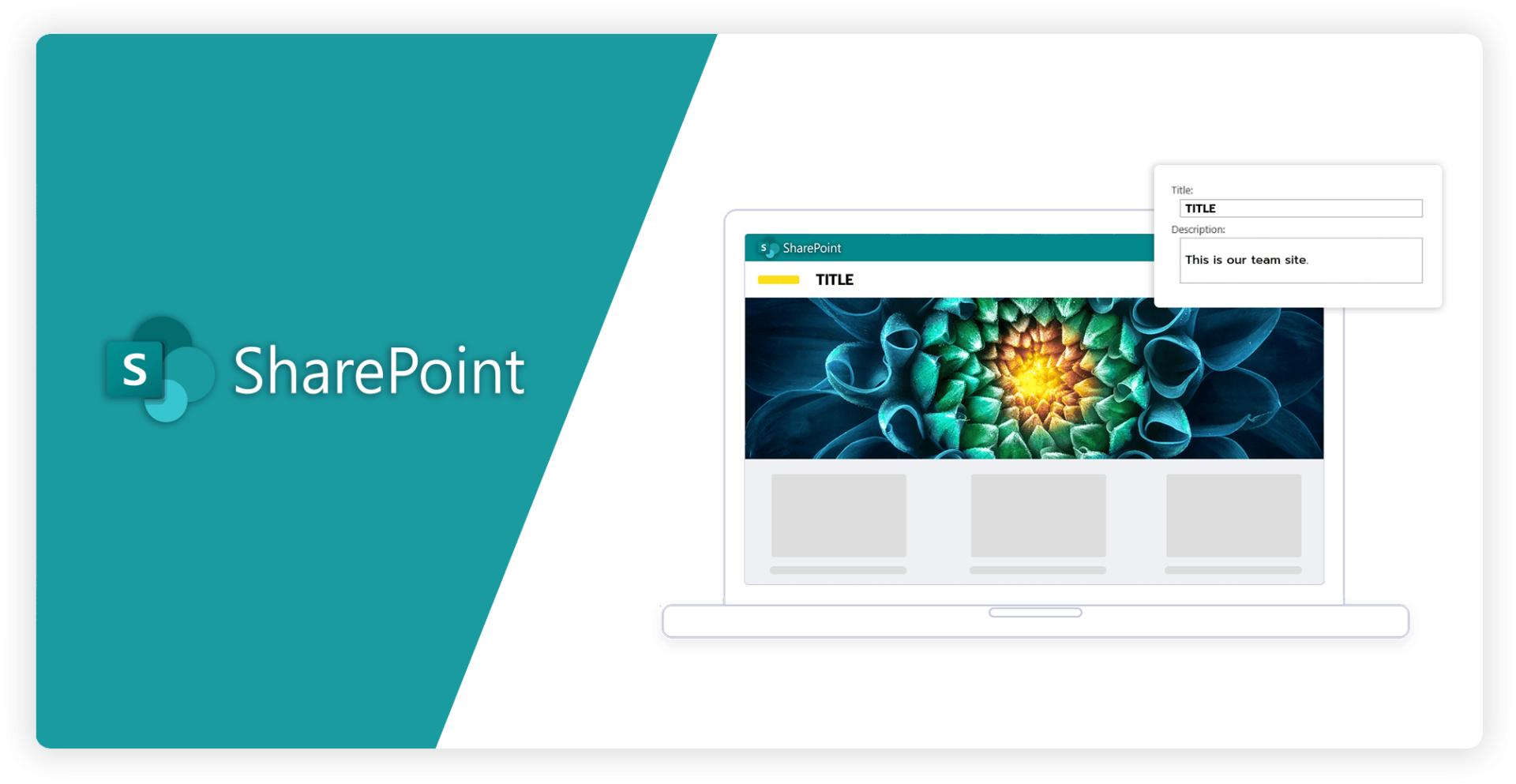
The site title and description play a pivotal role in communicating the essence and objective of your SharePoint site. Crafting these elements thoughtfully enhances your organization’s branding in several keyways.
- Clarity: A well-crafted site title and description provide clear and concise information about the site’s purpose and content. This clarity helps users quickly grasp what the site offers, facilitating easier navigation and reducing confusion. Clear communication of your site’s purpose ensures that users can efficiently find the information they seek, ensuring overall user satisfaction.
- Searchability: Effective site titles and descriptions are integral to improving search engine optimization (SEO). By incorporating relevant keywords and accurately describing the site’s content, you can increase the likelihood of your site appearing prominently in search engine results. This not only attracts more visitors but also directs the right audience to your site, aligning with your organization’s strategic goals and objectives.
- Professionalism: A polished site title and description positively reflect on your organization’s professionalism and attention to detail. These elements create a positive first impression for new visitors, instilling confidence and credibility in your brand. A professional presentation underscores your commitment to quality, encouraging users to engage more deeply with its offerings

Tailoring navigation
Customizing the navigation structure of your SharePoint site is essential for optimizing usability and reinforcing your brand identity. Effective navigation customization encompasses several key aspects:
- Intuitive Menus: Designing menus that are easy to navigate and logically structured is vital. By aligning the menu design with your site’s content hierarchy, you create a seamless user experience. Intuitive menus guide users to the information they need quickly and efficiently, reducing frustration and enhancing overall satisfaction.
- Custom Icons and Labels: Incorporating branded icons and descriptive labels from navigation links significantly elevates your site’s visual appeal and intuitiveness. Custom icons provide visual cues that help users recognize the purpose of each link immediately, while descriptive labels ensure clarity. This combination makes navigation more engaging and aligned with your brand’s visual identity.
- Consistent Structure: A well-organized navigation system mirrors the logical structure of an organization. Consistency in navigation not only aids in user comprehension but also reflects the organization’s methodical approach. When users encounter a consistent navigation structure across all pages, they can predict where to find information, which improves their overall experience and efficiency.

Adding custom branding elements
Beyond the foundational elements like theme and logos, SharePoint provides a range of options for incorporating custom branding elements to further personalize and enhance your site.
These elements enable you to create a unique and engaging user experience that closely aligns with your brand’s identity and goals.
Web Parts: Custom web parts are a versatile tool for displaying branded content and interactive features. For instance:
- Image Web Parts: Showcase your brand’s imagery, such as logos, promotional graphics, or product photos. This not only enhances visual appeal but also reinforces brand identity
- Text Web Parts: Utilize text web parts to display content in your brand’s typography and colors. Whether it’s a mission statement, the latest news, or important announcements, aligning text presentation with your brand guidelines ensures consistency and professionalism.
- Interactive Features: Web parts can also include interactive elements like forms, charts, and social media feeds that are styled to match your brand. This engagement keeps users interacting with your content in a branded context.
Maintain a balance between aesthetics and functionality to ensure your site remains user-friendly and accessible.
CSS and JavaScript: Advanced customization using CSS and JavaScript offers precise control over your site’s appearance and functionality:
- Custom Stylesheets (CSS): Apply specific branding guidelines through custom stylesheets. This includes setting font styles, color schemes, spacing, and other design elements to ensure every aspect of the site adheres to your brand’s standards.
- Custom Scripts (JavaScript): Enhance your site’s interactivity and user experience with custom scripts. JavaScript can add unique functionalities such as dynamic content updates, animations, and personalized user interactions.
Banners and Headers: Custom banners and headers are critical for providing additional branding space and highlighting key information:
- Banners: Use custom banners to feature key messages, promotions, or updates prominently. Banners can be designed to fit your brand’s aesthetic, ensuring they catch the user’s eye while maintaining visual harmony with the rest of the site.
- Headers: Design headers that incorporate your brand’s logo, colors, and style. A well-designed header can serve as a navigation hub, guide user interaction, and provide a consistent brand presence across all pages.

Utilizing Master Pages and Page Layout
For organizations leveraging classic SharePoint, master pages and page layouts present significant branding opportunities that can greatly enhance the user experience and strengthen brand identity.
These tools allow you to apply a consistent and customized design across your site, ensuring that every page reflects your organization’s unique style and standards.
- Consistent Design: is a key advantage of using master pages. By defining a master page, you ensure that essential elements such as headers, footers, and navigation bars remain uniform across all pages of your SharePoint site. This consistency creates a cohesive visual experience and reinforces your brand identity, as users will recognize repeated elements that reflect your brand’s aesthetic. A uniform look and feel throughout the site contribute to a professional and reliable user experience, enhancing trust and engagement.
- Custom Layouts: offer the flexibility to present various content types in a manner that aligns with your branding guidelines. With custom page layouts, you can design specific templates for different types of content, such as articles, announcements, or product pages. This customization ensures that each type of content is displayed optimally, highlighting important information and maintaining a consistent brand presentation. Custom layouts make managing and updating content easier while keeping the site visually appealing and on-brand.
- Enhanced Control: over your site’s structure and design is another significant benefit of using master pages and custom layouts. Master pages allow you to define the overall framework of your site, including fixed elements and common design features. This level of control ensures that every page adheres to your organization’s branding standards, providing a seamless and integrated user experience. Custom layouts further extend this control by allowing detailed customization of individual pages, ensuring that each page’s design supports your brand identity and messaging effectively.

Implementing Responsive Design
In a mobile-centric world, ensuring that your SharePoint site is responsive is crucial for providing a seamless and engaging user experience across all devices.
Responsive design techniques enable your site to adapt to various screen sizes and orientations, ensuring that content remains accessible and visually appealing whether users are on desktops, tablets, or smartphones.
- Fluid Grids: The foundation of responsive design lies in fluid grids, which use relative units like percentages instead of fixed units like pixels. This approach allows layouts to adjust dynamically to the screen size, ensuring content is displayed correctly regardless of the device. Fluid grids provide flexibility and scalability, making your site versatile and adaptable to any screen resolution.
- Flexible Images: Ensuring images scale appropriately is essential for maintaining visual appeal and usability across different devices. Flexible images resize within their containing elements, preventing them from breaking the layout or appearing disproportionately large or small. This technique ensures that images look crisp and professional on any screen, enhancing the overall aesthetics of your site
- Media Queries: CSS Media queries are a powerful tool for applying different styles based on the device’s characteristics, such as screen size resolution, and orientation. Media queries allow you to tailor your site’s appearance and functionality to match the specific needs of each device. For example, you can adjust font sizes, hide or display elements, and reorganize content to ensure optimal usability and readability. This level of customization ensures that your site provides an intuitive and engaging experience, no matter how users access it.
Branding capabilities with Smint.io Portals
Integrating Smint.io Portals with SharePoint opens a new realm of branding and customization possibilities, significantly enhancing both the visual appeal and functional depth of your site.
Smint.io Portals are purpose-built to seamlessly integrate with SharePoint, offering advanced features tailored for creating sophisticated and branded user experiences.
Smint.io simplifies updating branding elements, keeping your SharePoint site fresh and aligned with your latest brand standards.
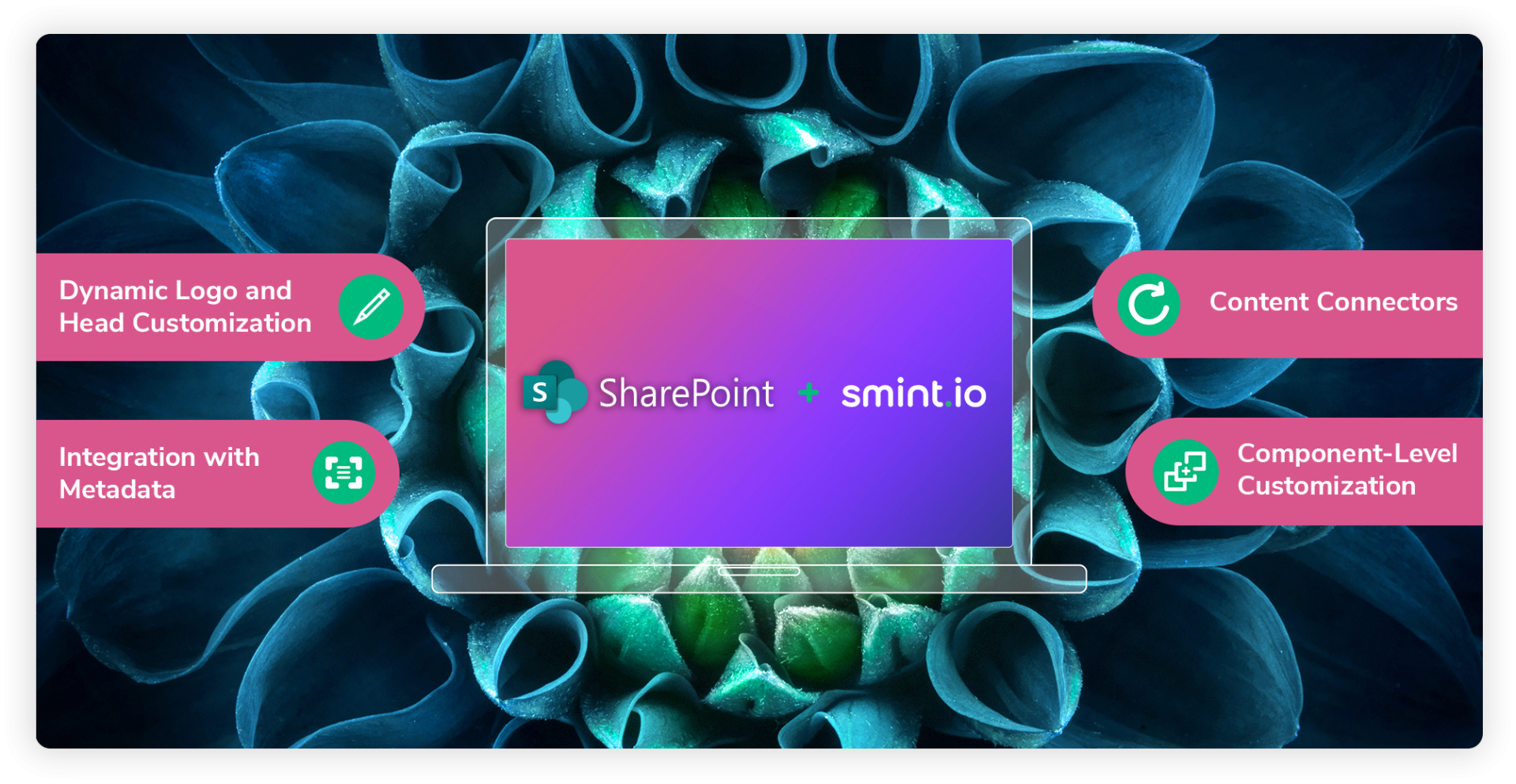
- Dynamic Logo and Head Customization: With Smint.io Portals, managing logos becomes dynamic and intuitive. You can effortlessly replace SharePoint’s default logo with your brand logo across all portal instances, reinforcing brand identity consistently.
Smint.io facilitates detailed customization of headers and footers. This includes integrating branded elements like custom navigation menus and corporate messages and improving user engagement through a personalized browsing experience. - Integration with Metadata: With Smint.io Portals, you can leverage metadata integration to enhance content organization and retrieval within SharePoint. Metadata allows for more refined search capabilities and a better-structured site, which is crucial for a seamless user experience. By tagging and categorizing content effectively, you ensure that users can quickly find relevant information, reinforcing a smooth and branded navigation experience.
- Content Connectors: Smint.io Portals can connect with various content sources, allowing for a unified display of information across your SharePoint environment. This capability is especially useful for businesses that need to integrate content from multiple systems while maintaining a consistent look and feel. The unified content presentation helps maintain brand consistency and ensures that users have a cohesive experience regardless of the content source.
- Component-Level Customization: Smint.io Portals empowers you to customize specific components on your SharePoint site. Different styles can be applied to individual components, making it easy to highlight important sections or create visually distinct areas. This level of customization is ideal for complex sites with diverse content needs, ensuring that every element aligns with your branding guidelines and enhances user engagement.
Conclusion
Branding your SharePoint site effectively is crucial for reinforcing your organization’s identity and improving your user experience. With various customization options, such as themes, custom logos, and tailored navigation, SharePoint enables you to create a visually appealing and consistent environment that aligns with your brand standards.
These elements work together to ensure that users have a seamless and engaging experience while enhancing brand recognition and loyalty.
Advanced customization options, including custom branding elements like web parts, CSS, and JavaScript, allow for even more precise control over your site’s appearance and functionality. By utilizing master pages and custom layouts, you can maintain a cohesive and professional look across all pages, further strengthening your brand’s identity.
Implementing responsive design techniques ensures that your site remains accessible and visually appealing across all devices, providing a seamless user experience for desktop, tablet, and mobile users alike.
Integrating Smint.io Portals with SharePoint elevates these branding capabilities to a new level, offering dynamic logo and header customization, metadata integration, and component-level customization. Smint.io’s advanced features enable a more sophisticated and branded user experience, ensuring that every element of your site aligns with your branding guidelines and increases user engagement.
This integration allows for a unified content presentation and refined search capabilities, making your SharePoint site even more effective and user-friendly.
Ultimately, by leveraging SharePoint’s extensive branding options and enhancing them with Smint.io Portals, you can create a site that not only stands out but also fosters user engagement and strengthens your brand presence.
Embrace these tools to unleash your creativity and elevate your SharePoint site to new heights, ensuring it effectively represents your organization’s values and identity.
Read more
Grow your knowledge
Join hundreds of marketing and brand professionals. Keep up-to-date with the hottest news regarding content portals, brand experience and digital touchpoints. Don’t miss out!