
SharePoint branding: challenges and opportunities

Are there limitations or considerations when branding SharePoint sites?
Branding your SharePoint sites is a powerful way to transform your intranet or collaboration platform into a seamless extension of your organization’s identity.
When done right, it not only enhances the visual appeal of your site but also elevates the user experience, strengthens brand consistency, and fosters a unified community among your users.
By effectively branding your SharePoint environment, you can make the platform feel like a natural part of your organization’s culture rather than just another tool.
However, the process of branding SharePoint is not without its challenges. It involves much more than simply adding your logo and company colors. From technical limitations to platform-specific nuances, several critical factors can influence the success of your branding efforts.
By understanding these challenges and planning accordingly, you can avoid common pitfalls and create a SharePoint experience that not only looks professional but also functions smoothly, delivering a cohesive and effective user experience.
SharePoint Online vs. SharePoint Server: understanding your branding environment
The first and most essential step in successfully branding your SharePoint site is a clear understanding of the environment you are working in, whether it’s SharePoint Online, a cloud-based solution integrated with Microsoft 365, or SharePoint Server, an on-premises platform hosted within your organization’s infrastructure.
Each of these platforms brings its own set of features, capabilities, and limitations that will significantly shape your branding possibilities and influence your overall strategy.
SharePoint Online: The Cloud-Based Approach
SharePoint Online is a cloud-based solution integrated with Microsoft 365, offering a modern, streamlined user experience with continuous updates and enhancements from Microsoft.
This environment is particularly appealing for organizations that prioritize ease of use, scalability, and access to the latest features without the need for extensive IT management.
However, the cloud-based nature of SharePoint Online comes with certain limitations, especially when it comes to deep customization.
- Limited Customization Options: SharePoint Online does not support custom master pages or full-trust solutions, which means you cannot modify the core structure of the site’s pages to the same extent as you could in an on-premises environment.This restriction is designed to ensure platform stability and security but can limit the depth of visual and functional customizations.
- Predefined Themes and Site Designs: Branding in SharePoint Online often involves using predefined themes, custom site designs, and modern web parts. These tools are user-friendly and allow for quick implementation, but they also come with predefined layouts and styles that might restrict your creative freedom.While you can apply custom colors, fonts, and logos, the extent to which you can alter the site’s look and feel is more controlled.
- Regular Updates and Compatibility: One of the significant advantages of SharePoint Online is its frequent updates. However, this also means that any customizations you implement need to be compatible with these updates, which can sometimes disrupt your branding efforts.Microsoft manages the platform’s evolution, so you must be prepared to adapt your branding strategy to align with new features and changes.
Understanding the unique capabilities and limitations of SharePoint Online and SharePoint Server is crucial to defining an effective branding strategy.
SharePoint Server: The On-Premises Powerhouse
On the other hand, SharePoint Server is an on-premises solution, meaning it is hosted within your organization’s own IT infrastructure.
It is ideal for organizations that require a higher degree of control over their environment and are prepared to manage the associated maintenance and security responsibilities.
- Advanced Customization Capabilities: Unlike SharePoint Online, SharePoint Server allows you to fully customize master pages, create bespoke layouts, and implement custom CSS and JavaScript.This level of control enables you to tailor the SharePoint experience to precisely match your organization’s brand, from the smallest design detail to complex functionality that aligns with specific business needs.
- Full Control Over Updates and Infrastructure: With SharePoint Server, you manage the infrastructure, including when and how updates are applied. This means you can test updates in a controlled environment before rolling them out, ensuring that your custom branding remains intact.However, this control also comes with the responsibility of regular maintenance, security patches, and infrastructure management.
- Greater Creative Freedom: The flexibility offered by SharePoint Server is unmatched, making it ideal for organizations with complex branding requirements or those that need to integrate SharePoint deeply into their existing IT ecosystem.Whether you want to create a fully customized user interface or integrate with other on-premises systems, SharePoint Server provides the tools and flexibility to make it happen.

Modern vs. Classic SharePoint sites: choosing the right framework
When it comes to branding SharePoint sites, one of the most critical decisions confronted is whether to adopt modern or classic SharePoint sites. Each framework offers distinct branding capabilities, and the choice you make will significantly impact the design, functionality, and overall user experience of your site.
Understanding the strengths and limitations of both options is essential to making the right decision for your organization.
Modern SharePoint Sites: Streamlined, Responsive, and User-Friendly
Modern SharePoint sites are the newer, more streamlined option, designed with a focus on simplicity, responsiveness, and ease of use.
They are built to meet the needs of today’s mobile-first, cloud-based environments, making them a popular choice for organizations looking to create a cohesive, accessible digital workspace.
- Built-In Themes and Configurable Web Parts: Modern SharePoint sites come with a variety of built-in themes and configurable web parts, allowing you to quickly apply your organization’s branding elements, such as colors, logos, and fonts.The process is straightforward, and the intuitive user interface makes it easy to create a consistent look and feel across your site with minimal effort. The focus here is on simplicity and ensuring that your site is both visually appealing and functional across all devices.
- Responsive Design: One of the most significant advantages of modern SharePoint sites is their inherent responsiveness. They are designed to work seamlessly across various screen sizes and devices, from desktops to smartphones.This mobile friendliness is crucial in today’s work environment, where users expect to access information and collaborate from anywhere, at any time. With modern sites, you can be confident that your branding will look great and function on any device.
- Limitations in Customization: While modern SharePoint sites offer a range of branding options, they are fairly limited when it comes to deep customization. The emphasis on consistency and ease of use means that many aspects of the site’s design are predefined, with less room for extensive modifications.If the organization requires a highly specific look and feel or needs to implement custom layouts and complex design elements, modern sites may not provide the flexibility. Custom branding beyond what is provided by the default options can be challenging, and the ability to create unique experiences is constrained.
Choosing between modern and classic SharePoint sites is key to defining your branding strategy, each with unique benefits and limitations.
Classic SharePoint Sites: Flexibility and Control at a Cost
Classic SharePoint sites, in contrast, offer much greater flexibility and control over the branding process. They have been around for longer and are well-suited for organizations that need to create a highly customized user experience. However, this flexibility comes with its own set of challenges.
- Advanced Customization Potential: Classic sites allow you to leverage tools like SharePoint Designer, custom master pages, and third-party solutions to create a site that truly reflects the organization’s brand identity.You can customize virtually every aspect of the site, from the layout and navigation to the design and functionality. This level of control is ideal for organizations with specific branding requirements or those that need to integrate SharePoint with other systems in a way that requires significant customization.
- Challenges with Responsiveness: Unlike modern sites, classic SharePoint sites are not inherently responsive. This means that if you choose to go the classic route, you will need to invest additional time and resources to ensure your site is mobile-friendly.Achieving a responsive design in a classic SharePoint site often requires custom CSS, JavaScript, and possibly third-party tools, making the process more complex and resource intensive. Failing to properly address responsiveness can result in a subpar user experience on mobile devices, which is increasingly important in today’s digital landscape.
- Future-Proofing Concerns: Another critical consideration when choosing classic SharePoint sites is the gradual phasing out of support for some classic features by Microsoft. As Microsoft continues to develop and promote modern sites, certain classic features and tools are being retired or receiving less attention in terms of updates and support.Relying heavily on classic SharePoint features may present challenges in the future, as you may need to transition to modern sites or find alternative solutions as support diminishes.
Ultimately, choosing between modern and classic SharePoint sites should be guided by your organization’s unique branding needs and how you envision your SharePoint site supporting your overall digital strategy.
By carefully considering the advantages and limitations of each framework, you can create a SharePoint environment that not only meets your immediate branding requirements but also positions your organization for future success.
Browser compatibility
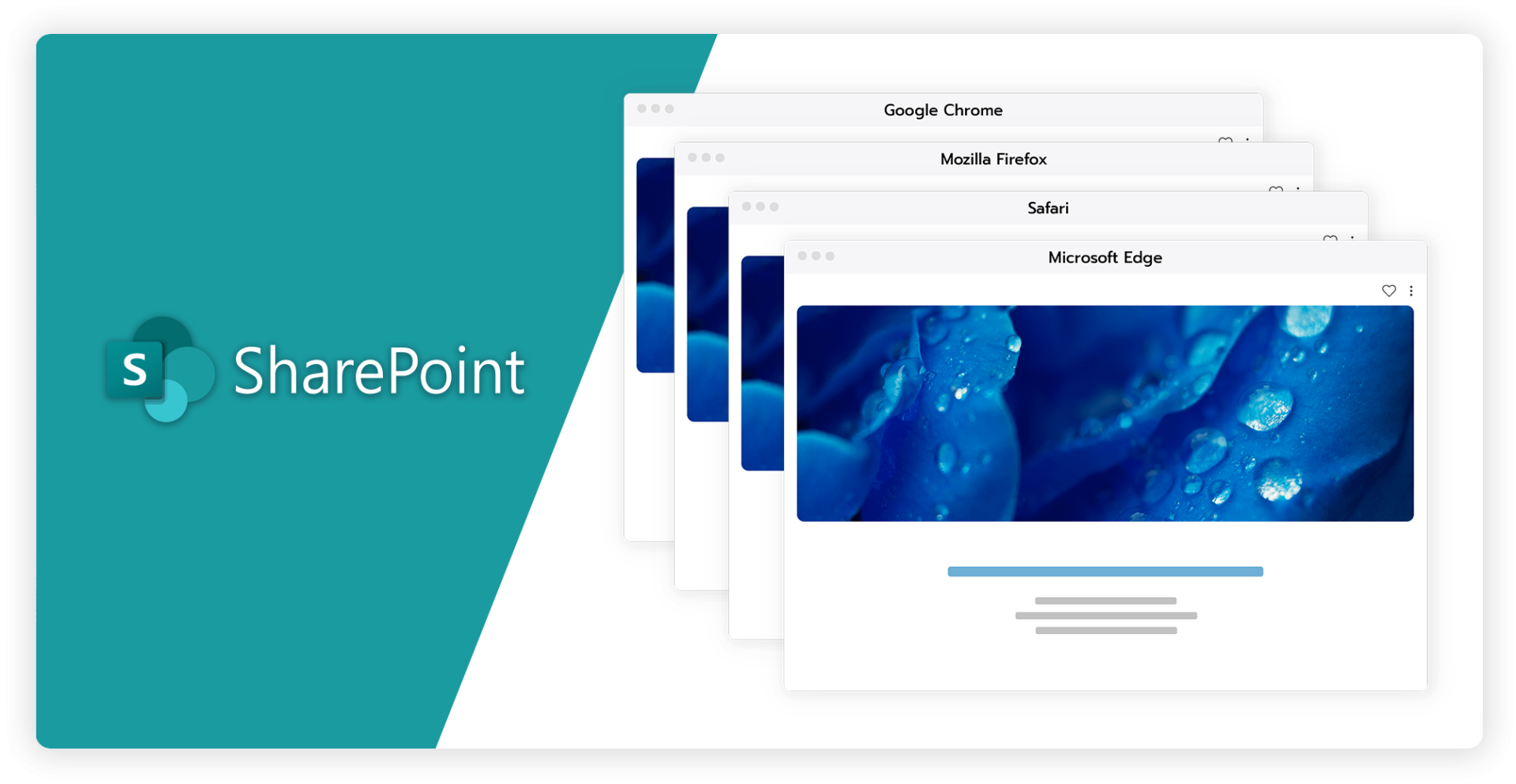
One of the often overlooked yet crucial aspects of branding your SharePoint site is ensuring browser compatibility. Different web browsers can interpret and display the same website code in various ways, leading to potential inconsistencies in how your branding elements appear.
These inconsistencies can undermine the visual integrity of your site, affecting user experience and potentially diminishing the impact of your brand. Ensuring that your site not only looks but also functions correctly across all major browsers is a critical step in the branding process.
Cross-Browser Testing: Identifying and Addressing Discrepancies
To maintain a consistent brand experience across different platforms, it is essential to conduct thorough cross-browser testing. This process involves evaluating how your SharePoint site renders and behaves in various web browsers to identify any discrepancies or issues.
- Custom CSS and JavaScript: If your site uses custom CSS or JavaScript, these elements can behave differently across browsers. Certain CSS properties might be supported in one browser but not in another, leading to variations in layout, font rendering, or interactive elements.JavaScript functionality, too, can vary, potentially causing issues with dynamic content or user interactions.
- Identifying Issues Early: Conducting cross-browser testing early in the branding process allows you to catch and address these issues before they affect your users. Tools like BrowserStack, CrossBrowserTesting, or even manual testing on different devices can help you simulate how your site appears across various browsers.By systematically testing your site, you can ensure that your branding elements, such as colors, fonts, logos, and layouts, are displayed correctly and consistently, regardless of the browser used.
Ensuring browser compatibility is essential to maintaining a consistent brand experience across all platforms.
Fallback Strategies: Ensuring a Positive User Experience for All
Even with thorough testing, some users may still be accessing your site using outdated or less common browsers that do not fully support the latest web technologies. To ensure these users still have a positive experience, it’s important to implement fallback strategies.
- Graceful Degradation: One effective approach is to design your site with graceful degradation in mind. This means that while your site takes advantage of modern web technologies for users with compatible browsers, it also provides simpler, alternative styles or functionalities for older browsers.
- Browser-Specific Stylesheets: In certain cases, you may need to create browser-specific stylesheets to address unique issues with certain browsers. While this adds complexity to your development process, it can be an effective way to ensure that your branding remains consistent across all platforms.This approach is particularly useful for dealing with quirks in older browsers that do not adhere to modern standards.
- Testing with Real Users: Finally, consider testing your site with real users on different browsers. While automated testing tools are invaluable, real-world testing can reveal unexpected issues or usability concerns that might not be captured in a simulated environment.
Ensuring that your SharePoint site is compatible across all major browsers is more than just a technical exercise, it is a vital part of maintaining your brand’s integrity. Inconsistencies in how your site is displayed can detract from the overall user experience, leading to frustration and potentially diminishing users perception of your brand.
A site that functions seamlessly across all platforms, on the other hand, reinforces your brand’s professionalism, reliability, and attention to detail.
Performance optimization
Branding is a powerful tool for making your SharePoint site visually appealing and aligned with your organization’s identity. However, it is essential to strike a balance between aesthetics and performance.
Overloading your site with heavy branding elements, such as large images, custom fonts, and complex scripts, can lead to slower page load times, which can frustrate users and negatively impact engagement.
To ensure that your site remains both visually appealing and fast, it is crucial to pay careful attention to performance optimization.
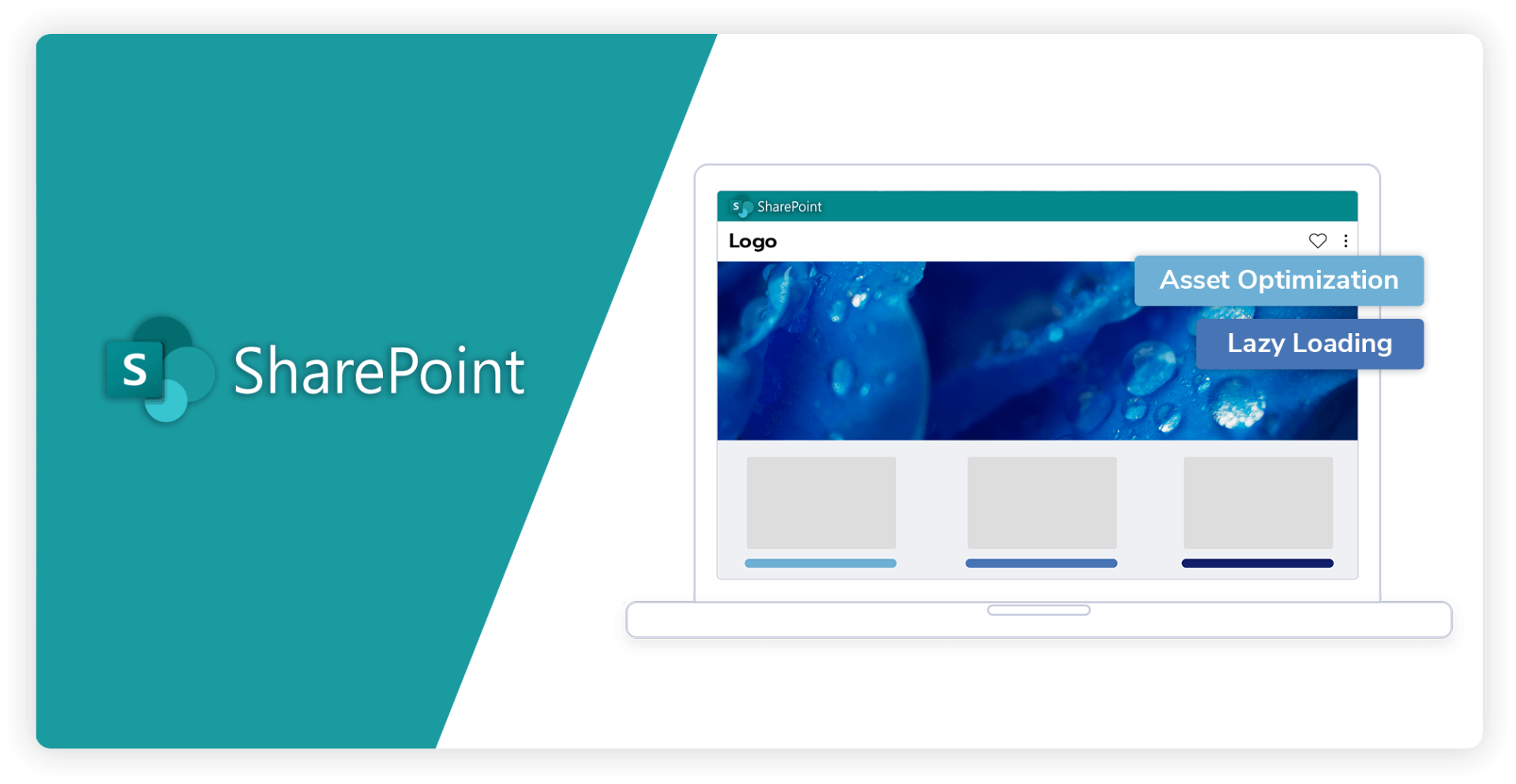
Asset Optimization: Enhancing speed without sacrificing quality
Optimizing the assets used in your branding is the first step toward maintaining a fast-loading, efficient SharePoint site. Here’s how you can ensure that your branding does not come at the cost of performance:
- Image Compression: Large images are often the biggest reason when it comes to slow page load times. Compressing images without sacrificing quality can significantly reduce their file size, allowing your pages to load faster. Tools like TinyPNG or ImageOptim can help you compress images efficiently.Additionally, consider using modern image formats like WebP, which offer better compression rates than traditional formats like JPEG or PNG.
- Minimizing CSS and JavaScript: Custom stylesheets and scripts add to the visual and functional richness of your site, but they can also bloat your page load times if not optimized.Compressing CSS and JavaScript files by removing unnecessary spaces, comments, and characters can reduce file sizes and improve loading speed. Tools like CSSNano and UglifyJS can automate this process.
- Leverage Browser Caching: Browser caching allows static assets such as images, CSS, and JavaScript files to be stored locally on a user’s device after their first visit. This means that subsequent visits to your site will load much faster, as the browser does not need to download these assets again.By configuring your server to set appropriate cache headers, you can instruct browsers to store these assets for a specified period, improving the speed of repeat visits and enhancing the user experience
Balance aesthetics and performance to ensure your SharePoint site is both visually engaging and functionally efficient.
Lazy Loading: Improving initial load times and user experience
Another effective technique to enhance performance without compromising on aesthetics is lazy loading.
This method ensures that heavy content, such as images or videos, is only loaded when it becomes visible on the user’s screen, rather than loading all content at once when the page is first accessed.
- Deferred Loading: By deferring the loading of non-essential elements until they are needed, lazy loading significantly reduces the initial load time of your pages.This not only improves the speed at which your site becomes usable but also provides a smoother experience for users, as they are not forced to wait for all content to load before interacting with the page.
- Impact on Mobile Users: Lazy loading is particularly beneficial for mobile users, who may experience slower load times due to network limitations.By ensuring that only the necessary content is loaded as the user scrolls, you can provide a faster and more efficient experience for those accessing your site on mobile devices.
Branding your SharePoint site is about more than just making it look good, it’s about creating an experience that is both visually engaging and functionally efficient.
By focusing on performance optimization, you can ensure that your site remains fast, responsive, and enjoyable for users, all while effectively communicating your brand’s identity.
Conclusion
Branding SharePoint sites is a critical endeavor that can greatly enhance your organization’s digital workspace, aligning it closely with your brand identity. When executed effectively, it can transform your SharePoint environment into a cohesive extension of your organization’s culture, boosting user engagement, and creating a consistent brand experience.
Branding SharePoint sites is not without its challenges. Whether you are working with SharePoint Online or SharePoint Server, the platform you choose will significantly shape your branding strategy. SharePoint Online offers the convenience of a cloud-based environment but with certain limitations in customization.
On the other hand, SharePoint Server provides extensive control and flexibility, allowing for deeper customizations but requiring more significant IT management and resources.
The decision between modern and classic SharePoint sites also plays a crucial role in the branding process. Modern sites prioritize simplicity, responsiveness, and ease of use, which is ideal for organizations looking for a streamlined, mobile-friendly experience. In contrast, classic sites offer greater customization potential but may require more effort to ensure responsiveness and compatibility with future updates.
Moreover, cross-browser compatibility and performance optimization are essential considerations that should not be overlooked. Ensuring that your SharePoint site functions seamlessly across different browsers and devices is vital to maintaining a consistent brand experience.
A successful SharePoint branding strategy combines creativity with strategic planning to deliver a professional and cohesive user experience.
Performance optimization, through techniques like asset compression and lazy loading, helps balance aesthetics with functionality, ensuring your site remains fast and user-friendly.
To effectively brand your SharePoint, it is essential to carefully combine creativity with strategic planning. By understanding the unique capabilities and limitations of your chosen platform, staying mindful of browser compatibility, and prioritizing performance optimization, you can create a SharePoint environment that not only looks professional but also delivers a smooth, cohesive user experience.
This holistic approach to branding will help your organization establish a strong digital presence and reinforce your brand identity.
Read more


Grow your knowledge
Join hundreds of marketing and brand professionals. Keep up-to-date with the hottest news regarding content portals, brand experience and digital touchpoints. Don’t miss out!